SANARIUM B, S
PAGE 17
50701206/02.18
7. Controller
7.10. Touchscreen - Section 6: Controller with bar scale,
parameter input
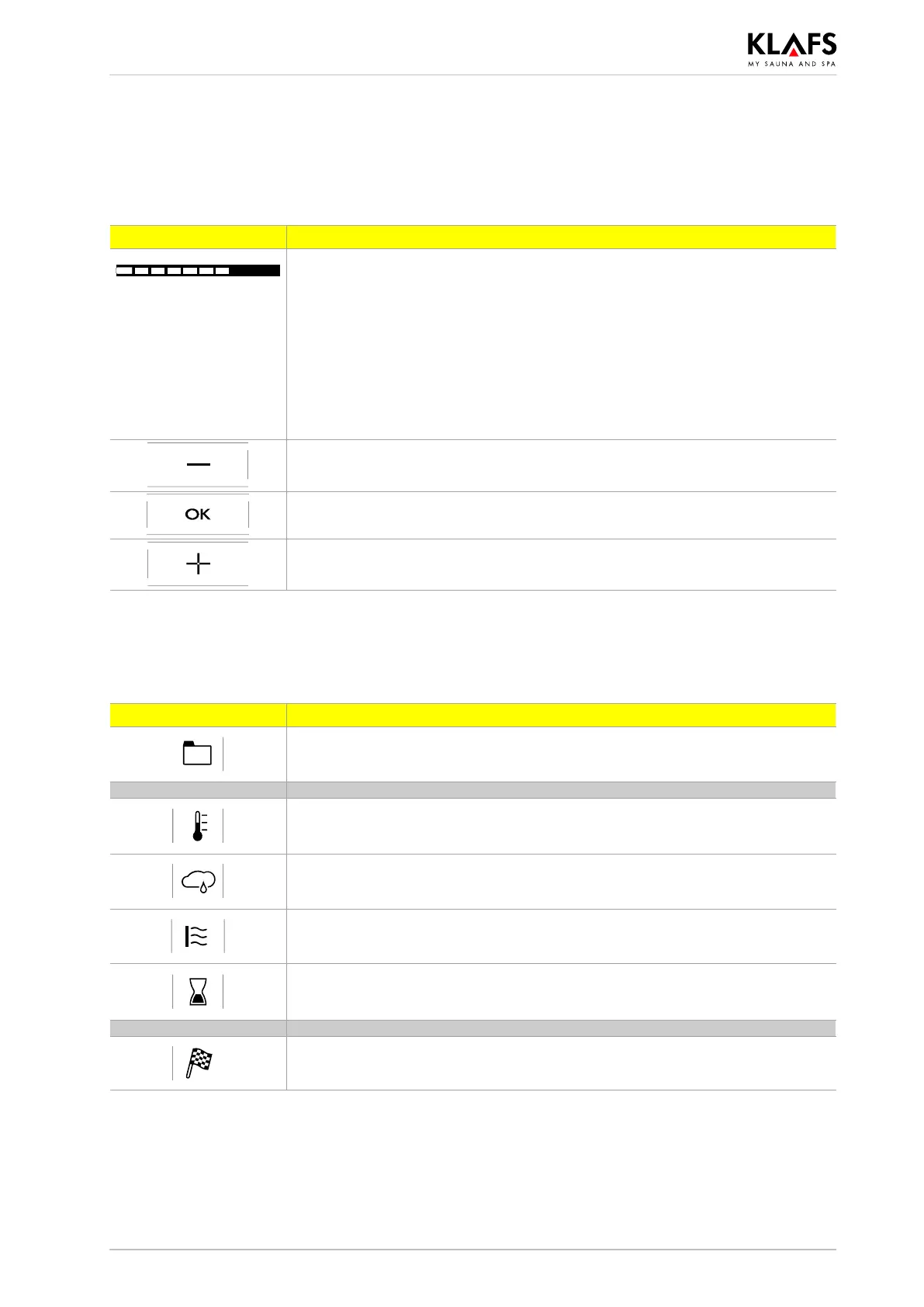
Symbol: Display/function:
The bar scale displays the settings in ten bars.
The bar scale is used to set parameters such as humidity, music volume, fan
speed, scent and InfraPLUS intensity.
. Set parameters on the bar scale by swiping it with your finger like a
slider or by pressing the ”+” and ”-” symbols to increase or decrease
the setting.
. The controller will automatically cancel input mode and retain the
existing setting if the altered setting is not confirmed by pressing OK
within five seconds.
Minus symbol. Reduces parameter setting.
Displayed in digital form or on the bar scale.
Applies selection.
Saves the changed parameter setting.
Plus symbol. Increases the parameter setting.
Displayed in digital form or on the bar scale.
7.11. Touchscreen - Section 7: Programs, bathing parameters,
preset time mode
Symbol: Display/function:
Selecting the standard/custom program.
' See page 40.
Setting the temperature.
' See page 42.
Setting SANARIUM humidity.
' See page 42.
Setting InfraPLUS.
' See page 43.
Setting the bathing time.
' See page 44.
Setting preset time mode.
' See page 44.



 To Next Page