SANARIUM B, S
PAGE 18
50701206/02.18
8. Basic functions and settings
8.1. Switching the power supply on/off at the main switch
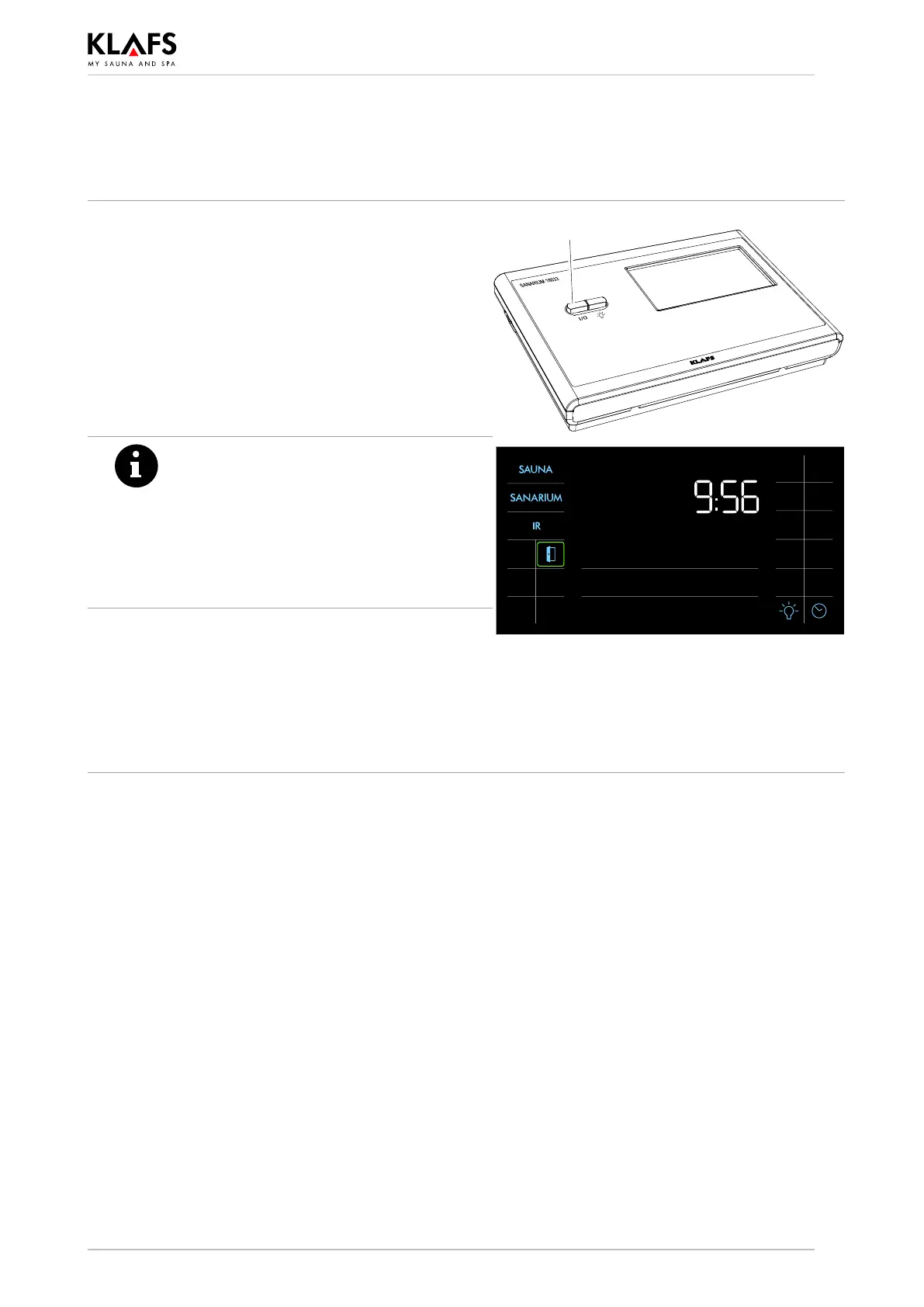
Switching the power supply on
1. Press button (1).
The controller goes into standby mode.
When the controller is switched on, the following
symbols are displayed: Bathing mode, on/off, cabin
light and clock.
The controller can now be operated via the
touchscreen.
' See page page 21 for standby mode.
1
After five minutes of non-use, the
backlighting will gradually start to dim
and then the screen will switch off fully
within a minute.
If you touch the display while it is
dimmed or switched off, the backlighting
will switch on first. You will then be able
to operate the controller via the display.
Switching the power supply off
1. Press button (1).
The touchscreen is blank when the controller is
switched off.
. The cabin light can be switched on even when
the controller is switched off.
. The clock keeps running.



 To Next Page