SANARIUM B, S
PAGE 33
50701206/02.18
9. Operation
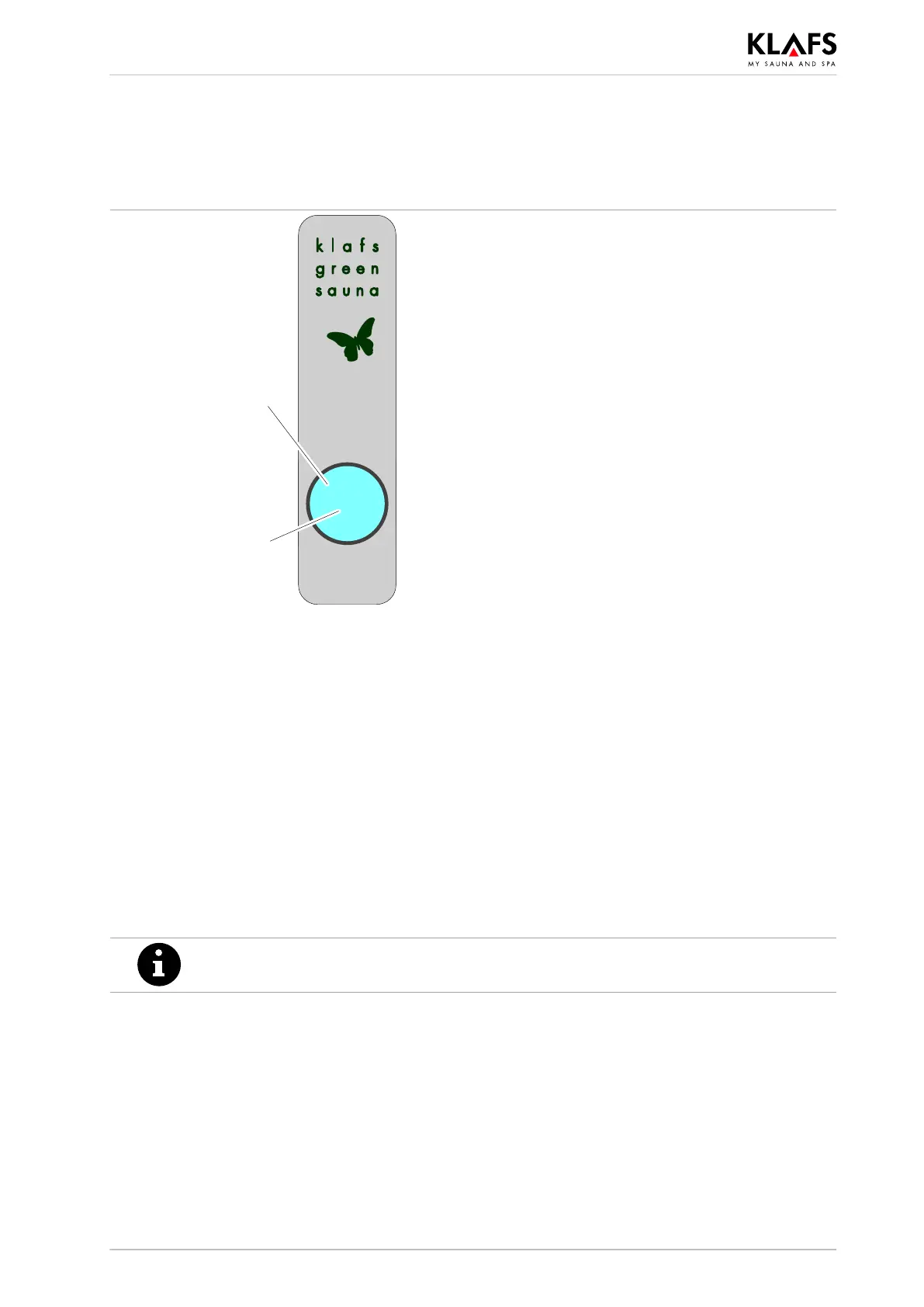
9.7. Green Sauna button
LED
Green Sauna
operating status.
Touch key.
LED lights up green = Green Sauna active.
No bathing session.
Devices that are not required can be switched off.
LED lights up blue = Green Sauna on standby.
Bathing session.
Devices that are required can be switched on.
Green Sauna operating status:
. The Green Sauna function is switched on automatically after switching on the power supply for
the sauna cabin. The LED lights up green.
Switching on the Green Sauna function
. Devices that are not required can be switched off when you leave the sauna cabin.
1. Press the touch key. The LED lights up green.
The Green Sauna is active.
Switching off the Green Sauna function
. Devices that are required can be switched on when you enter the sauna cabin.
1. Press the touch key. The LED lights up blue.
The Green Sauna goes into standby mode.
The colour of the LED operating status button on the Green Sauna will not change
when the Green Sauna function is switched on or off via voice control.



 To Next Page