on the screen. The date and time are set in the factory. This information should be modified
when time periods are changed (summer-winter time).
Klereo
Mid-day Filtering
For the best Klereo regulation performance, it is very important to enter the right
characteristics: pool water volume and the filter pump flow rate.
The filtering mode can be regulated automatically by Klereo (regulation according to water
temperature, pool volume and filter pump flow rate), programmed with time slots or manual
ON/OFF). Refer to the Klereo Kompact user manual.
The backwash / waste menu is used to force filtering when conducting a backwash/waste
operation while stopping at the same time water treatment regulation and disabling
temporarily the flow switch security. Backwashing time is adjustable. Once backwashing /
wasting is finished, set up again the filtering operational mode as it does not come back to its
initial mode. For more information refer to Kompact user manual §6.5.
The filter pump electrical power value will serve to calculate the electrical consumption.
For the best water treatment performance, when filtering is automatically regulated by Klereo,
the filtering cycle is centered on mid-day (default 13h). This parameter can be modified
according to daytime use of the pool.
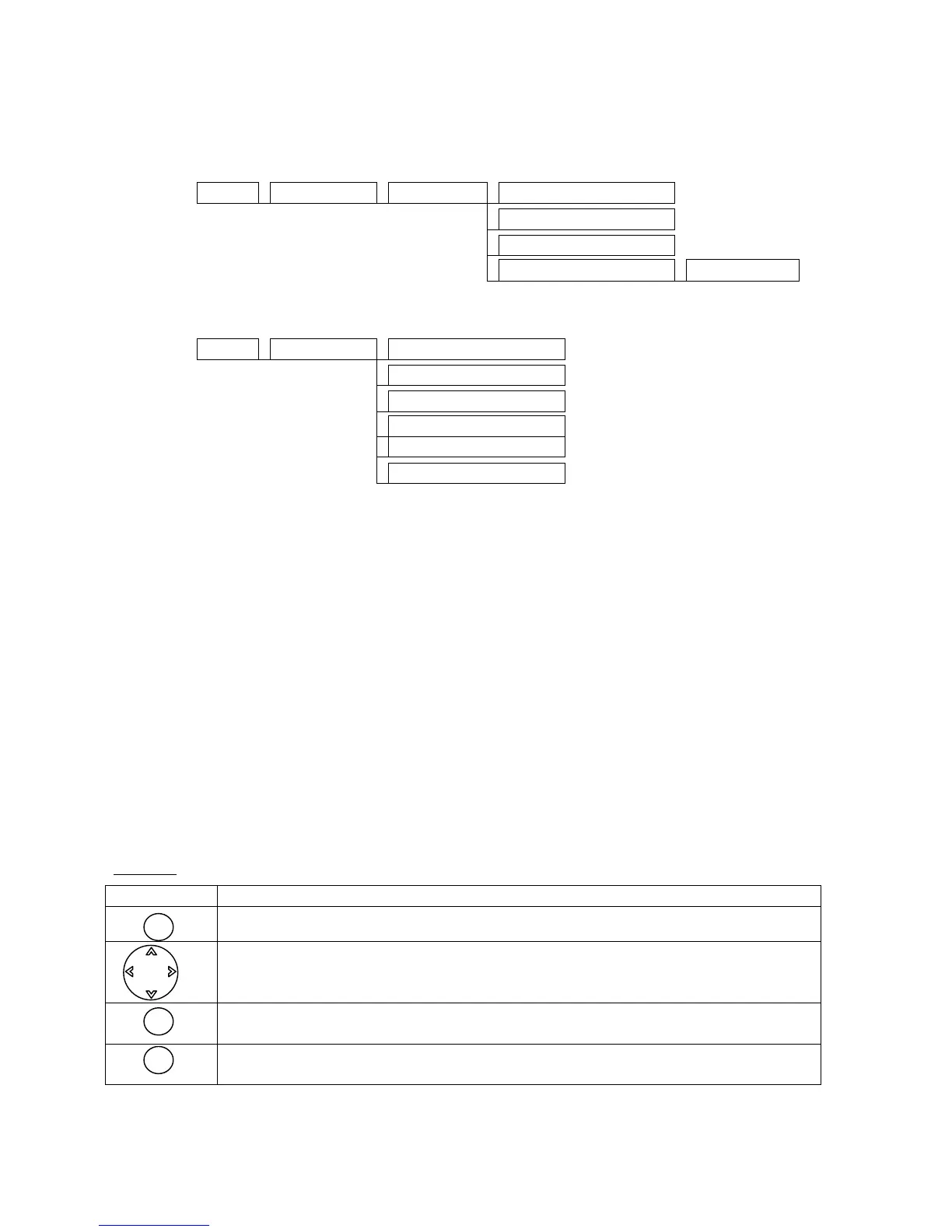
Browse:
Typical value: matches the default value set in the factory
Change of values
For accessing a sub-menu or confirming an action
Cancel or return to previous menu


 To Next Page