User manual - DATA RECORDER and cooperating software
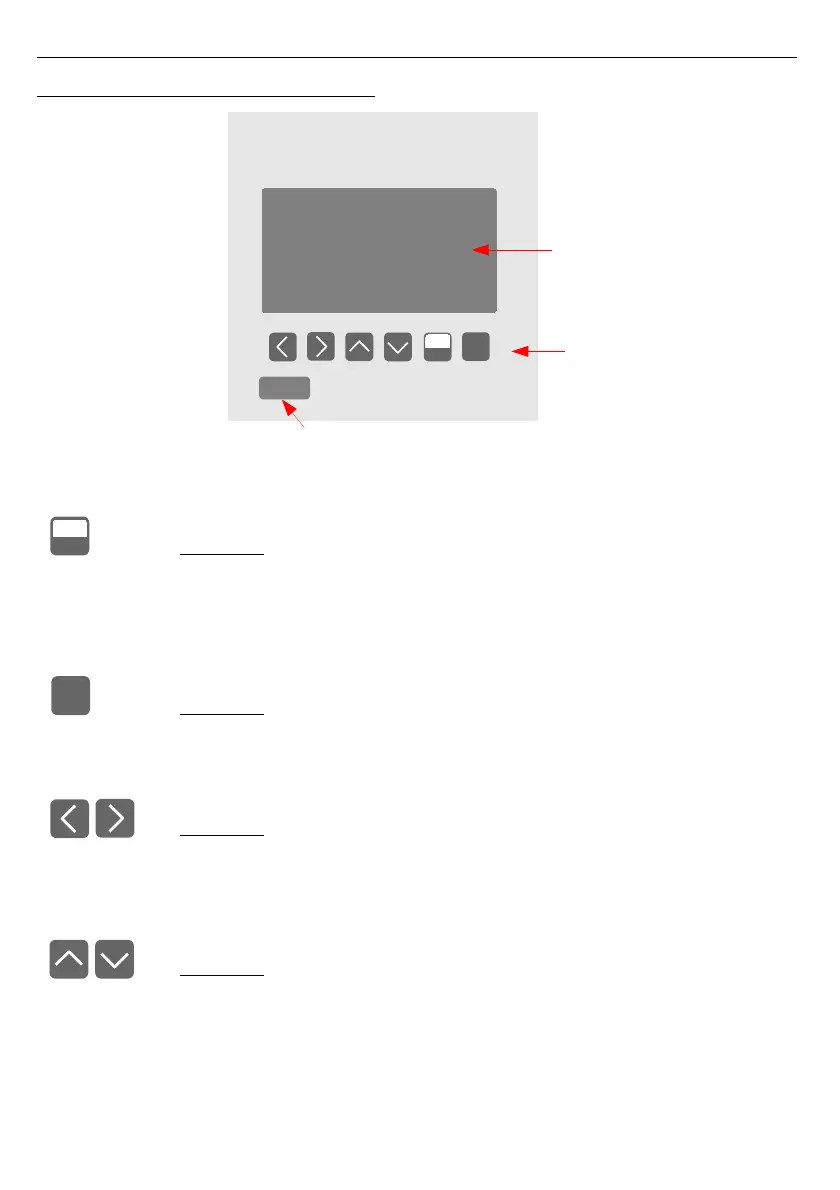
5. FRONT PANEL DESCRIPTION
Key designation and functions
Symbols used in the manual:
[ESC/MENU]
Functions:
• go to main menu (press and hold by at least 2 sec.),
• go to result presentation modes menu,
• exit the current level and return to previous menu (or to one of result
presentation modes),
• cancellation of changing the edited data logger parameter.
Symbols used in the manual:
[ENTER]
Functions:
• start editing parameter,
• go to submenu,
• confirm change of edited parameter.
Symbols used in the manual:
[<] [>]
Functions:
• change the horizontal cursor position,
• modify edited data logger parameter
• change of channel number in one of four result presentation modes and
during measurement channel configuration.
Symbols used in the manual:
[^] [v]
Functions:



 To Next Page