User manual - DATA RECORDER and cooperating software
7.4.6.
”Input settings” menu (
mV/RTD/TC version
)
”Unit”
- when parameter
”Input type”
is set on
tc – K
,
tc – S
,
tc – J
,
tc – T
,
tc – N
,
tc – R
,
tc – B
, t
c – E
or
PT100
,
PT500
,
PT1000,
parameter
“Unit”
allows to change
present unit. Two types of the scale are available: Fahrenheit and Celsius. When
parameter
”Input type”
is set on
60 mV
,
75 mV
,
100 mV
,
150 mV
, parameter
“Unit”
provides 4-character sequence constituting the unit for the value measured
on the given channel.
”Input type”
- type of input/sensor. The following options are available:
”inactive”
- input is not active
”60 mV”
”75 mV”
”100 mV”
”150 mV”
- milivoltage inputs,
user defined range
is defined by “
Hi value
”,
“
Lo value
” parameters.
”PT100”
”PT500”
”PT1000”
- temperature sensor inputs,
user defined range
is defined
by “
Hi value
”and “
Lo value
” parameters.
”tc - K”
”tc - S”
”tc - J”
”tc - T”
”tc - N”
”tc - R”
”tc - B”
”tc - E”
- thermocouple sensor inputs,
user defined range
is defined
by “
Hi value
”and “
Lo value
” parameters.
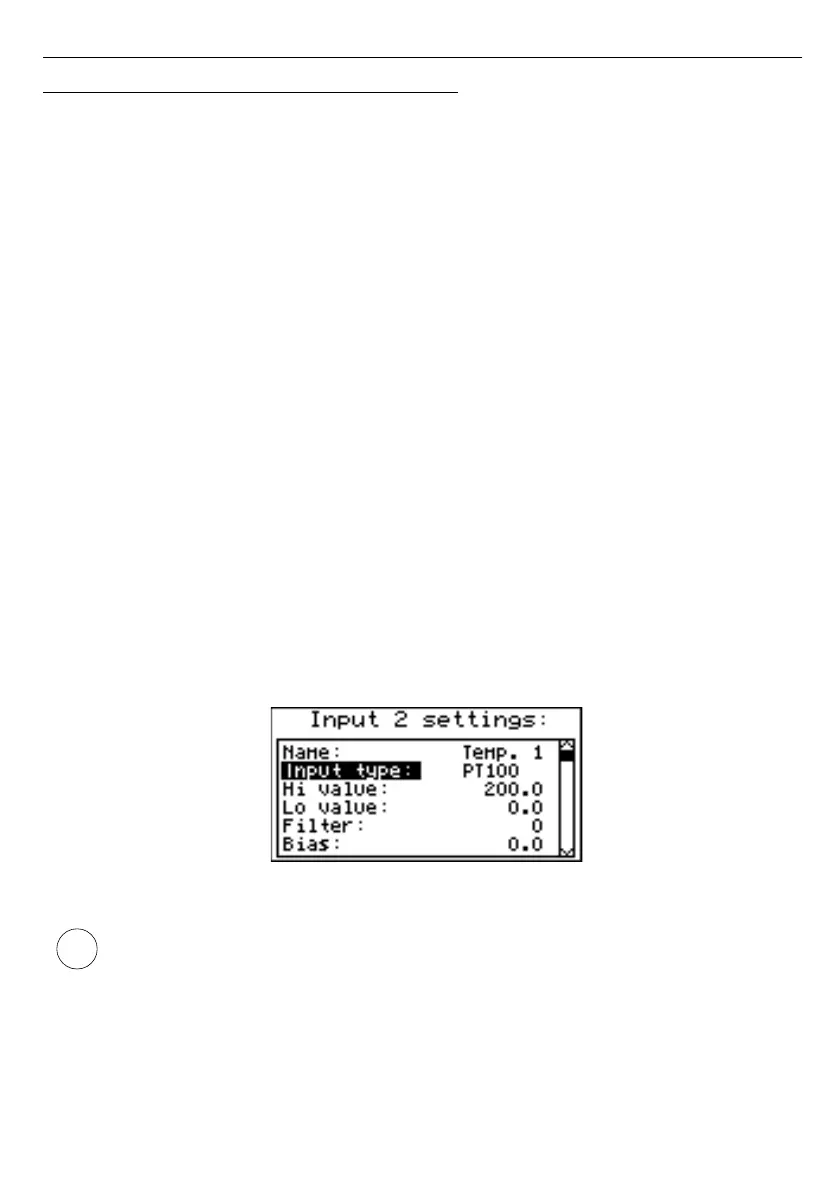
Fig. 7.23. ”Inputs settings”
“
Input type
” parameter settings affects on occurrence of parameters described
below.
5
6



 To Next Page