User manual - DATA RECORDER and cooperating software
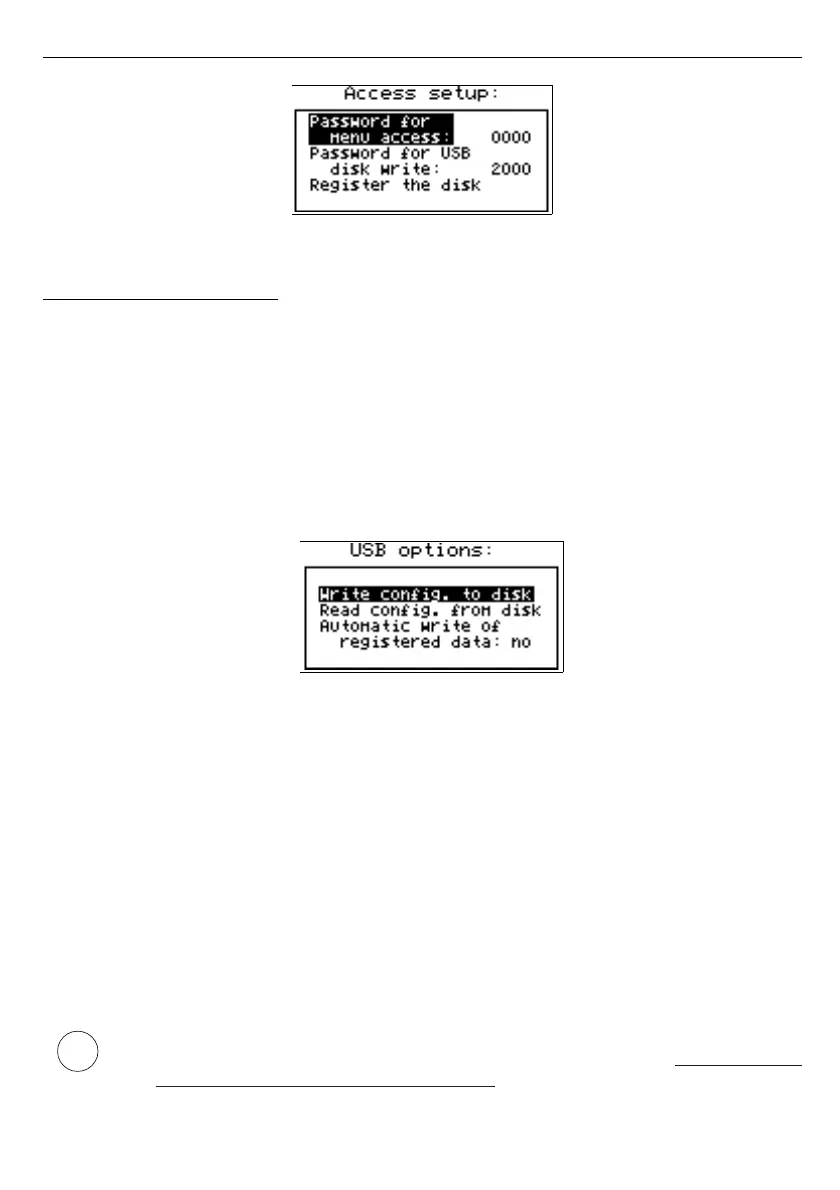
Fig. 7.29. “Access setup” menu
7.4.11. ”USB options” menu
This menu contains options which allows copying of device configurations between PC
and data logger unit, and automatic data transfer using USB type FlashDrive (PenDrive):
”Write config. to disk”
- this option allows writing device configuration to FlashDrive.
”Read config. from disk”
- this option allows reading device configuration from FlashDrive.
After selection one of options above device waits for plugging in of FlashDrive. If disk is
found then device displays the message which allows approving or cancelling selected
operation.
Fig. 7.30. “USB options” menu
To return to
”USB options”
menu, after finished reading or writing of configuration,
FlashDrive should be unplugged or any key pressed.
If error occurs while reading or writing proper message is displayed. User have to confirm
this message using
[ENTER]
.
”Automatic write of registered data”
- this option allows activating of automatic data
storage to the Flash Drive plugged to USB socket.
Automatic data writing is made periodically, after recording about 70 kB of new data,
what keeps the usage of internal memory below about 1%.
Autostorage frequency depends on recording settings (number of channels, and
recording period). Minimum period between successive data storages is about 50 min. (8
channels recorded every 1 sec.).
• In case of error while auto data writing, device displays a proper message and
waits for user acknowledge. While waiting for acknowledge,
DEVICE DOES
NOT EXECUTE ANY AUTOSTORAGES



 To Next Page