User manual - DATA RECORDER and cooperating software
3. USING THE PROGRAM
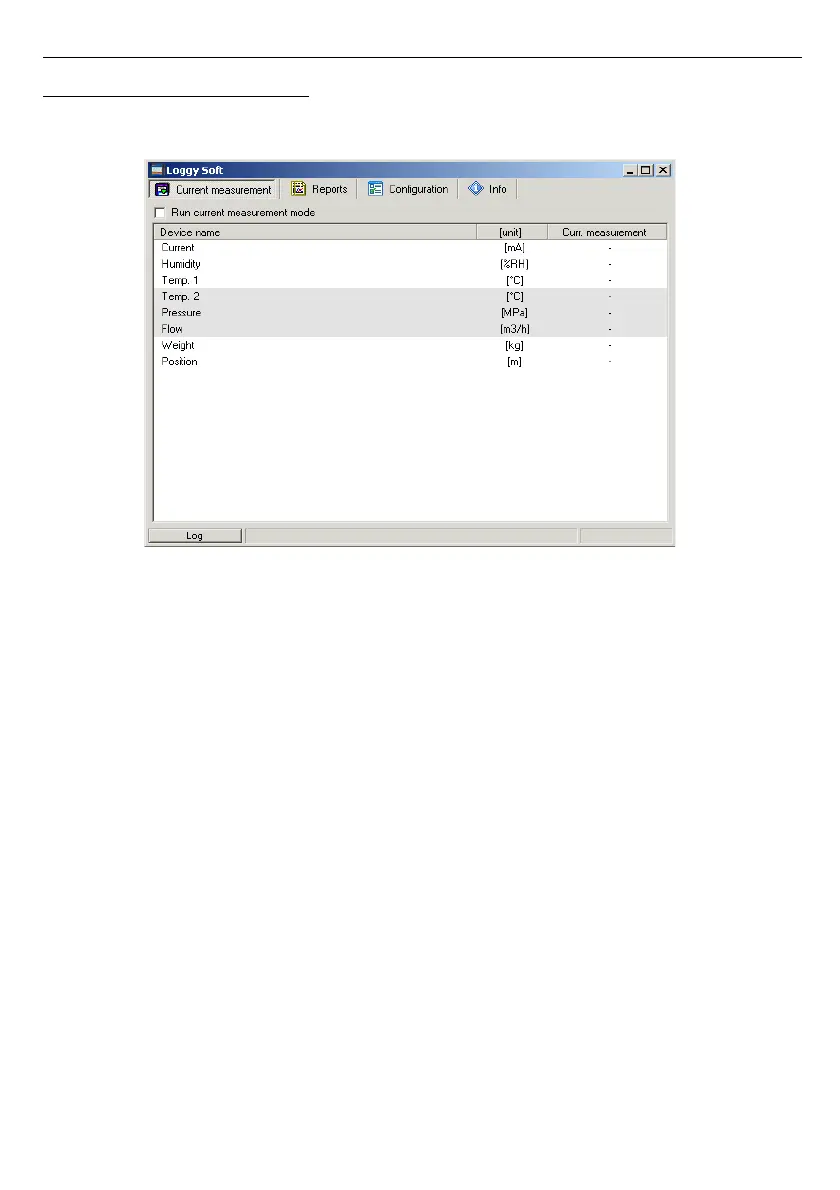
Upon application startup the
Current measurement
menu is displayed (
Fig. 3.1
).
Fig. 3.1Program window upon startup
The selection from the currently active menu is made using the flat buttons in the upper
part of the program window (
Fig. 3.1
). Three positions are available:
•
Current measurement
- menu for current measurements visualizing;
•
Reports
- menu for visualizing and printing reports;
•
Configuration
- menu for changing system settings and defining measurement
channel groups;
•
Info
- menu containing program information.
Button
[Log]
located in bottom part of the main window allows opening/closing additional
window with messages related to the program execution. These messages window is opened
automatically when new message appears.



 To Next Page