User manual - DATA RECORDER and cooperating software
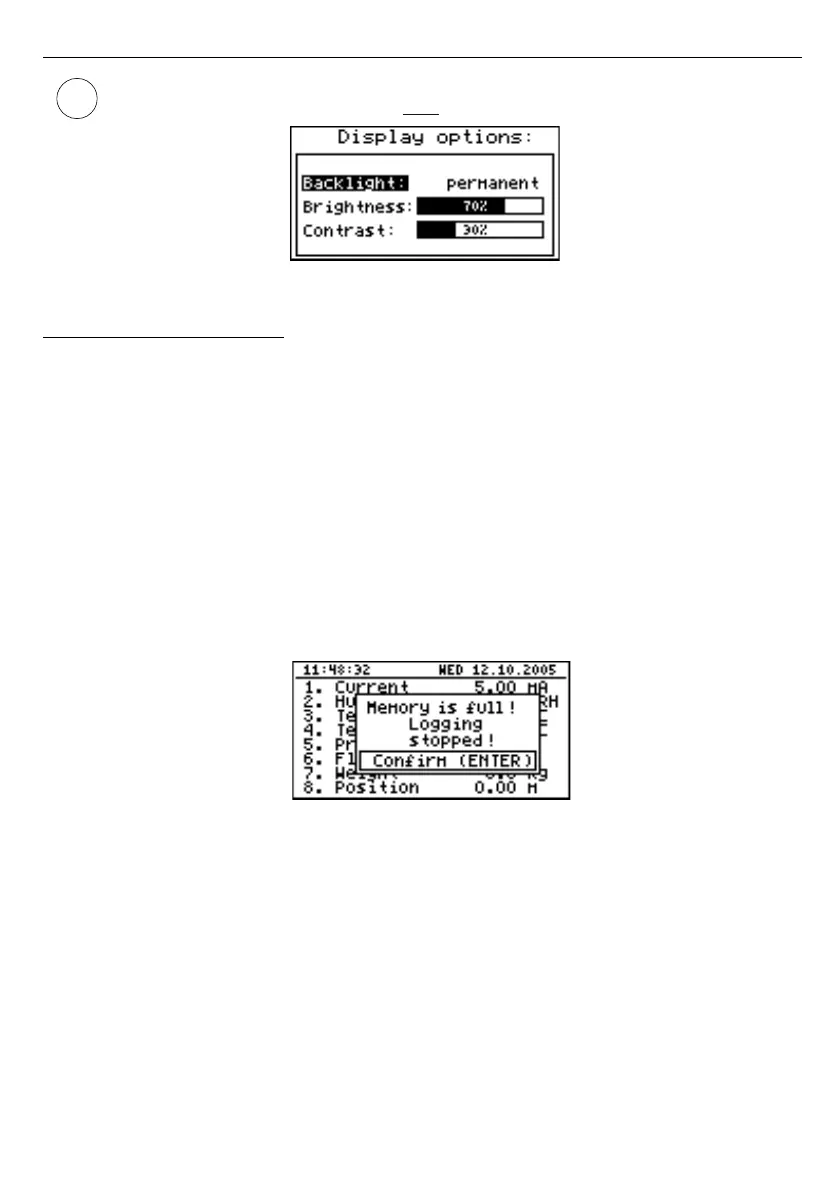
If the display backlight is inactive and the “
Backlight
” option was set as
“
temporary
” pressing any key will
only
switch the backlight on.
Fig. 7.14. ”Display options”
menu
7.4.3. ”Logging setup” menu
This menu contains options defining the recording method and recorded channels:
”Write”
- this option defines the behaviour of the unit after writing all available memory with
the recorded measurement results. The following options are available:
”
until full
” - once the entire available memory is filled with recorded measurement
results the recording will be stopped and a warning message (
Fig.
7.15
)
shall be displayed; this warning message must be confirmed with the
[
ENTER
] key. This warning shall be repeated when the unit is switched
on. Instead of “
Time left
” parameter in the "
Device information
” menu
the display will show the “
Logging stopped
” message. The recording will
be restarted only when the collected measurement results are
downloaded to a PC (once unit's memory is free).
If the collected measurement results will be downloaded to a PC before
memory is full, the warning message will not be displayed.
Fig. 7.15. Warning in “until full” recording mode
”cyclic”
- after filling all the available memory with recorded measurement results,
the measurement results recorded next will be written from the starting
address in the memory, overwriting previously recorded data. During the
first overwriting operation a warning message (
Fig.
7.16
) will be
displayed; this message must be confirmed with the [
ENTER
] key. This
warning shall be repeated when the unit is switched on. Instead of
“
Time left
” parameter in the "
Device information
” menu the display will
show the “
Data overwriting
” message.
If the collected measurement results will be downloaded to a PC before
memory is full, the warning message will not be displayed.
50



 To Next Page