User manual - DATA RECORDER and cooperating software
”Baud rate” parameter
“38400” “57600” “115200”
”Resp. delay” parameter
“+10 ch.” “+20 ch.” “+50 ch.”
Tab. 7.1. Settings of ”Resp. delay” parameter
”Conf. change”
- this option allows the method of accessing unit’s configuration registers
through the RS-485 interface to be defined.
The following options are available:
”denied”
- configuration registers can not be set via RS-485 interface,
”allowed”
- configuration registers can be set via RS-485 interface.
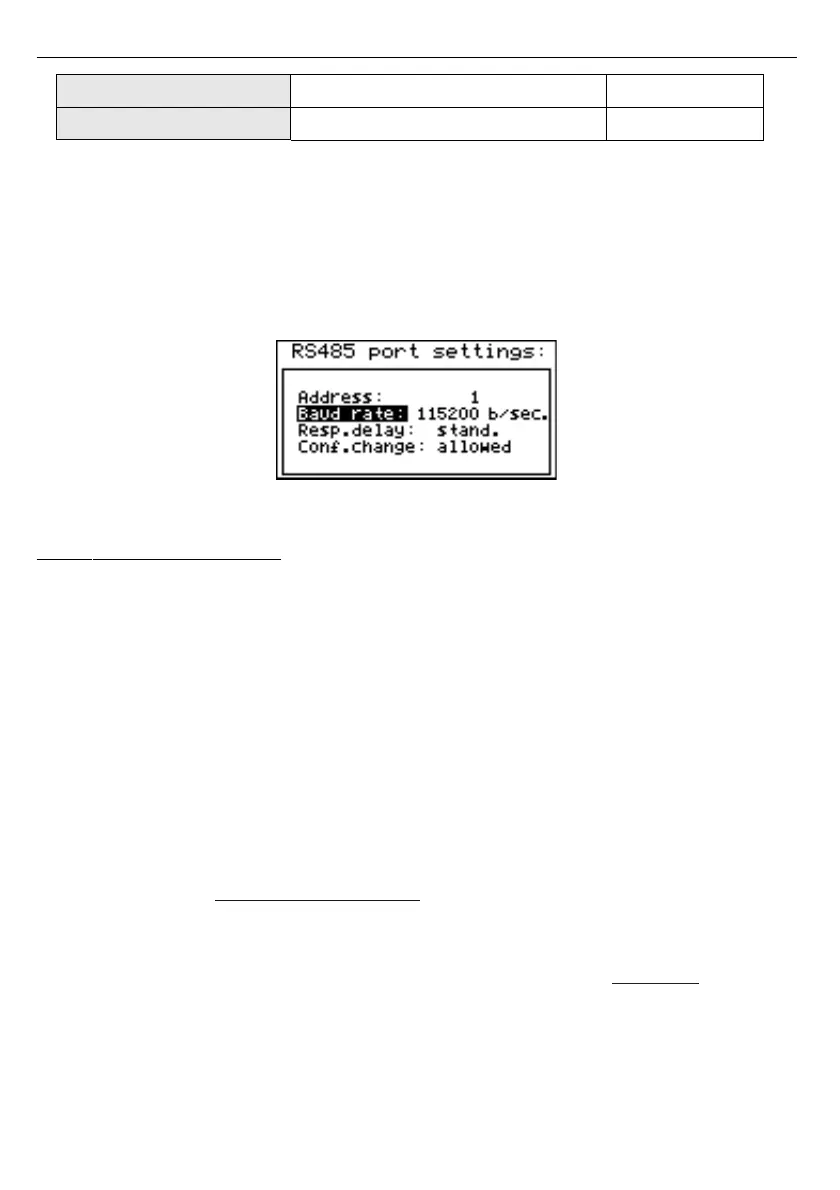
Fig. 7.28. “RS485 port settings” menu
7.4.10. ”Access setup” menu
This menu contains options controlling access to the unit’s adjustable parameters and to
data downloading function (using USB Host port):
”Password for menu access”
- menu access password (4-digit number). If the parameter is
set to “
0000
” the password is disabled. If the parameter is different from
“
0000
” then menu access requires password to be entered.
If the user do not remember his password, the access to the menu is possible by the
“one-
use password”
. To get this password please contact with Marketing Division. Please set new
user password immediately after use of the
“one-use password”
.
”Password for USB disk write”
- password for data downloading to the flash disk (4-digit
number). If the parameter is set to “
0000
” the password is disabled. If
the parameter is different from “
0000
” then data downloading to
unregistered flash disk
- PenDrive requires password to be entered
(registering can be done using
”Register the disk”
option).
”Register the disk”
- this function allows registering (unregistering) single USB type
FlashDrive (PenDrive). Data can be stored on
registered



 To Next Page