User manual - DATA RECORDER and cooperating software
Output 2 (cooler control)
”
Mode
” - ”
N.O.
”
”
Logic funct.
” - ”
AND
”
”
Source
:
channel 1
” - ”
alarm 2
” - cooler alarm
”
Close delay
” - ”
120.0
” - cooler turning on delay
”
Open delay
” - ”
30.0
” - cooler turning off delay
”
Closed hold time
” - ”
180.0
” - cooler time that heater should work
”
Open hold time
” - ”
150.0
” - cooler time that heater should be turned off
For those settings the heater and cooler will work as assumed.
7. DEVICE PROGRAMMING
Defining the method of displaying measurement results in the selected results
presentation mode can be done in the presentation mode menu. The meaning of individual
parameters available for selected modes of results presentation is described in the
DESCRIPTION OF RESULTS PRESENTATION MENU MODES
section. In order to get to the
configuration menu of selected results presentation mode, press the
[ESC/MENU]
key in the
current results presentation mode.
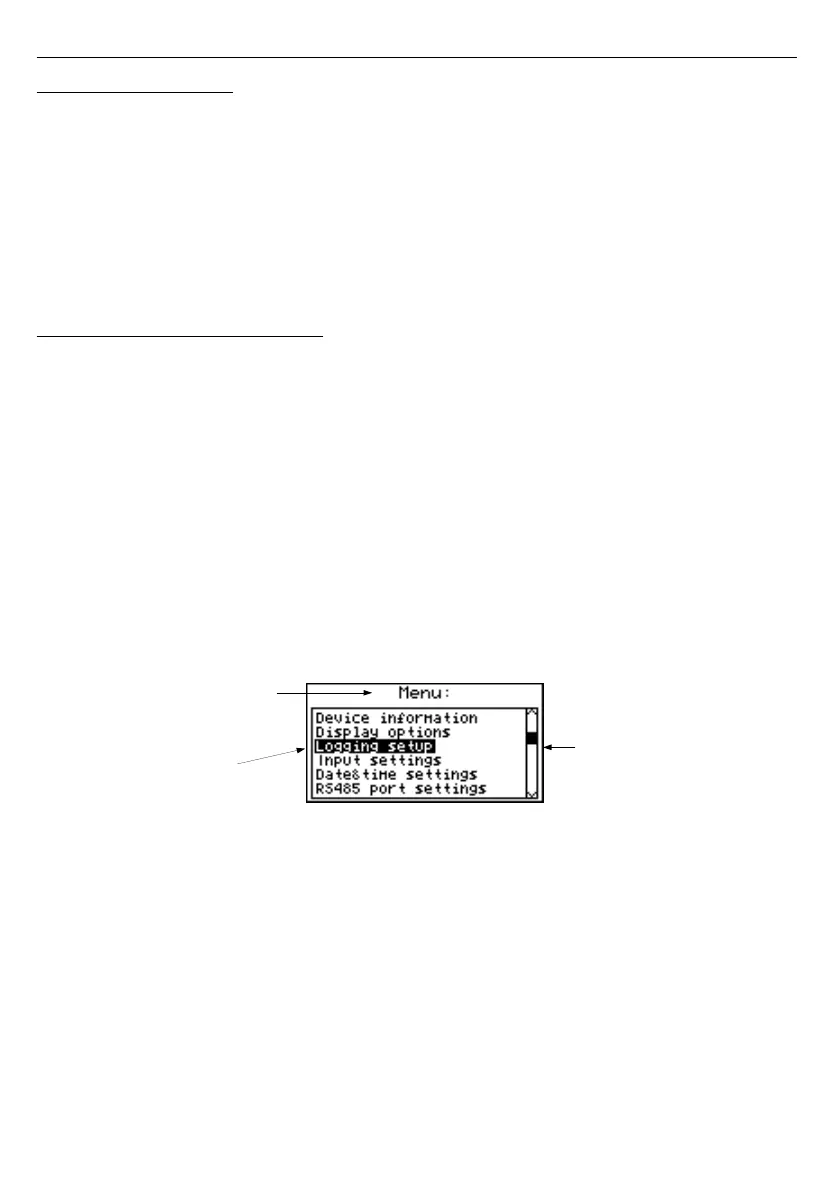
The unit's main menu (
Fig.
7.1
) enables necessary information about the unit to be
obtained and allows the setting of all parameters of the unit related to operation of
measurement channels, communications using the RS-485 interface, LCD display, access
settings, and other. The meaning of particular parameters of the unit is described in section
MAIN MENU DESCRIPTION
.
To access the main menu press down and hold for approx. 2 seconds the
[ESC/MENU]
key in any results presentation mode.
Fig. 7.1. Main menu of the unit
If the "
Password
" option in the "
Access setup
" menu was defined, then the user will
have to provide the password (
Fig.
7.2
) before proceeding to menu options (the password is
entered the same way as changing a numeric parameter, see
EDITING PARAMETERS
).
4
1
list position
indicator
presently selected
menu item (submenu)
current menu name



 To Next Page