User manual - DATA RECORDER and cooperating software
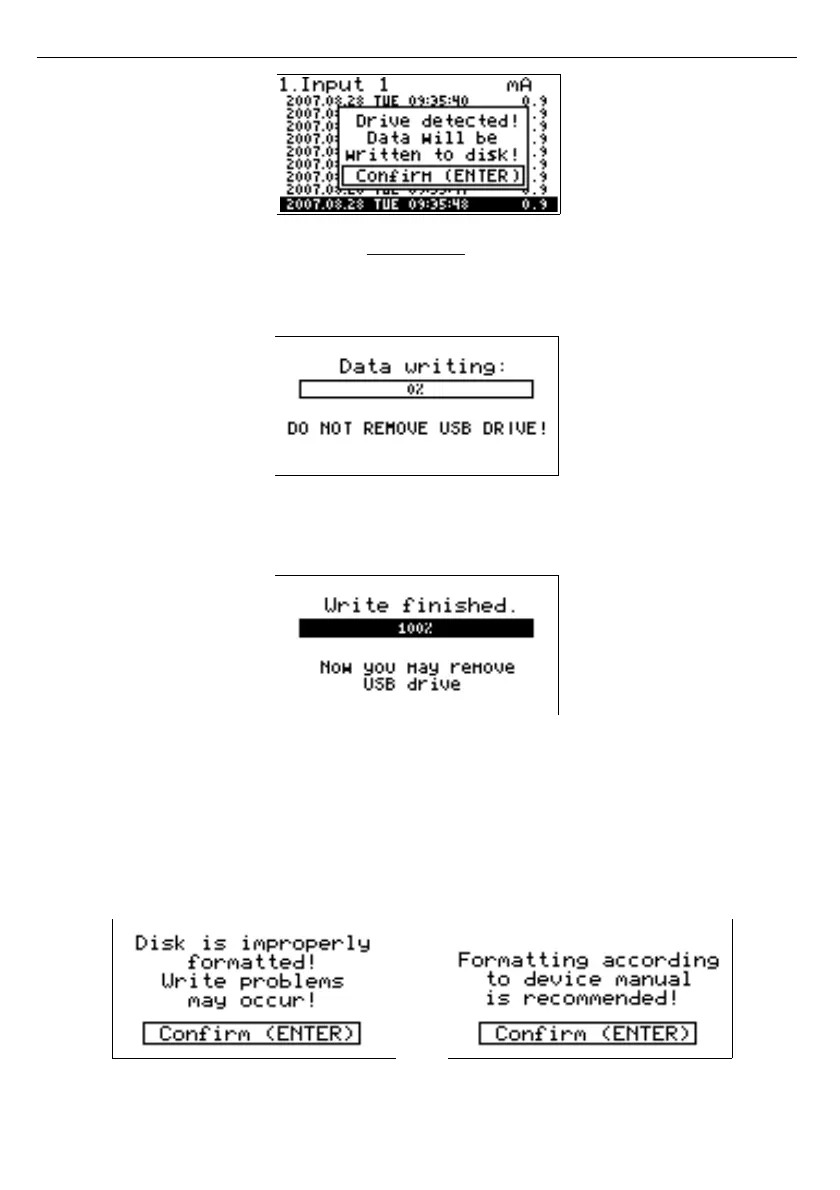
User can confirm (
[ENTER]
key) to start data downloading, or cancel the download
(
[ESC/MENU]
key). FlashDrive device
MUST NOT
be removed during data downloading.
Unexpected removal can cause a data corruption on the FlashDrive device.
Depending on the number of newly logged measurements, the data download time can vary
from a few seconds to three minutes. A progress bar is displayed during the data write:
After successful data write the following message will appear, which has to be confirmed
by pressing ENTER key:
In order to transfer logged data to the PC, connect FlashDrive to PC and use
Logy Soft
.
Description of
Logy Soft
can be found in further chapter of this manual.
In case of incorrect flash drive formatting, the user will be informed by one of following
messages:
1) When pendrive is formatted using default Windows standards and automatic write mode is
selected (file writing not done)
6
7



 To Next Page