User manual - DATA RECORDER and cooperating software
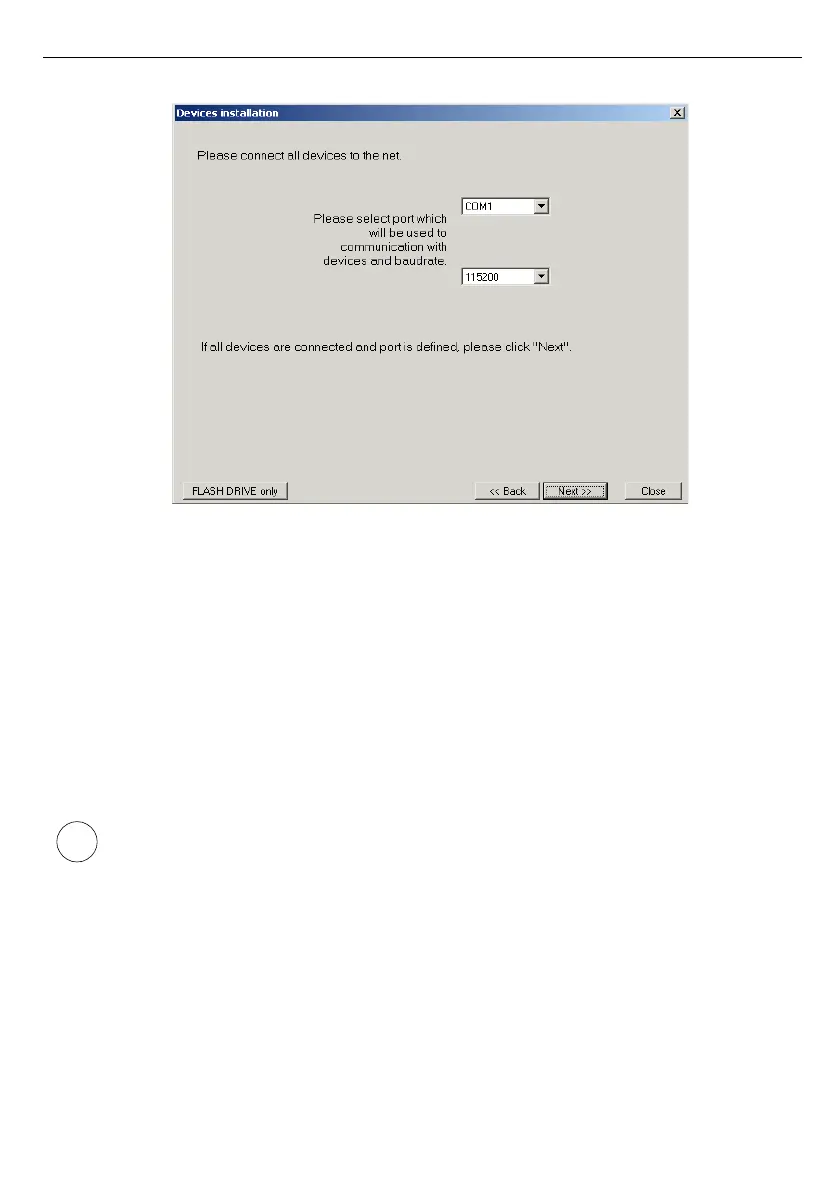
Fig. 2.1. Selection of serial port and baud rate
After defining the communications port and baud rate, go to device detection screen (
Fig.
2.2
)
by clicking on the [
Next>>
] button.
Prior to scanning the network for devices, set the addresses identifying the selected devices in
the network (a different address for each device – see page
59
). In order to detect units
connected to the network (after assigning addresses to the devices) press the [
Scan network
]
button.
Address set in the unit should be in 1
÷
254 range. Devices with not changed
address will not be found by software !



 To Next Page