47
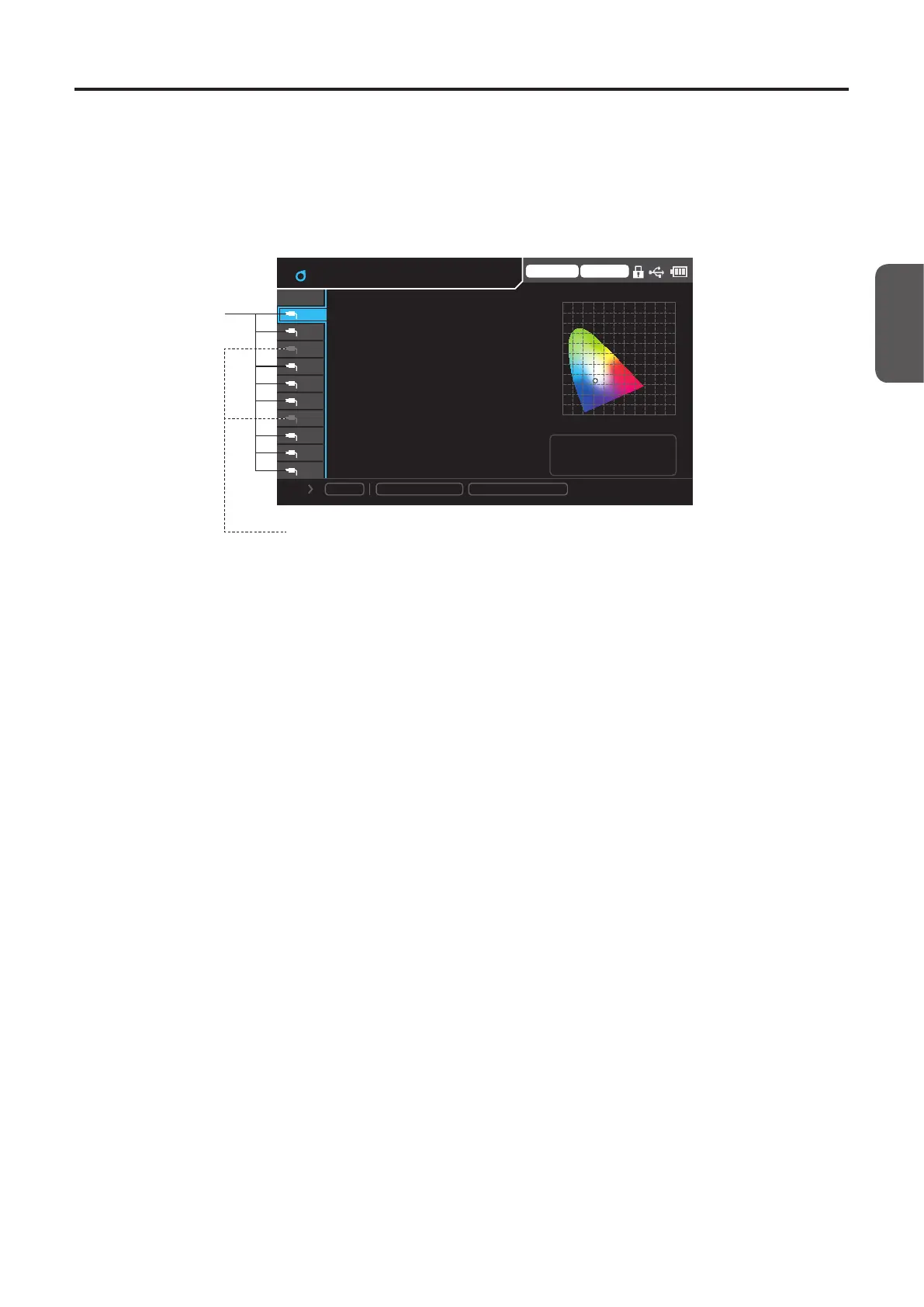
(3) Measurement data area
Used to display measured data or configure settings by pressing menu keys.
There are two types of screens that display values being measured: a screen that displays the values measured by a selected
single probe and a screen that displays all values measured by multiple probes.
(3)-1. Probe selection area
White text: Ports with
probes connected
[Focused position]
Grayed out: Ports with no probes connected
Trigger mode 0-cal AUTO
1.0
y
0.0 0.2 0.4 0.6 0.8 1.0 x
0.2
0.6
0.4
0.8
10
09
08
07
06
05
04
03
02
01
Lv
x
y
160.00
0.3127
0.3293
Φ10 Mini Normal
CH-01 f:Factory
ID: abcdefghij
Save
MeasSpeed
: LTD.AUTO
Sync
: MANU. (100. 0ms)
cd/ ㎡
Select the number of a connected port using the [UP/DOWN] keys.
In the single-probe display, only the data measured by the selected probe is displayed.
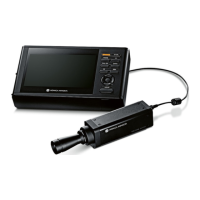
CA-DP40





 To Next Page