F1: Back to main menu
- Change supervisor password with F2
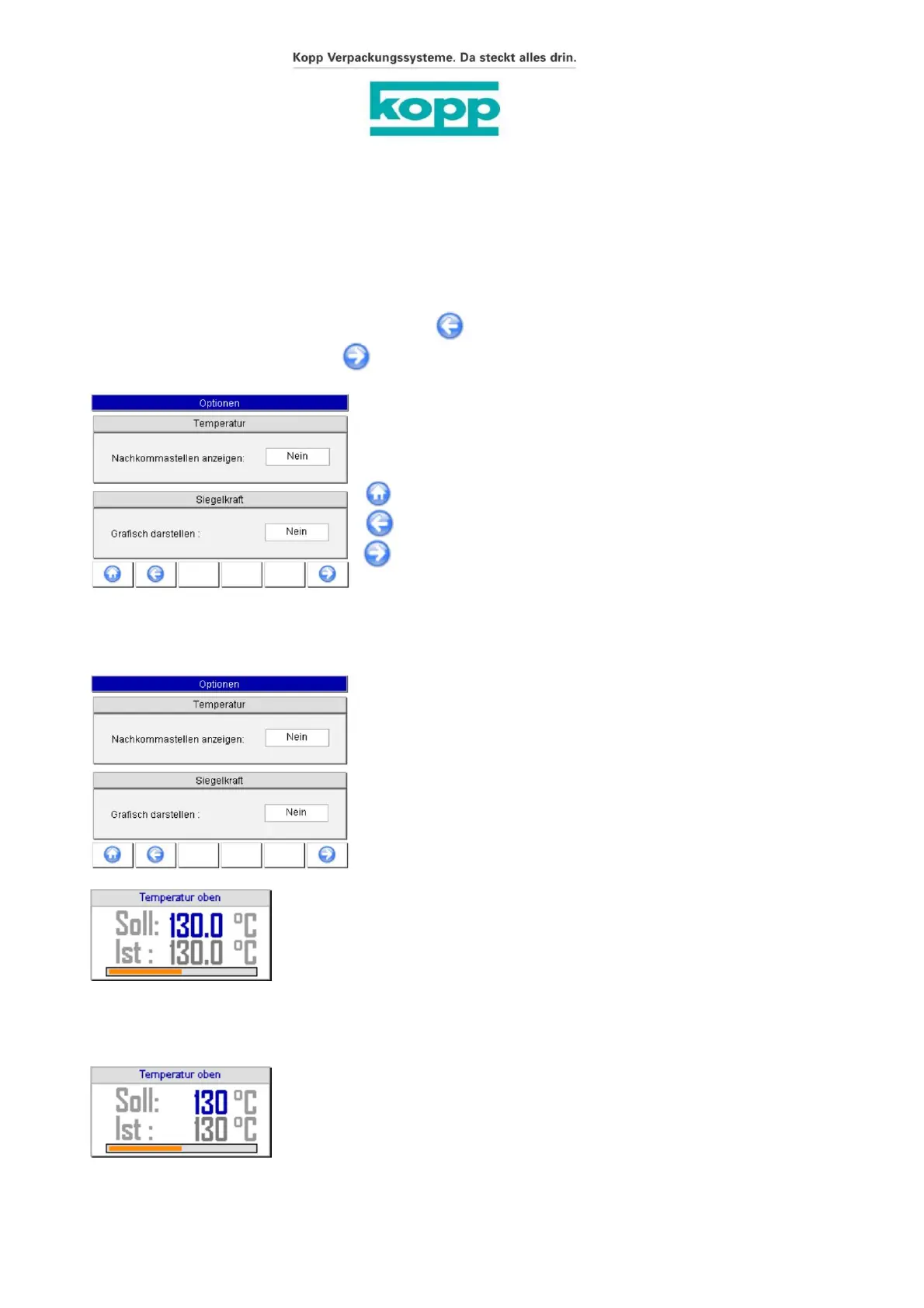
If Yes is selected for “Show decimal places”, the following will be displayed
Menu test parameters at the temperatures
- Date/Time with F6
5.3.23. Show options / decimal places
5.3.22. Display options
The screen for selecting options can be reached at the supervisor level from the image:
The cursor (highlighted in blue) is on the selection menu. Use the ÿ/ÿ
arrow key to select the desired option (Yes/No) and confirm with
the ENTER key.
Operating instructions and technical description
Page - 55 -
F2: Date/Time
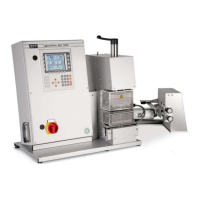
Seal seam strength tester Labormaster HCT 3000
Temperatures with decimal places not displayed:
F6: Change supervisor password
The cursor (highlighted in blue) is on the selection menu. Use the ÿ/ÿ
arrow key to select the desired option (Yes/No) and confirm with
the ENTER key.
Decimal places displayed:
If No is selected for “Show decimal places”, test parameters are displayed in the menu
Phone +49.7153.9510-0
Inh. Ludwig P. Goals
Packaging systems
http://www.kopp-online.de
Fax +49.7153.9510-100
Ulmer Straße 51 – 53
E-Mail: sales@kopp-online.de
D-73262 Reichenbach/Fils
Figure 28 / Display options
Willi Kopp e. K
Labormaster Version 2.6.3 SW 2.2 from 03/2016 Page 55 of 82, March 1, 2016
Subject to errors and technical changes!
Machine Translated by Google


 To Next Page