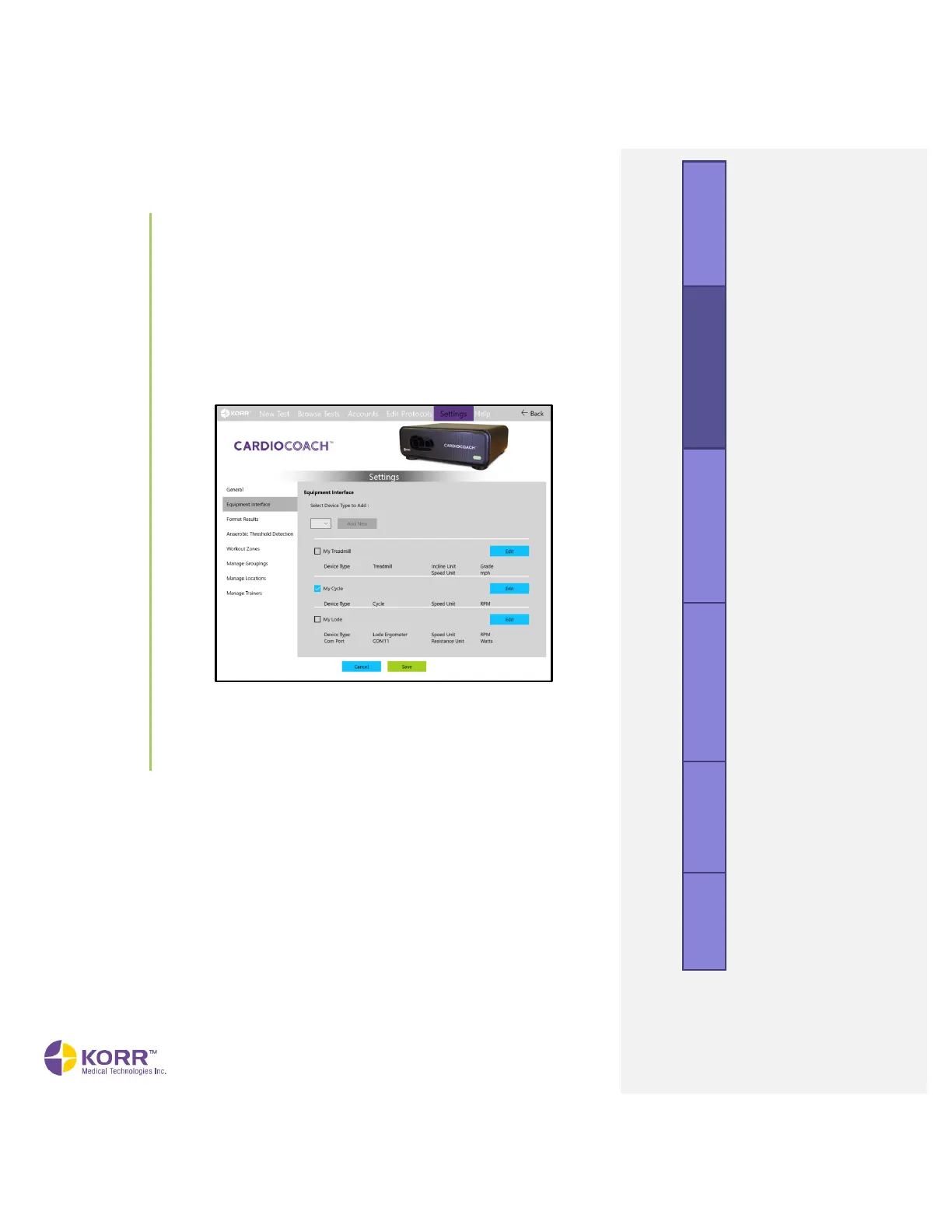
Setup a Cycle
a) Click Edit next to the default cycle named Cycle.
b) Edit equipment name and speed/resistance units as desired.
c) If this is the primary equipment you plan to use for testing
with the CardioCoach PRO, check Default.
d) Click Save.
Adding a New Device
1. From the Settings menu, click on the Equipment Interface option on
the left side of the screen. A screen similar to the one below displays.
2. Select the device type from the dropdown box and click the Add New
button.
A popup box, similar to the one below, gives you the set-up options
for the device.



 To Next Page