MAL-OPS-1026 v3 24
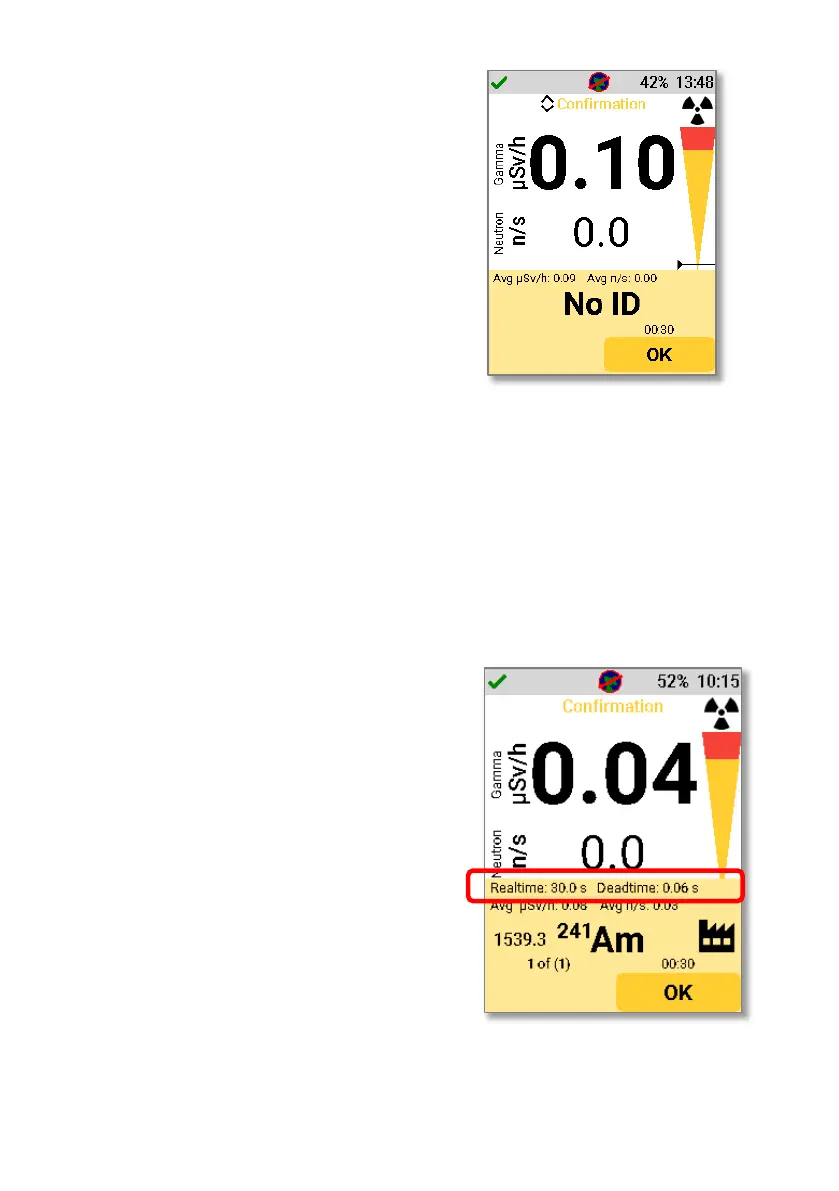
If no isotopes, or an isotope outside of the
D5 RIID isotope library, is detected then
the indication will show “No ID”.
Clicking “OK” on this alarm will prompt the
user to take a new background. Selecting
“Yes” will start a new scan which matches
the chosen confirmation scan time
duration and measures the background
level of radiation. To obtain accurate
results, this scan should be conducted
when there is no radioactive source
present. After the scan duration (as chosen
in settings) ends, the ANSI N42.42 file will
automatically save to the device memory.
If a user chooses not to take a new
background, then the default background
will be used as described in section 10. The
time and date of this background
measurement is shown. A user can then
choose to use this background or save the
file without an associated background
scan.
It is also possible to view both real time
and dead time information after a
Confirmation Mode scan has completed.
This can be enabled in settings, as per
section 9.11. If enabled, the panel which
appears after a Confirmation Mode scan
has completed will be as shown.



 To Next Page