Terminal – menus [Medium Plus/Comfort Plus Electronics] 9
Menu 13 "Counters" 9.13
Supplement to Operating Instructions 150000773_00_en
BiG Pack 1270, BiG Pack 1270 XC, BiG Pack 1290, BiG Pack 1290 HDP, BiG Pack 1290 HDP XC, BiG Pack
1290 XC, BiG Pack 890, BiG Pack 890 XC
67
Changing the number of bales
Press
or until the customer counter has been selected.
The selected customer counter does not have to be activated.
Changing the "Uncut bales" counter
Press
.
To increase the number of bales, press
.
To reduce the number of bales, press
.
Æ At the same time the following counters are changed:
• the season counter
• the day counter
• the "Total length" counter
• the knot counter
• For the "bale scales" version: the "Total weight" counter
• For the "bale scales" version: the "Average weight" counter
Changing the "Cut bales" counter
Press
.
To increase the number of bales, press
.
To reduce the number of bales, press
.
Æ At the same time the following counters are changed:
• the season counter
• the day counter
• the "Total length" counter
• the knot counter
• For the "bale scales" version: the "Total weight" counter
• For the "bale scales" version: the "Average weight" counter
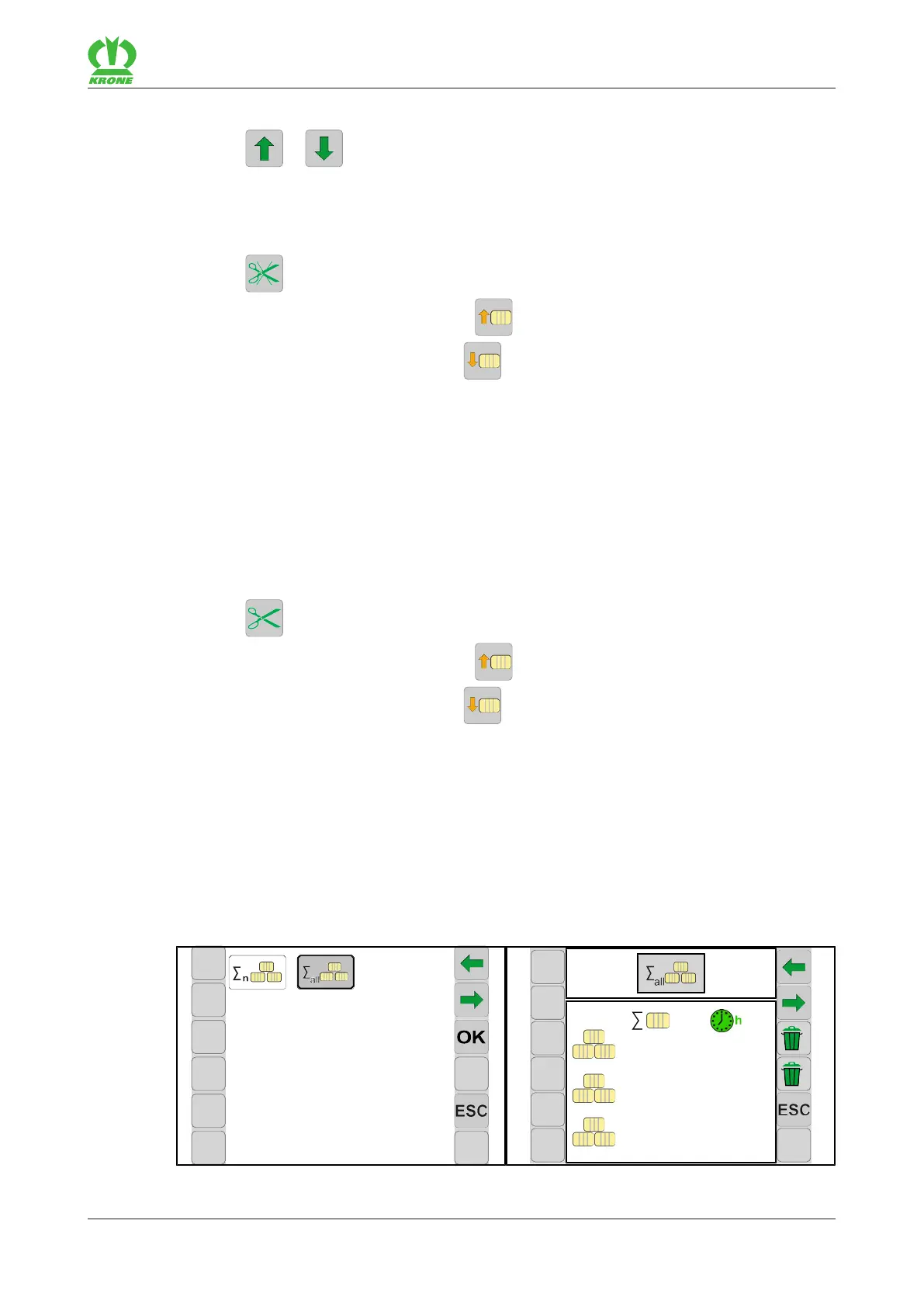
9.13.2 Menu 13-2 "Total counter"
EQ001-008 / EQ001-072
ü The main menu 13 "Counter" has been selected, Menu 13 “Counters”.








 To Next Page