9 Terminal – menus [Medium Plus/Comfort Plus Electronics]
9.15 Menu 15 "Settings"
78
Supplement to Operating Instructions 150000773_00_en
BiG Pack 1270, BiG Pack 1270 XC, BiG Pack 1290, BiG Pack 1290 HDP, BiG Pack 1290 HDP XC, BiG Pack
1290 XC, BiG Pack 890, BiG Pack 890 XC
Possible status displays of the sensors
No. Icon Status (state)
1 Alive (iron)
2 Not alive (no iron)
5 Pressed
6 Not pressed
20 Cable break
21 Short circuit
Self-steering axle locked
Self-steering axle released
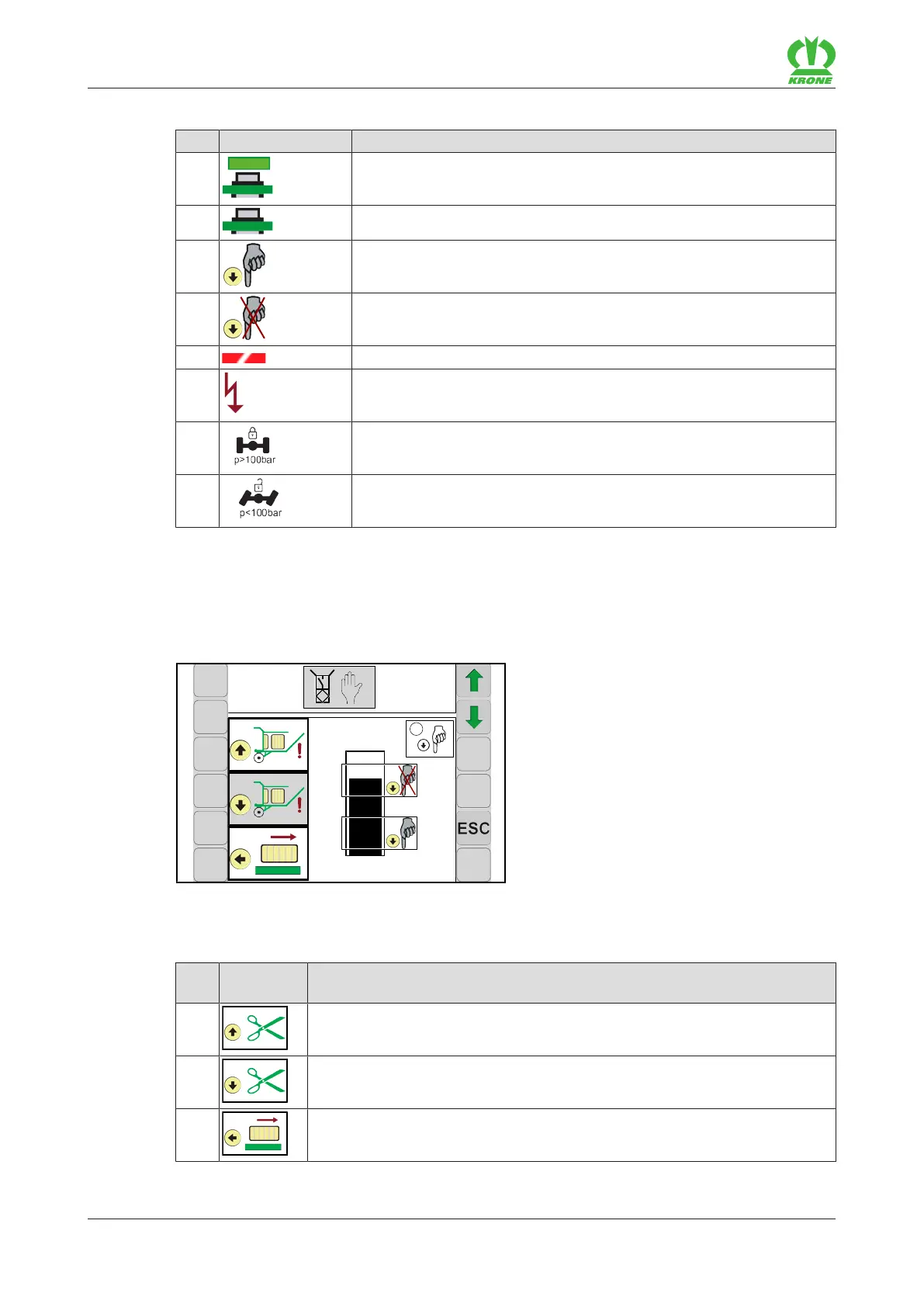
Diagnostics pushbutton
When the pushbutton is pressed, the bar must be in the lower marked area of the bar display.
When the pushbutton is not pressed, the bar must be in the upper marked area of the bar
display.
3,3V
2,5V
1,3V
0,6V
3,1V
state:
5
EQ000-042
Possible pushbuttons (depending on the machine configuration)
No. Pushbutto
n
Designation
S1
"Raise blade cassette" pushbutton
S2
"Lowerblade cassette" pushbutton
S3
"Move in residual bale ejector" pushbutton








 To Next Page