VIII - 2
Control unit Comfort
8.2 Mounting
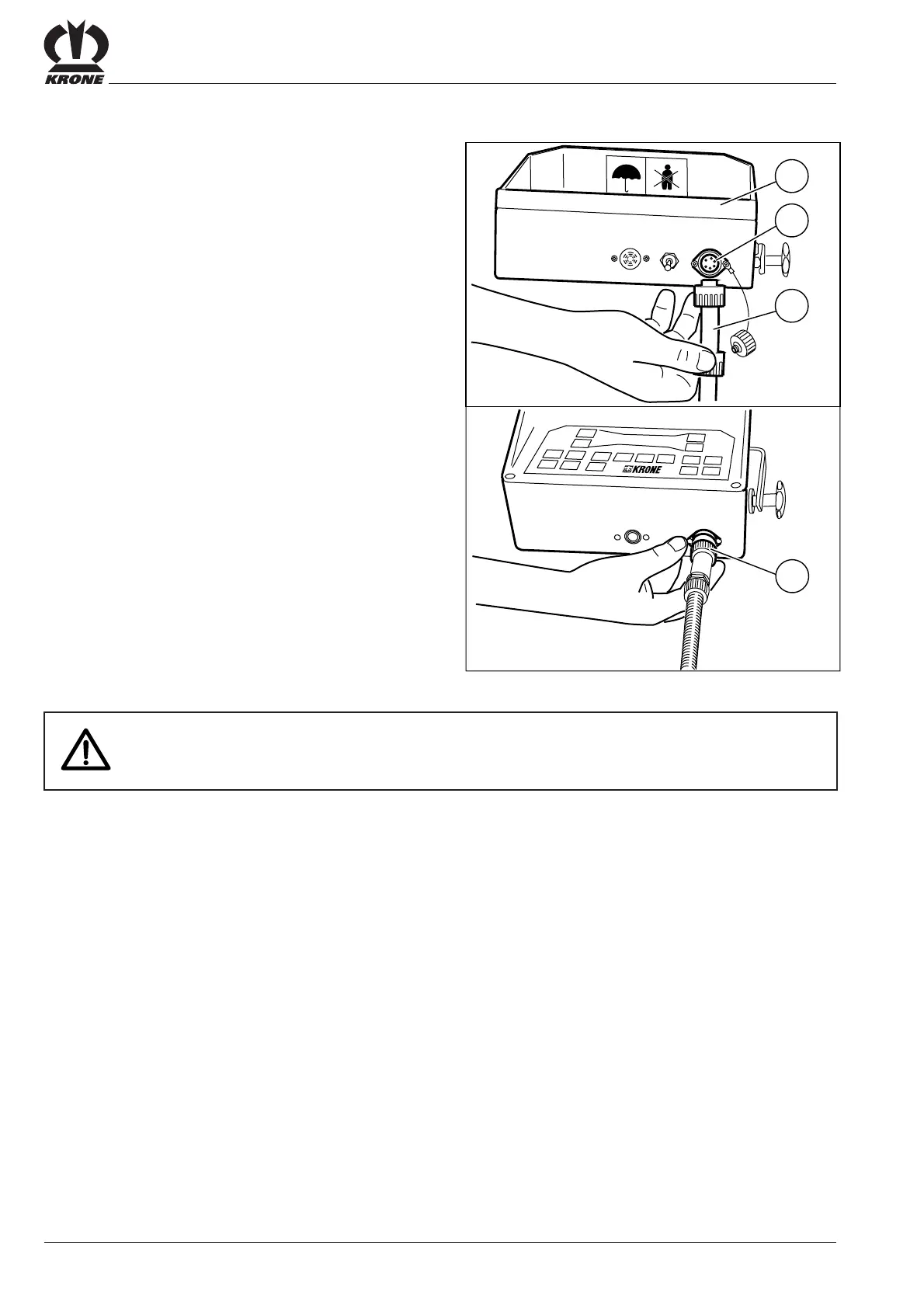
Attach the control unit comfort box on the tractor in a place
where it is clearly visible to the driver.
• Place the connecting cables between the tractor and the round baler in such a way
that they do not tense during turning or come into contact with the tractor wheels.
Connect the power supply cable (12 V) for the control unit
comfort to the 3-pin power outlet on the tractor.
Connect the control unit comfort to the on-board computer.
Plug the control cable (1) into the control unit comfort (3)
socket (2).
Secure the connection using the union nut (4).
1
3
2
RBV03071
4









 To Next Page