VIII - 4
Control unit Comfort
8.4 Ready Status
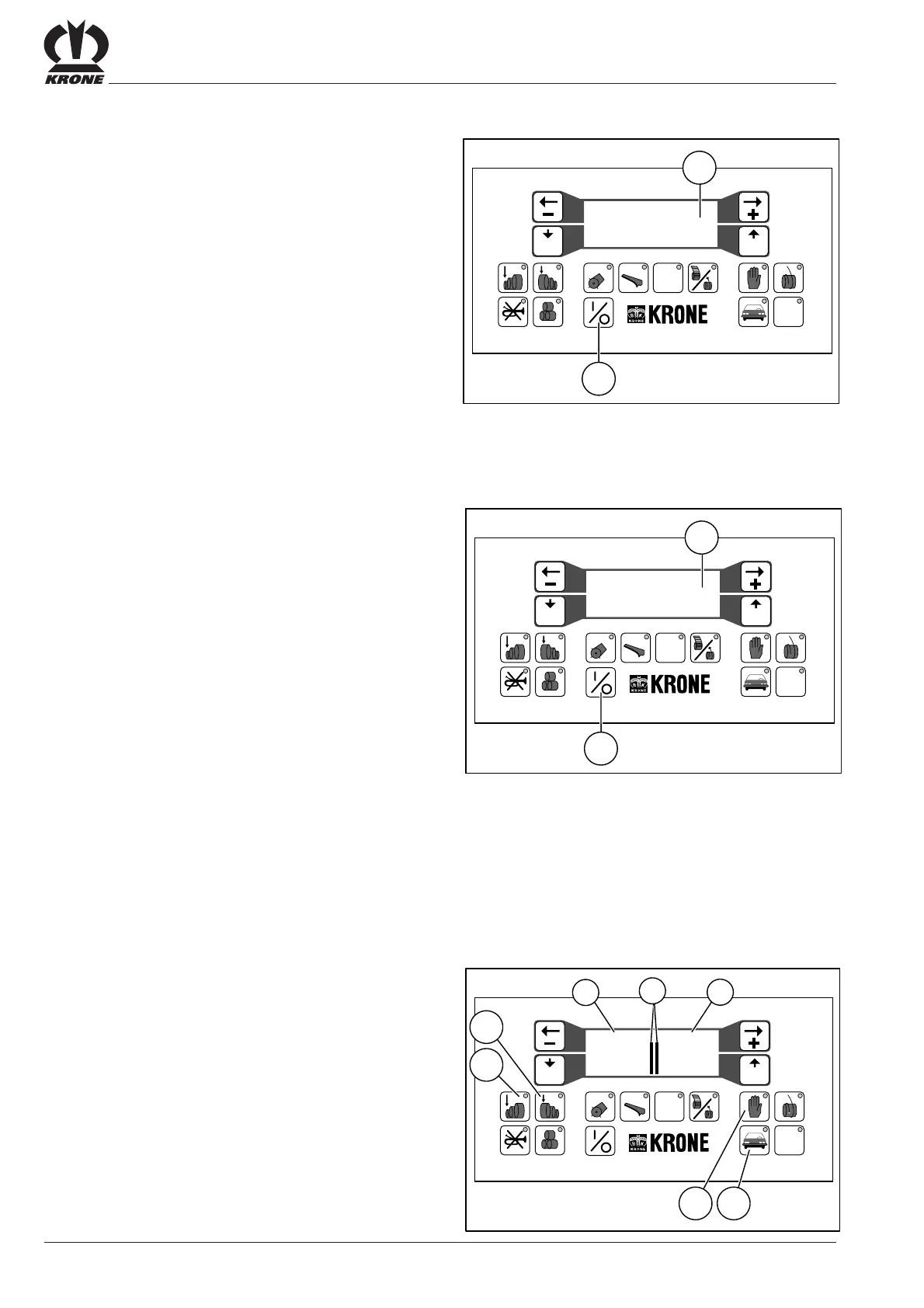
Switch on control unit comfort at the main switch (12).
Press the ON/OFF key (11).
A brief self-test follows if the power supply is properly
connected.
–
The membrane keyboard indicator lights light up briefly.
– The buzzer sends out a brief test signal.
– The following appears in the
– display screen: ---- K R O N E -----
Comfort Electronics
-- T E R M I N A L --
version:
and then
– the following
– appears: ---- K R O N E -----
Comfort Electronics
R O U N D-P A C K-
version:
If the self-test is not executed, check the power supply.
If the self-test (duration: 10 seconds) has been suc-
cessful the control unit comfort are ready to operate.
8.5 Basic Setting
The preselected bale density appears separately for the
right and left bale sides as the numerical values (a) and (c)
and as a bar diagram (b).
Preselect bale density:
• Press button (1) to decrease bale density
• Press button (2) to increase bale density
Selecting start procedure for twine / net wrapping
mechanism
• button (9) = manual wrapping
• button(19) = automatic wrapping
#
12 5678 90
34
VP-1-010
11
STOP
Prog Quit
14
---- K R O N E -----
Comfort Electronics
-- T E R M I N A L --
version:
#
12 5678 90
34
VP-2-031
11
STOP
Prog Quit
14
---- K R O N E -----
Comfort Electronics
R O U N D-P A C K-
version:
#
12 5678 90
34
VP-1-011
19
STOP
9
1
acb
2
90 90
Prog Quit









 To Next Page