VIII - 12
Control unit Comfort
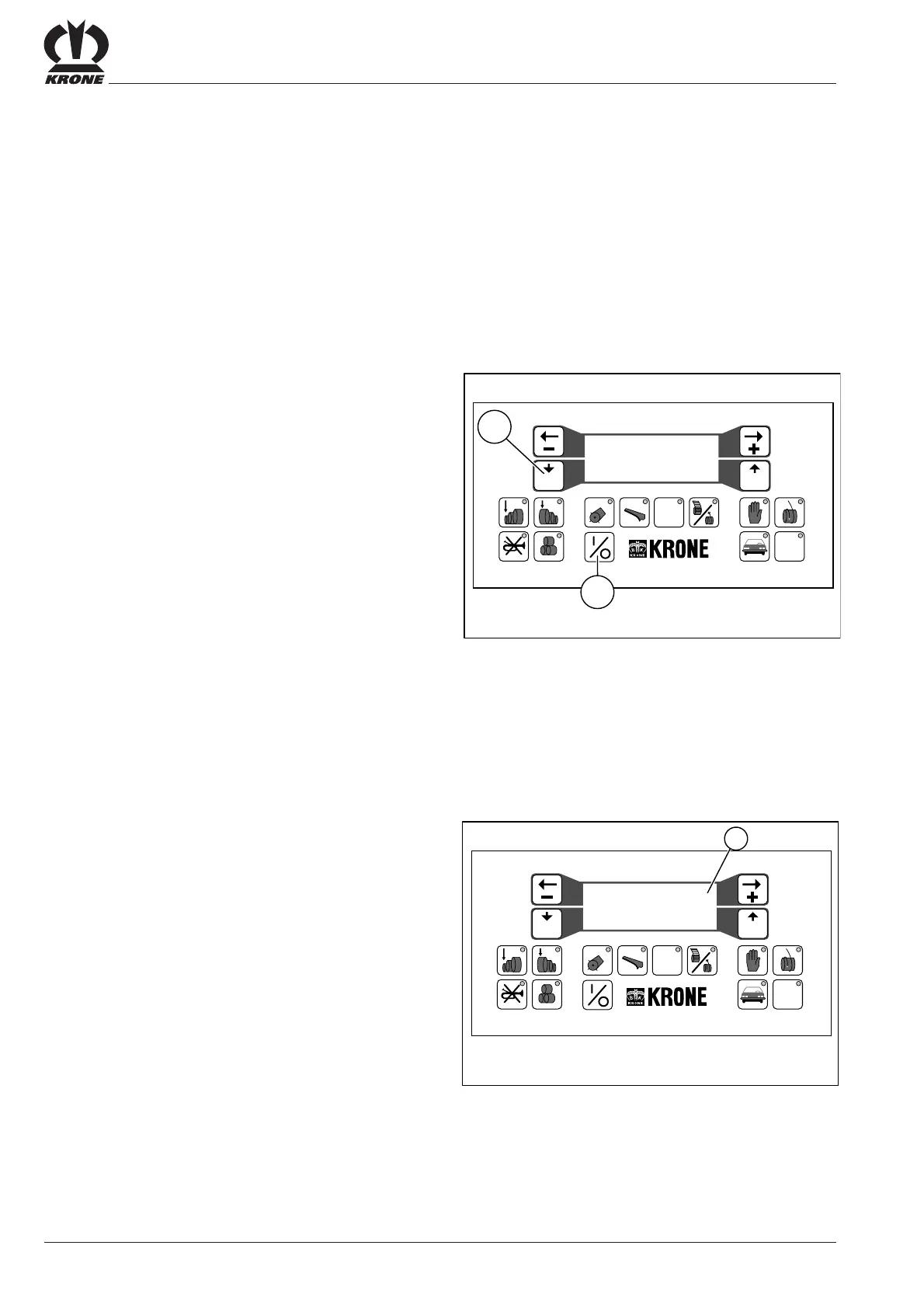
Function Test: Twine Stop Sensor
Check the function of the twine stop sensor by tipping the
rocker in front of the sensor on the twine wrapping
mechanism.
The reading (a) on the display screen alternates between
“0” and “1”.
8.11Sensor Test
To ensure trouble-free functioning, the control unit comfort
require data collected by the twine or wrapping sensor,
blade sensor, and tailgate sensor.
The mounting positions and required settings are
described in “Maintenance”.
Activate the sensor test on the control unit comfort.
1) Switch off the control unit comfort
• Press the ON/OFF key (11)
2) Call up the sensor test program
• Press the program key (13) and hold it down
• Press the ON/OFF key (11)
The following appears on the display screen:
Sensortest Twine:.0
Power:00V Knives:.0
Net :.00 chamber:00
proceed.....yes=quit
• Release the program key (13)
The input voltage is displayed beside “Power”.
This reading must be between 11 – 14 V.
Prog Quit
#
12 5678 90
34
VP-2-025
11
STOP
13
Sensortest Twine:.0
Power:00V Knives:.0
Net :.00 chamber:00
proceed.....yes=quit
Prog Quit
#
12 5678 90
34
VP-1-026
STOP
a
Sensortest Twine:.0
Power:00V Knives:.0
Net :.00 chamber:00
proceed.....yes=quit









 To Next Page