VIII - 5
Control unit Comfort
Adjust wrapping mode and number of net wraps
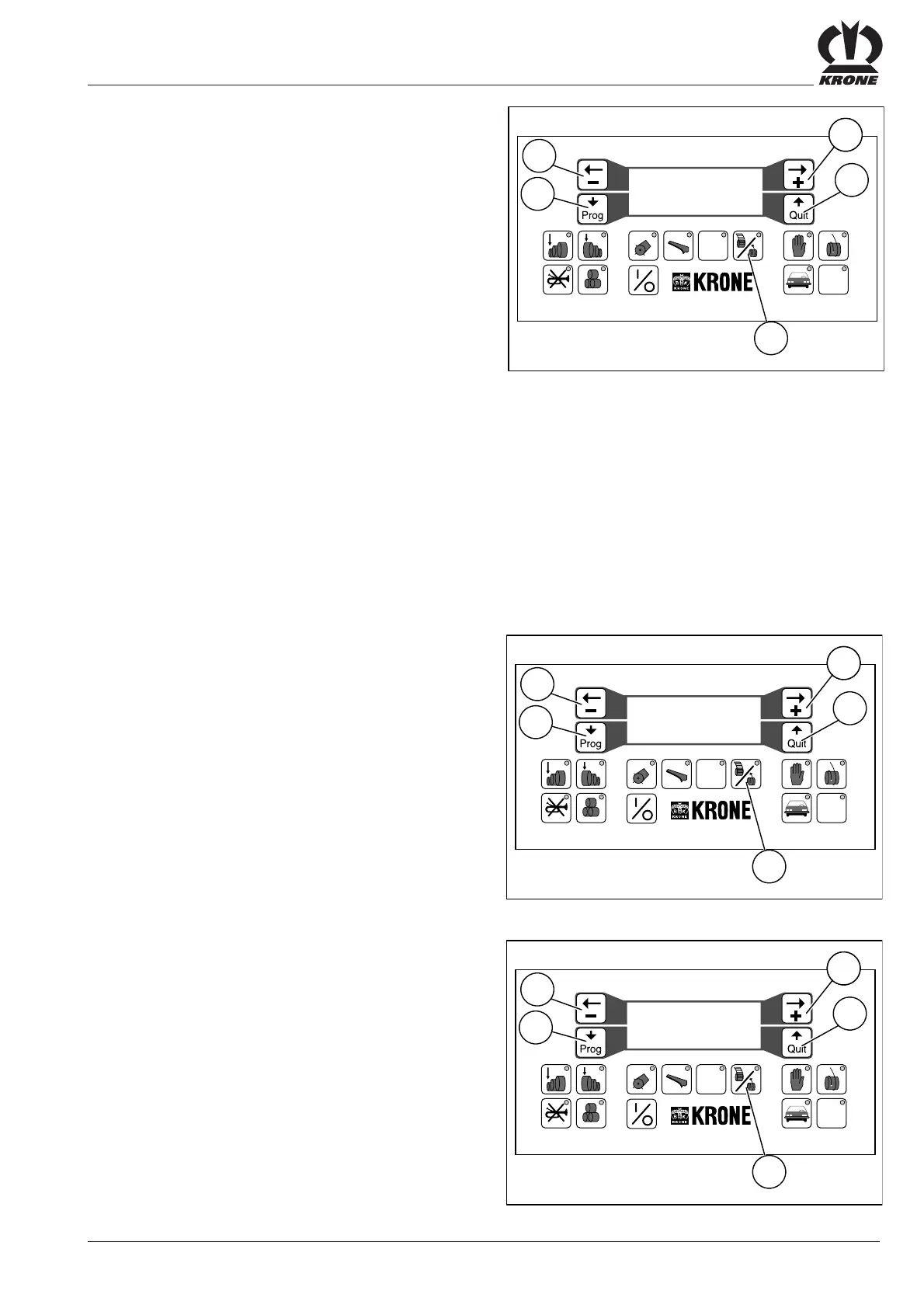
• Press the function key (8)
The preselected setting appear on the display screen
Net-number:......0.0
(= number of wraps)
ok?If yes press Quit
If “NET” is selected, set the number of wraps.
To increase the number of wraps
• press the “+” key (23)
To reduce the number of wraps
• press the “–” key (24)
If “TWINE” is selected the preset net number has no
significance as the number of wraps is set mechanically
(see “Twine Wrapping”).
• Confirm settings by pressing quit (15)
Press the program key (13) to continue paging.
The following appears on the display screen:
Twine............Net
------ Net ! -------
ok?If yes press Quit
If “NET” is selected, the word “net” will appear on the
second line. The net number (net wraps) is active only in
this setting.
• Confirm settings by pressing quit (15)
Press the program key (13) to continue paging.
The following appears on the display screen:
out..knife cont.with
------ with ! ------
ok?If yes press Quit
Here the blade check function can be switched on or off by
pressing the “+” (23) or “–” (24) keys.
Press the program key (13) to continue paging.
#
12 5678 90
34
VP-1-013
STOP
923
15
24
13
8
Net-number:......0.0
ok?If yes press Quit
#
12 5678 90
34
VP-1-013
STOP
923
15
24
13
8
Twine............Net
------ Net ! -------
ok?If yes press Quit
#
12 5678 90
34
VP-1-013
STOP
923
15
24
13
8
out..knife cont.with
------ with ! ------
ok?If yes press Quit









 To Next Page