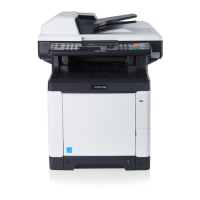
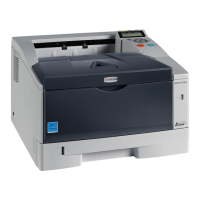
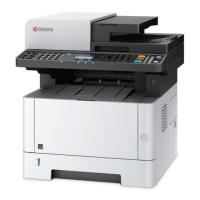
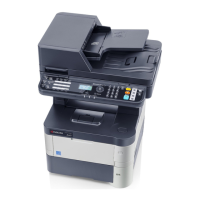
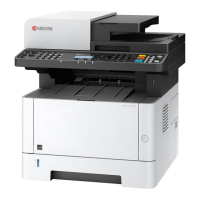
2M4/2M5/2M6/2M7
CONTENTS
1-1 Specifications
1-1-1 Specifications ........................................................................................................................ 1-1-1
1-1-2 Parts names ........................................................................................................................ 1-1-10
(1) Machine .......................................................................................................................... 1-1-10
(2) Operation panel ..............................................................................................................1-1-12
1-1-3 Machine cross section ......................................................................................................... 1-1-13
(1) 20/21 ppm Model............................................................................................................ 1-1-13
(2) 25/26 ppm Model............................................................................................................ 1-1-14
(3) ISU/DP Section...............................................................................................................1-1-15
1-2 Installation
1-2-1 Installation environment......................................................................................................... 1-2-1
1-2-2 Unpacking and installation..................................................................................................... 1-2-3
(1) Installation procedure ....................................................................................................... 1-2-3
1-3 Service Mode
1-3-1 Service mode......................................................................................................................... 1-3-1
(1) Executing a Service mode................................................................................................ 1-3-1
(2) Operation Method............................................................................................................. 1-3-2
1-3-2 Maintenance menu .............................................................................................................. 1-3-19
(1) Items for various settings................................................................................................ 1-3-21
(2) Service package ............................................................................................................. 1-3-23
1-4 Troubleshooting
1-4-1 Paper misfeed detection ........................................................................................................1-4-1
(1) Paper misfeed indication .................................................................................................. 1-4-1
(2) Paper misfeed detection condition ................................................................................... 1-4-2
1-4-2 Self-diagnostic function ......................................................................................................... 1-4-5
(1) Self-diagnostic function ....................................................................................................1-4-5
(2) Self diagnostic codes........................................................................................................1-4-6
1-4-3 Image formation problems ...................................................................................................1-4-10
(1) No image appears (entirely white).................................................................................. 1-4-11
(2) No image appears (entirely black).................................................................................. 1-4-11
(3) Part of image is missing. ................................................................................................ 1-4-12
(4) Gray background. ........................................................................................................... 1-4-12
(5) White streaks are printed vertically................................................................................. 1-4-13
(6) Black streaks are printed vertically. ................................................................................ 1-4-13
(7) White or black streaks are printed horizontally............................................................... 1-4-13
(8) Spots are printed.Printing incomplete or out of position ................................................. 1-4-14
(9) Printing incomplete or out of position ............................................................................. 1-4-14
(10) Paper is wrinkled. ...........................................................................................................1-4-14
(11) Offset occurs. ................................................................................................................. 1-4-15
(12) Fusing is loose................................................................................................................ 1-4-15
(13) Faint or blurred printing ..................................................................................................1-4-15
(14) Dirt on the top edge or back of the paper. ...................................................................... 1-4-16
(15) Image center does not align with the original center. ..................................................... 1-4-16
(16) Unevenly repeating horizontal streaks in the printed objects.
Spots in the printed objects ........................................................................................... 1-4-16
1-4-4 Electric problems ................................................................................................................. 1-4-17


 To Next Page
 Loading...