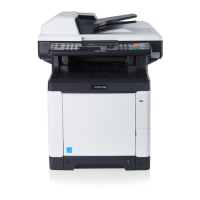
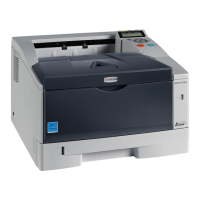
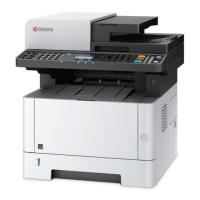
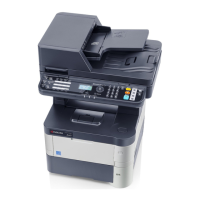
2M4/2M5/2M6/2M7
1-5-15
(2) Detaching and refitting the laser scanner unit
Procedure
1. Remove the main PWB unit (see page
1-5-18).
2. Remove the Top cover (see page 1-5-
7).
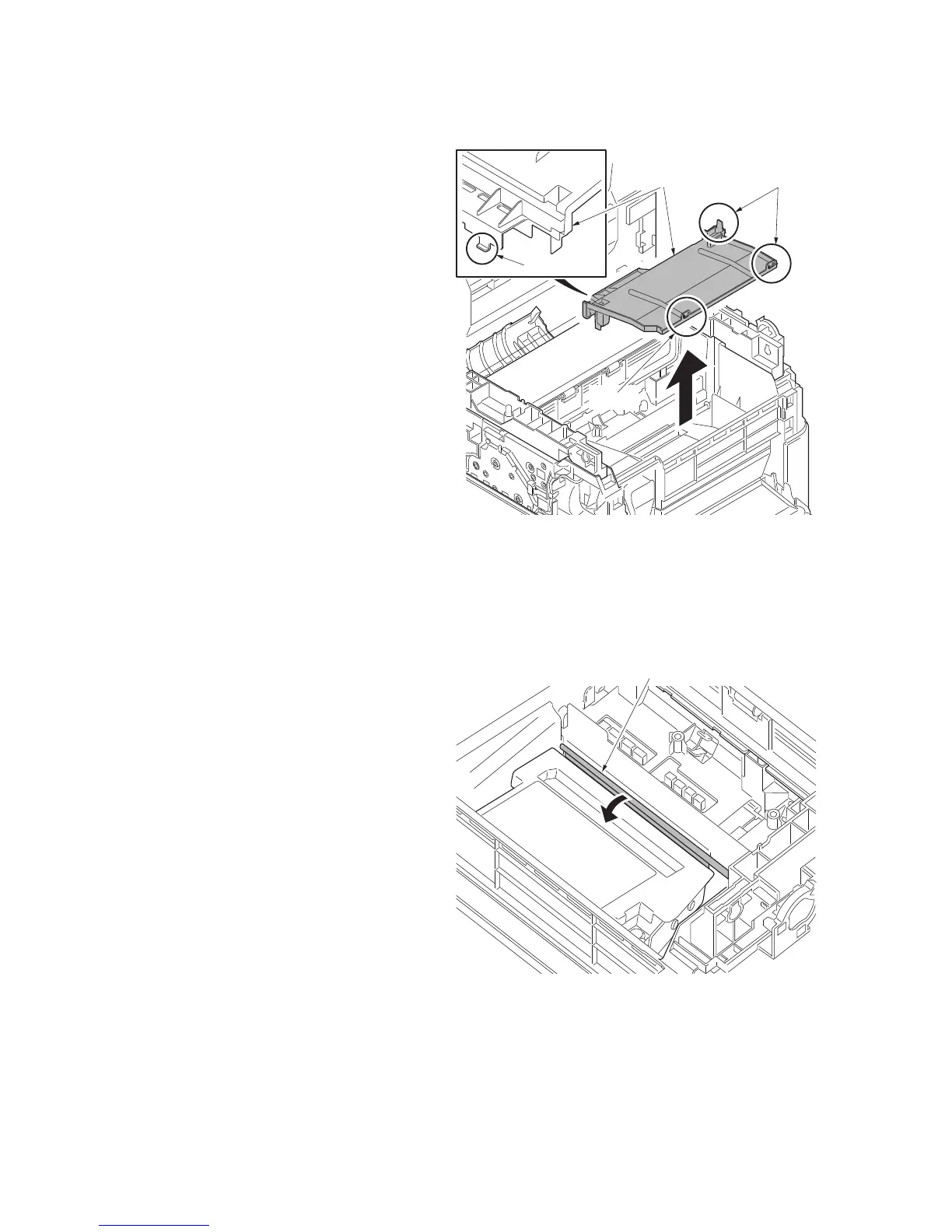
3. Unhook the four hooks and then
remove the upper LSU cover.
Figure 1-5-21
4. Remove the Drum unit (see page 2-4-
6).
5. Confirm that the laser shutter has
closed.
Figure 1-5-22
Upper LSU cover
Hooks
Hook
Hook
Laser shutter


 To Next Page
 Loading...