2KA
1-5-33
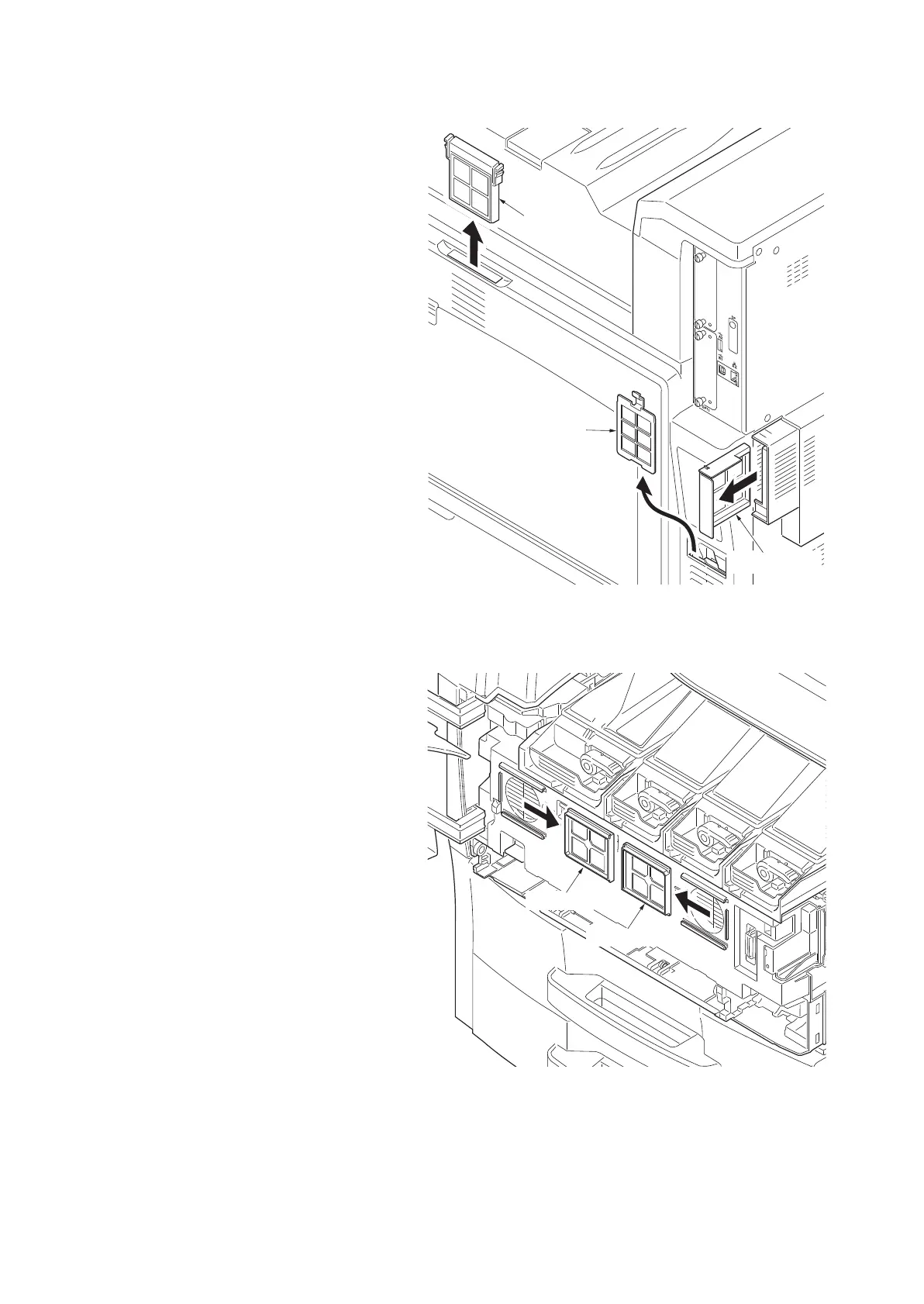
9. Remove the right filter 1 from machine right
side.
10. Clean or replace the right filter 1 and refit the
filter.
11. Remove the right filter 2 from machine right
side.
12. Clean or replace the right filter 2 and refit the
filter.
13. Remove the rear lower filter from machine
rear lower side.
14. Clean or replace the rear lower filter and
refit the filter.
Figure 1-5-56
15. Open the front cover.
16. Remove the front filters from the machine
front side.
17. Clean or replace the front filters and refit the
filters.
Figure 1-5-57
Right filter 1
Right filter 2
Rear lower filter
Front filter
Front filter



 To Next Page
 Loading...










