2KA
1-4-59
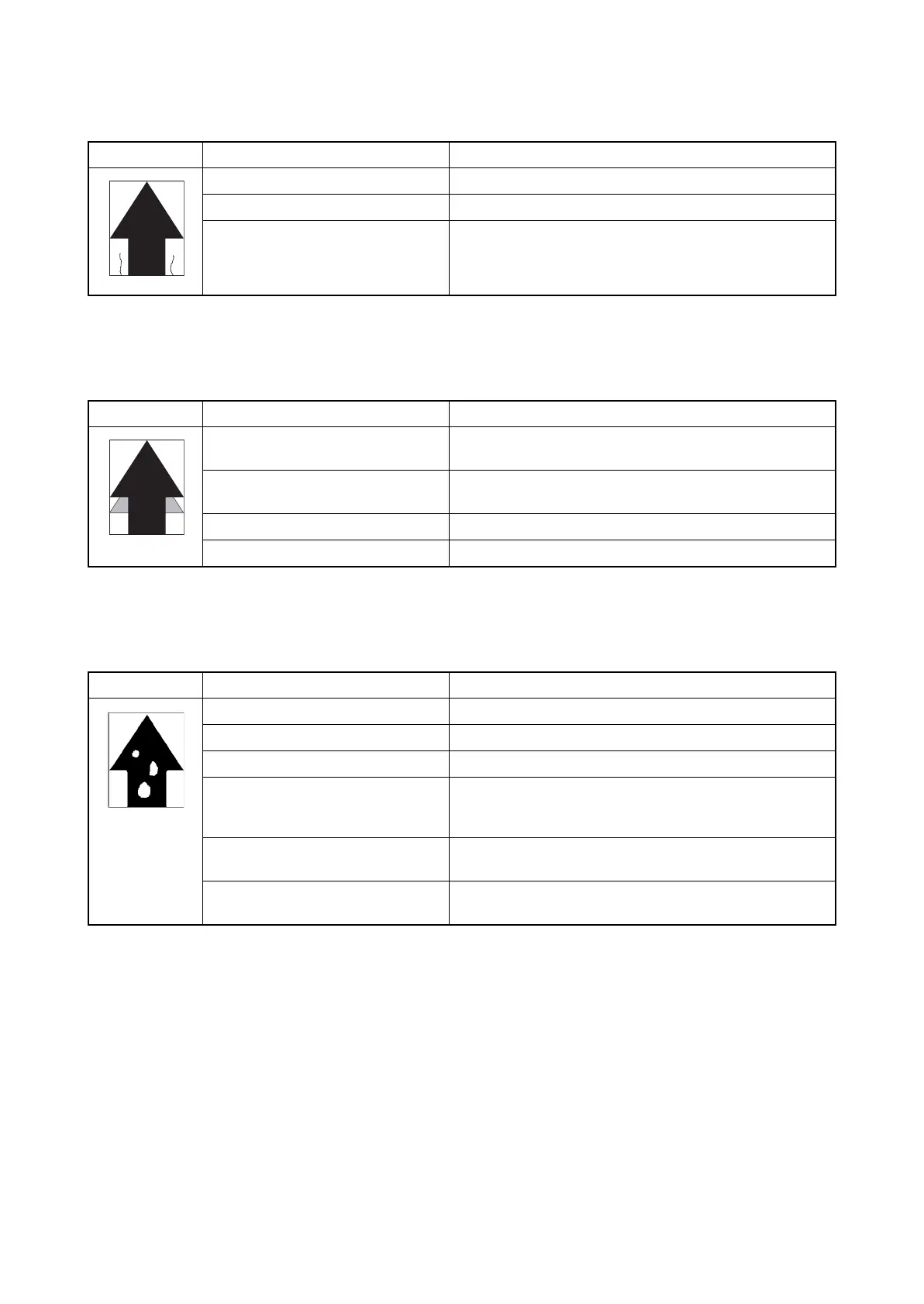
(12) Paper creases.
(13) Offset occurs.
(14) Image is partly missing.
Copy example Causes Check procedures/corrective measures
Paper curled. Check the paper storage conditions.
Paper damp. Check the paper storage conditions.
Dirty separation electrode. Clean the separation electrode.
Copy example Causes Check procedures/corrective measures
Defective cleaning blade of the drum
unit.
Replace the drum unit (see page 1-5-26).
Faulty transfer belt cleaning. Run maintenance item U107 (see page 1-3-42).
Replace the transfer belt unit (see page 1-5-28).
Defective fuser unit. Replace the fuser unit (see page 1-5-31).
Wrong types of paper. Check if the paper meets specifications. Replace paper.
Copy example Causes Check procedures/corrective measures
Paper damp. Check the paper storage conditions.
Paper creased. Change the paper.
Drum condensation. Perform the drum refresh operation (see page 1-3-117).
Dirty or flawed drum. Perform the drum refresh operation (see page 1-3-117).
If the drum is flawed, replace the drum unit (see page 1-5-
26).
Dirty transfer belt. Clean the transfer belt. Replace the transfer belt unit if it is
extremely dirty (see page 1-5-28).
Dirty transfer roller. Clean the transfer roller. Replace the transfer roller if it is
extremely dirty (see page 1-5-29).



 To Next Page
 Loading...










