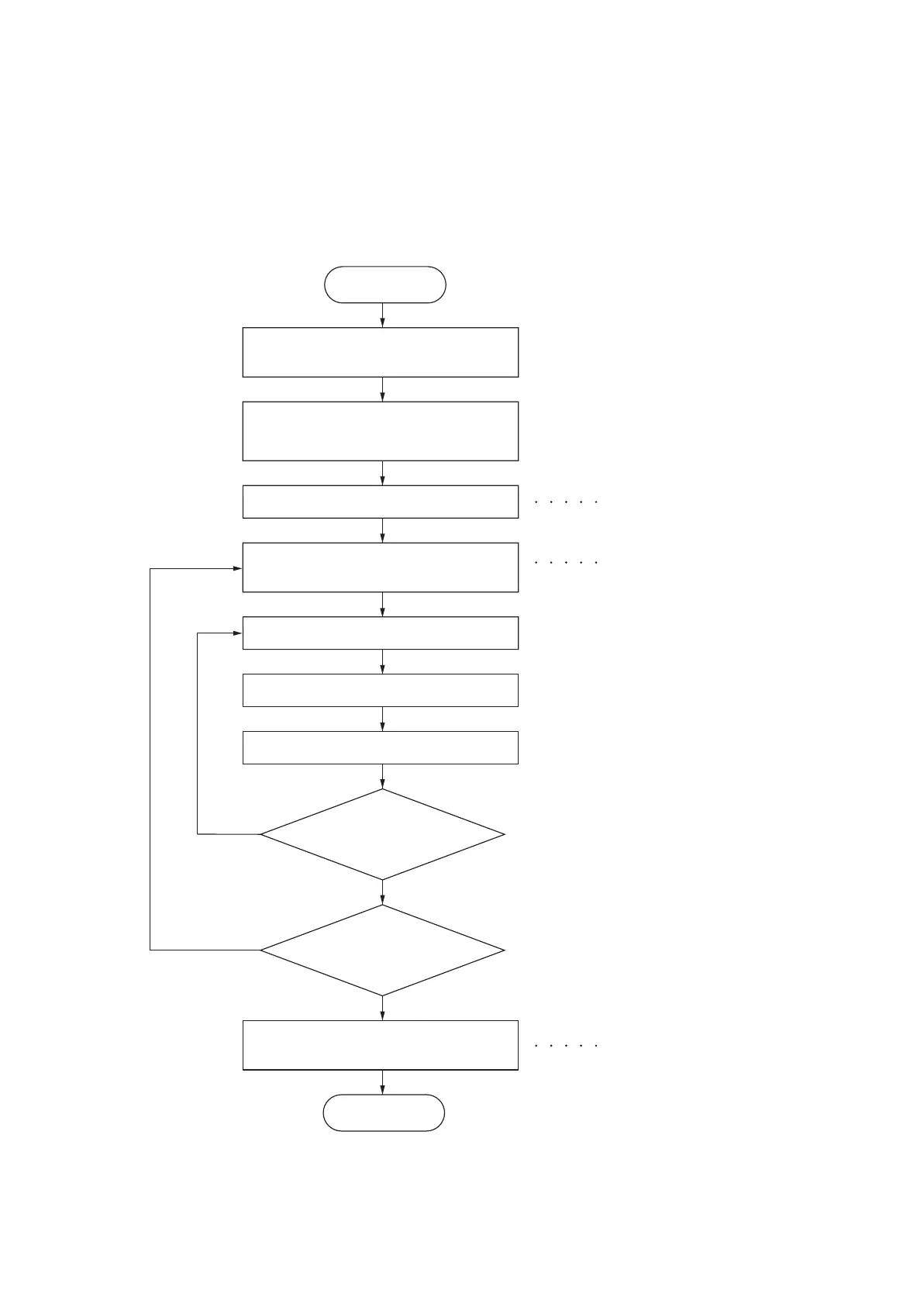
While pressing the OK key and
the cursor down key, press the Menu key.
Enter the maintenance item
number using the cursor up/down keys.
Enter 001 using the cursor
up/down keys and press the OK key.
Enter 10871087 by pressing the OK key
every time after shifting the cursor
using cursor left/right leys.
The selected maintenance item is run.
Press the Back key.
Press the OK key.
Start
Maintenance mode is entered.
The maintenance item is
selected.
Maintenance mode is exited.
Repeat the same
maintenance item?
Run another maintenance
item?
Press the Right Select key for [Enter].
No
No
Yes
Yes
End



 To Next Page
 Loading...










