2KA
1-3-115
1-3-3 Service mode
The printer is equipped with a maintenance function which can be used to maintain and service the machine.
(1) Executing a maintenance item
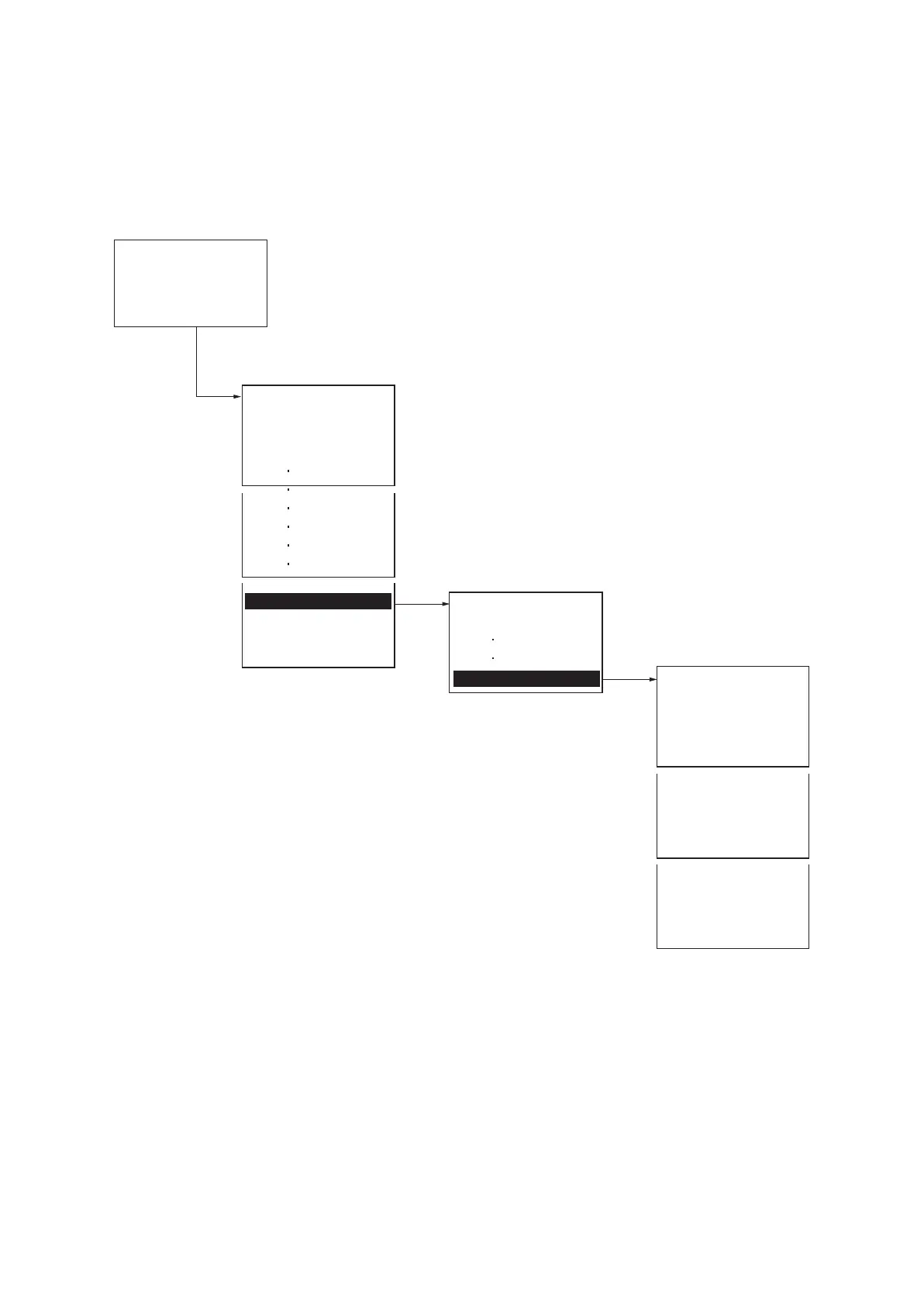
Service Settings
Service Status.................................To print a status page for service purpose (See page 1-3-116).
Network Status................................To print a network status page (See page 1-3-116).
Test Page........................................To print a test page (See page 1-3-116).
DEV-CLN ........................................To perform developer refreshing (See page 1-3-116).
Drum ...............................................To perform drum surface refreshing (See page 1-3-117).
LSU.................................................To perform LSU dust shield glass cleaning (See page 1-3-117).
MP Tray Cleaning ...........................To perform MP tray cleaning (See page 1-3-117).
Silent Mode.....................................To set silent mode (See page 1-3-117).
First Print Pos. ................................To set first print position (See page 1-3-118).
Initialization.....................................To perform initialization (See page 1-3-118).
Ready to Print.
Menu:
Report Print
USB Memory
Custom Box
Adjust/Maint.
Service Setting:
Service Status
Network Status
Test Page
DEV-CLN
Drum
LSU
MP Tray Cleaning
Silent Mode
First Print Pos.
Initialization
Adjust/Maint.:
ColorCalib.Cycle
Service Setting
1. Press the Menu key.
Message display
2. Press the cursor up/down keys
to display the [Service Setting].
3. Press the OK key.
2. Press the cursor up/down keys
to display the [Adjust/Maint.].
3. Press the OK key.



 To Next Page
 Loading...










