2KA
1-2-6
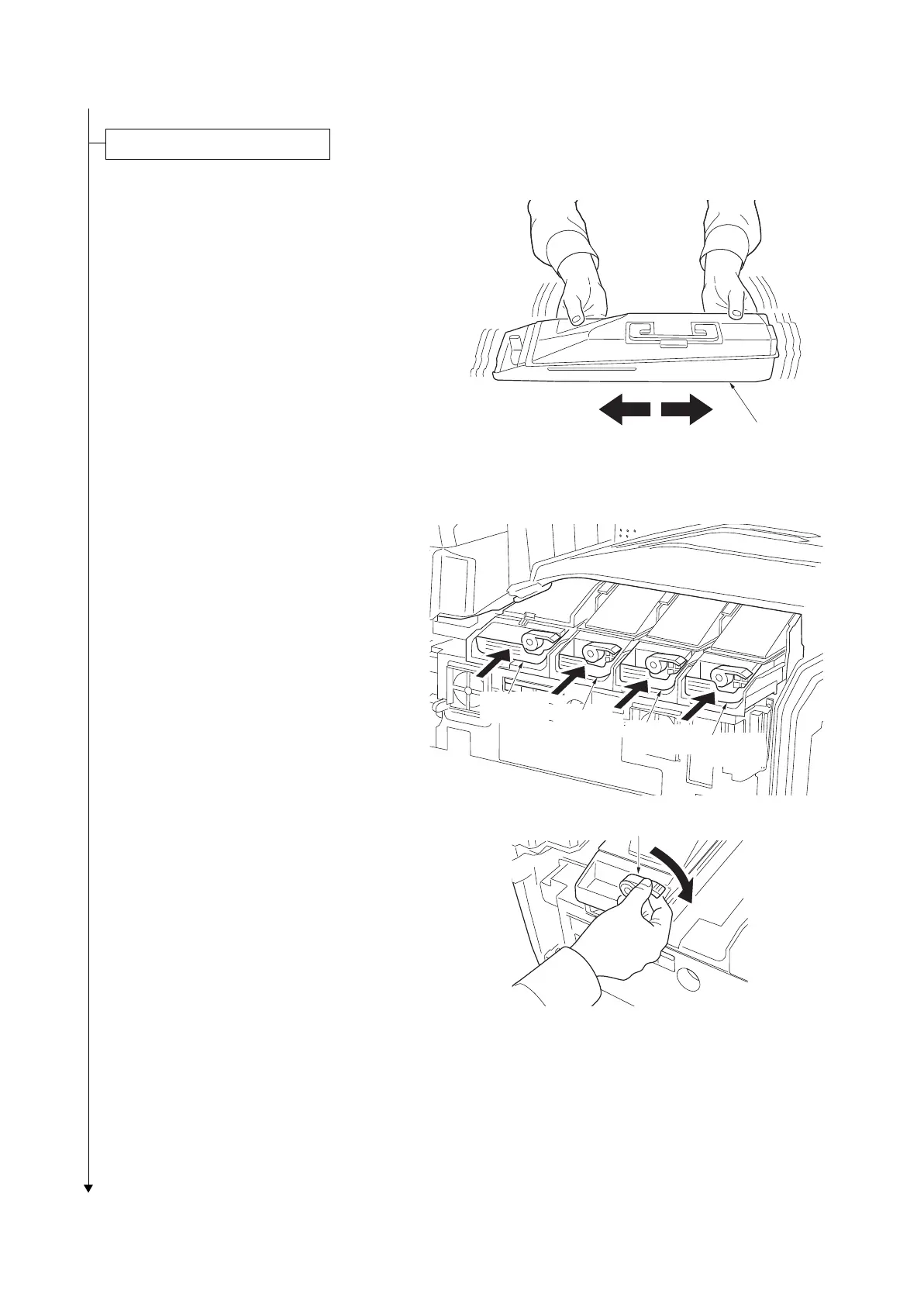
1. Open the front cover.
2. Hold the toner container with the toner con-
tainer release lever positioned on the top,
and shake the toner container in the hori-
zontal direction.
Figure 1-2-6
3. Install four color toner containers.
4. Turn down the toner container release
levers to lock the four color toner containers.
Figure 1-2-7
Installing the toner containers.
Toner containe
Toner
container K
Toner
container Y
Toner
container C
Toner
container M
Toner container
release lever



 To Next Page
 Loading...










