2NL/2P8-1
1-3-91
U240
Method: [Solenoid]
1. Select the item to be operated.
2. Press the start key. The operation starts.
Method: [Mail Box]
1. Select the item to be operated.
2. Press the start key. The operation starts.
Completion
Press the stop key. The screen for selecting a maintenance item No. is displayed.
Item No. Description
Display Description
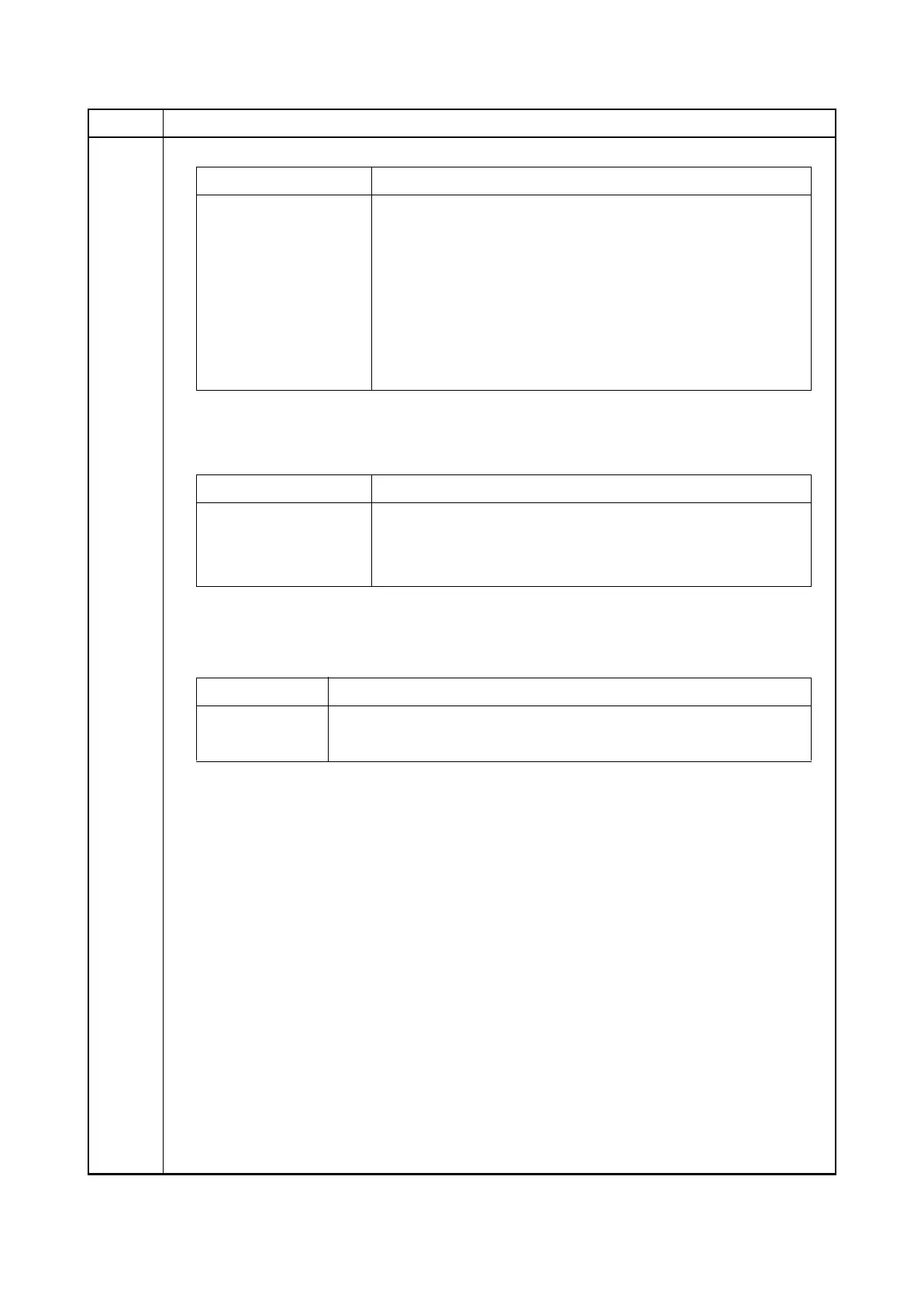
Sort Test DF shift motor 1, 2 (DFSFM1, 2) is turned on
Eject Unlock(30) DF eject release motor (DFERM) drive position 30-sheet stack
Eject Unlock(50) DF eject release motor (DFERM) drive position 50-sheet stack
Eject Unlock(Fix) DF eject release motor (DFERM) fixed drive position
Eject Unlock(Full) DF eject release motor (DFERM) full open drive position
Punch Punch motor (PUM) is turned on
Punch Move Punch slide motor (PUSLM) is turned on
Display Description
Sub Tray DF feedshift solenoid (DFFSSOL) is turned on
Save Drum DF drum solenoid (DFDRSOL) is turned on
Punch Punch solenoid (PUSOL) is turned on
Display Description
Conv MB drive motor (MBDM) is turned on at paper conveying
Branch MB drive motor (MBDM) is turned on at feedshift operation






 To Next Page