2NL/2P8
1-3-111
U341 Specific paper feed location setting for printing function
Description
Sets a paper feed location specified for printer output.
Purpose
To use a paper feed location only for printer output.
A paper feed location specified for printer output cannot be used for copy output.
Method
1. Press the start key.
2. Select the paper feed location for the printer.
* : When an optional paper feed device is not installed, the corresponding count is not dis-
played.
3. Press the start key. The setting is set.
Completion
Press the stop key. The screen for selecting a maintenance item No. is displayed.
U343 Switching between duplex/simplex copy mode
Description
Switches the initial setting between duplex and simplex copy.
Purpose
To be set according to frequency of use: set to the more frequently used mode.
Setting
1. Press the start key.
2. Select [On] or [Off].
* : Initial setting: Off
3. Press the start key. The setting is set.
Completion
Press the stop key. The screen for selecting a maintenance item No. is displayed.
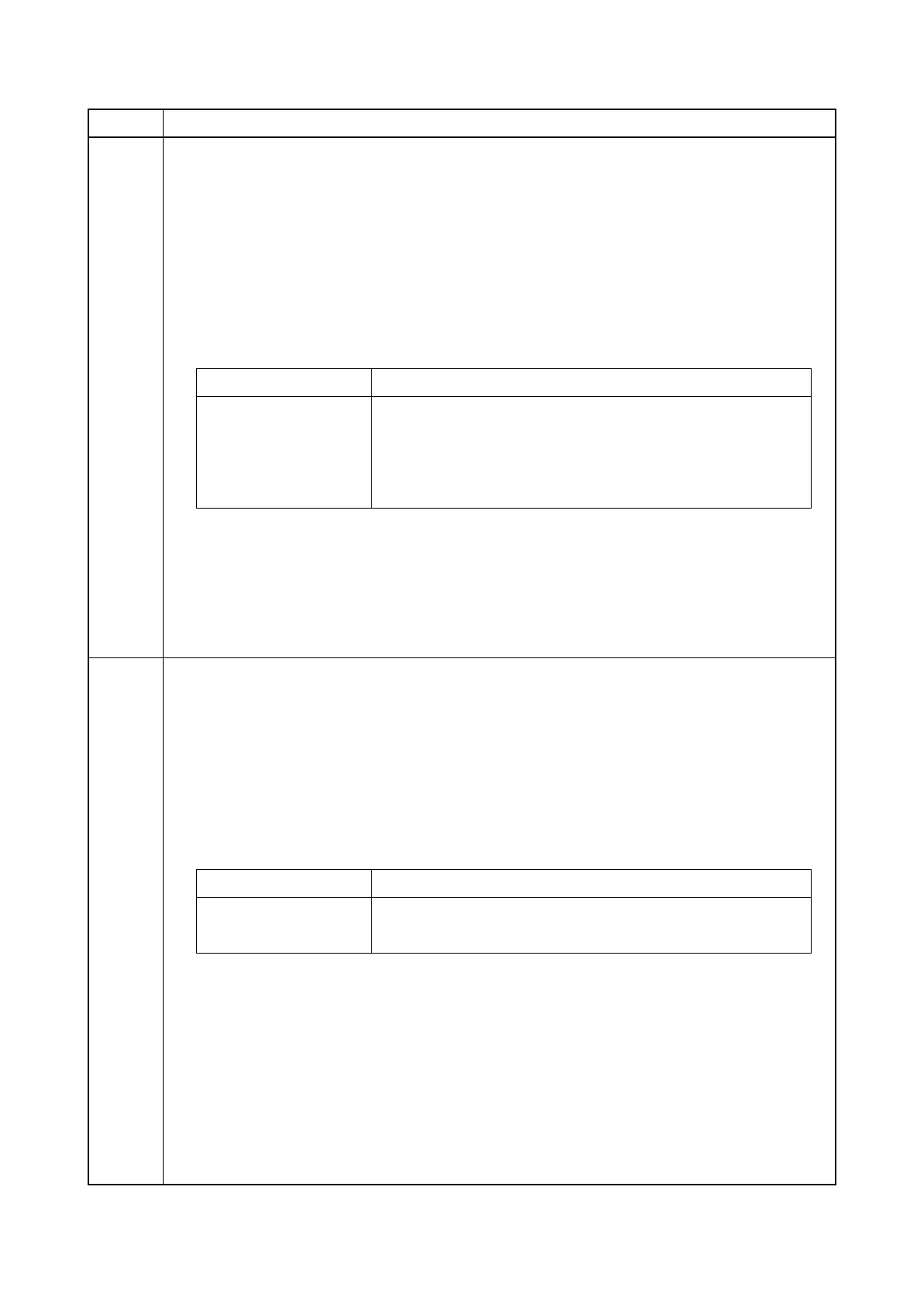
Item No. Description
Display Description
Cassette1 Cassette 1
Cassette2 Cassette 2
Cassette3 Cassette 3 (optional paper feeder)
Cassette4 Cassette 4 (optional paper feeder)
Display Description
On Duplex copy
Off Simplex copy






 To Next Page