2NL/2P8
1-2-2
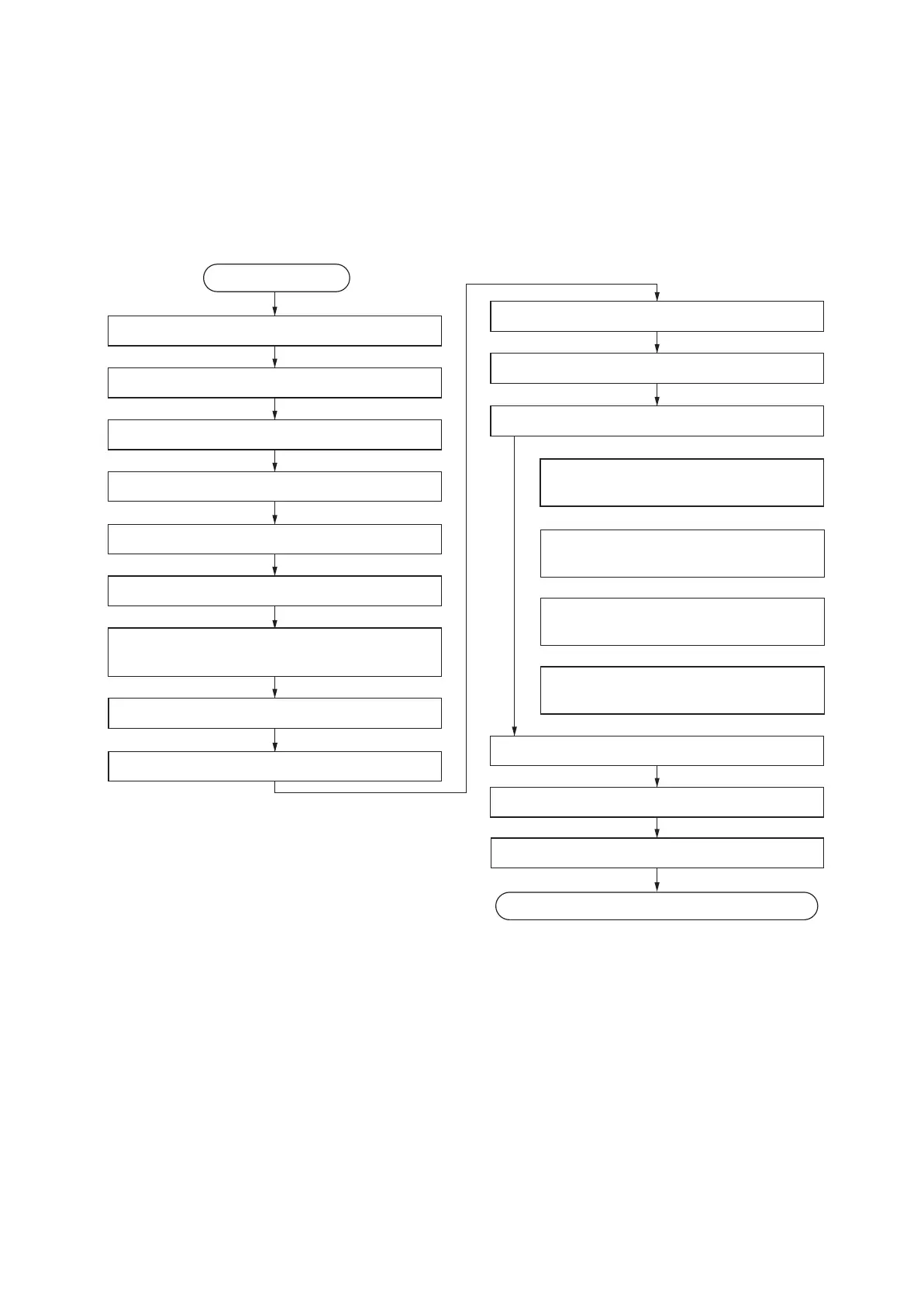
Unpack
Install the optional paper feeder
Release the scanner lock
Load paper
Remove the tapes and spacer
Start
Install the toner container
Attaching the language label
(Excluding 240V AC)
Make test copies
Connect the power cord
Exit maintenance mode
Print out the user setting list
Execution of initial-setting operation
Execution of mentenance item U952
Set cassette heater control
(maintenance item U327)
Setting the delivery date
(maintenance item U278)
Completion of the machine installation
Switch the cassette heater switch
Install the other optional devices
Clearing the counter
(maintenance item U927)
Output an own-status report
(maintenance item U000)
1-2-2 Unpacking and installation
(1) Installation procedure










 To Next Page