2NL/2P8
1-5-7
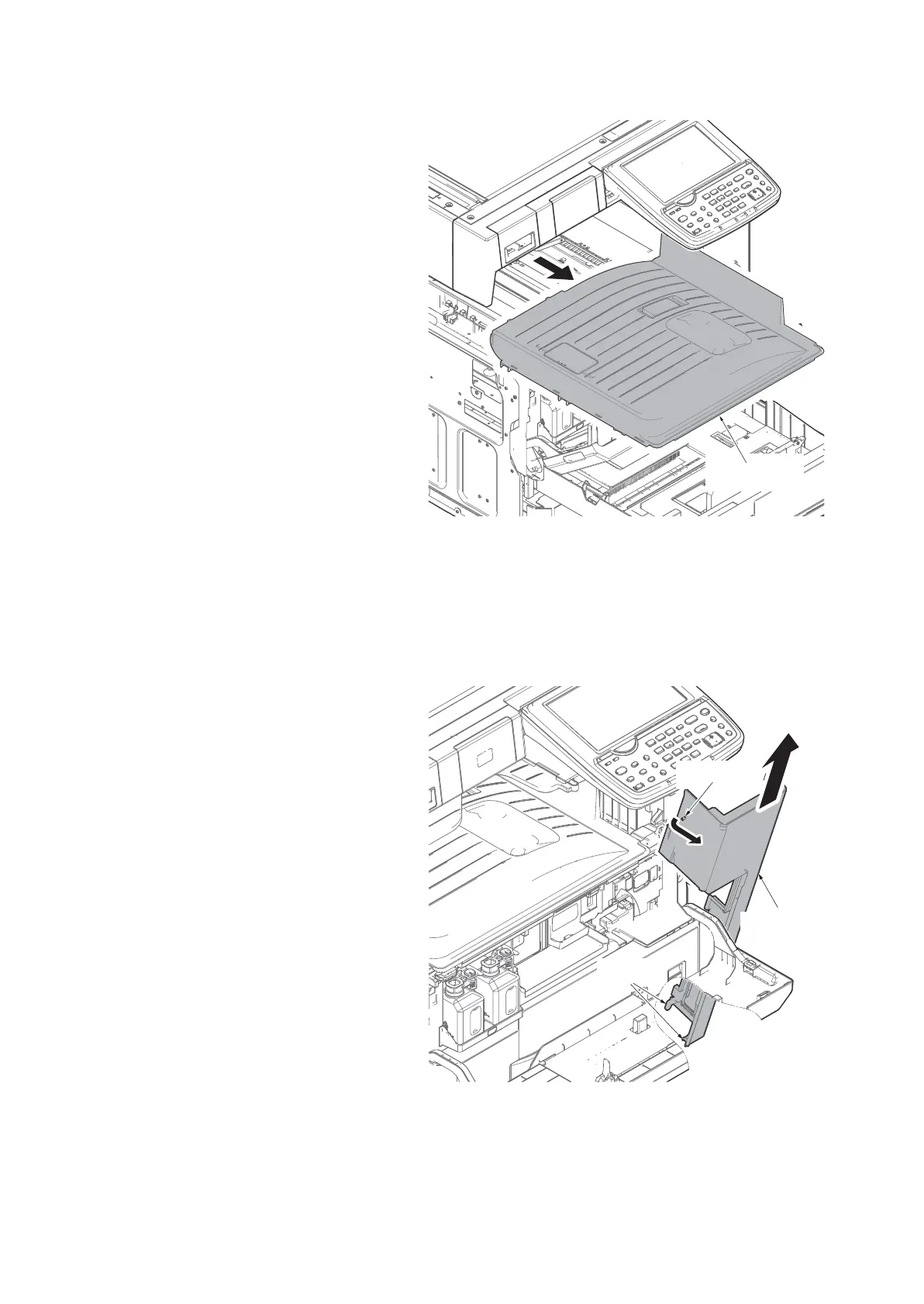
8. Remove the inner tray.
Figure 1-5-9
(4) Detaching and refitting the front upper cover
Procedures
1. Pull the cassette forward.
2. Open the right cover 1 and 2.
3. Release the projection of the front
upper cover.
4. Tilt the front upper cover forward and
then unhook two hooks by taking out it
upward.
Figure 1-5-10
Projection
Front upper
cover
Hooks











 To Next Page