2NL/2P8
1-3-144
U625 Setting the transmission system 1
Description
Makes settings for the auto redialing interval and the number of times of auto redialing.
Purpose
Change the setting to prevent the following problems: fax transmission is not possible due to too
short redial interval, or fax transmission takes too much time to complete due to too long redial
interval.
Method
1. Press the start key.
2. Select the item to be set.
Setting:[Interval]
1. Change the setting using the +/- keys or numeric keys.
2. Press the start key. The value is set.
Setting:[Times]
1. Change the setting using the +/- keys or numeric keys.
2. Press the start key. The value is set.
Completion
Press the stop key. The screen for selecting a maintenance item No. is displayed.
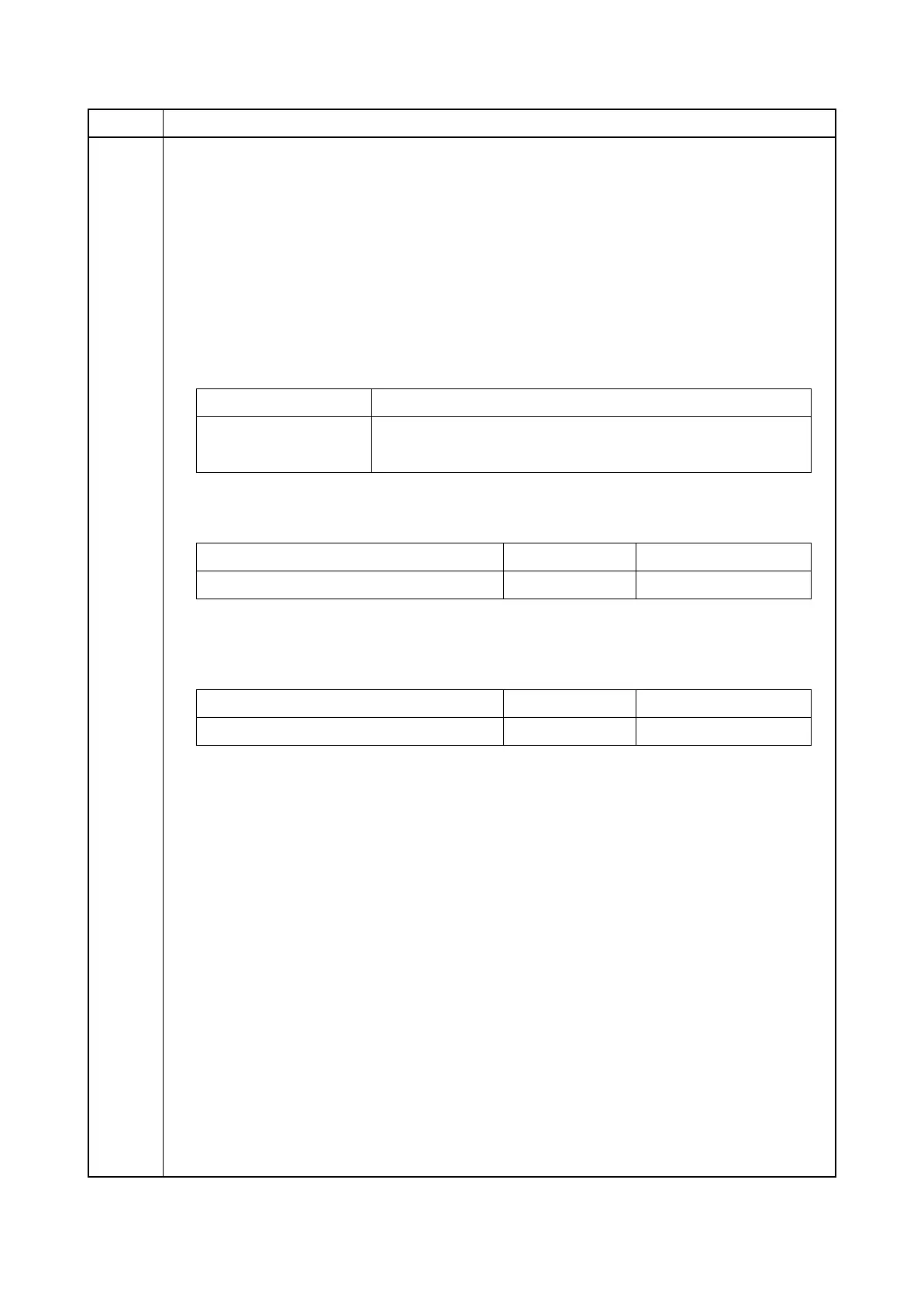
Item No. Description
Display Description
Interval Setting the auto redialing interval
Times Setting the number of times of auto redialing
Description Setting range Initial setting
Redialing interval 1 to 9 (min.) 3 (120 V)/2 (220-240 V)
Description Setting range Initial setting
Number of redialing 0 to 15 2 (120 V)/3 (220-240 V)









 To Next Page