131
10 Appendix
First of all, the display shows an entry from the fault history including the error code and the
firing rate values.
The history display changes back to its prior display after 5 s.
Fault of the O
2
controller, which lasts longer than 30 s would be saved.
After an idle time of 3 seconds, provided that there is no operation of the keys within this time,
the display shows a describing text of the selected entry. The describing text is copied behind
the error code. Both, error code and describing text are scrolling through the display.
Beispiel:
„ 1->H004 527 527 *** Flame fault during operation (Op.hours 000172)“
10.18.2.2Display Level 1
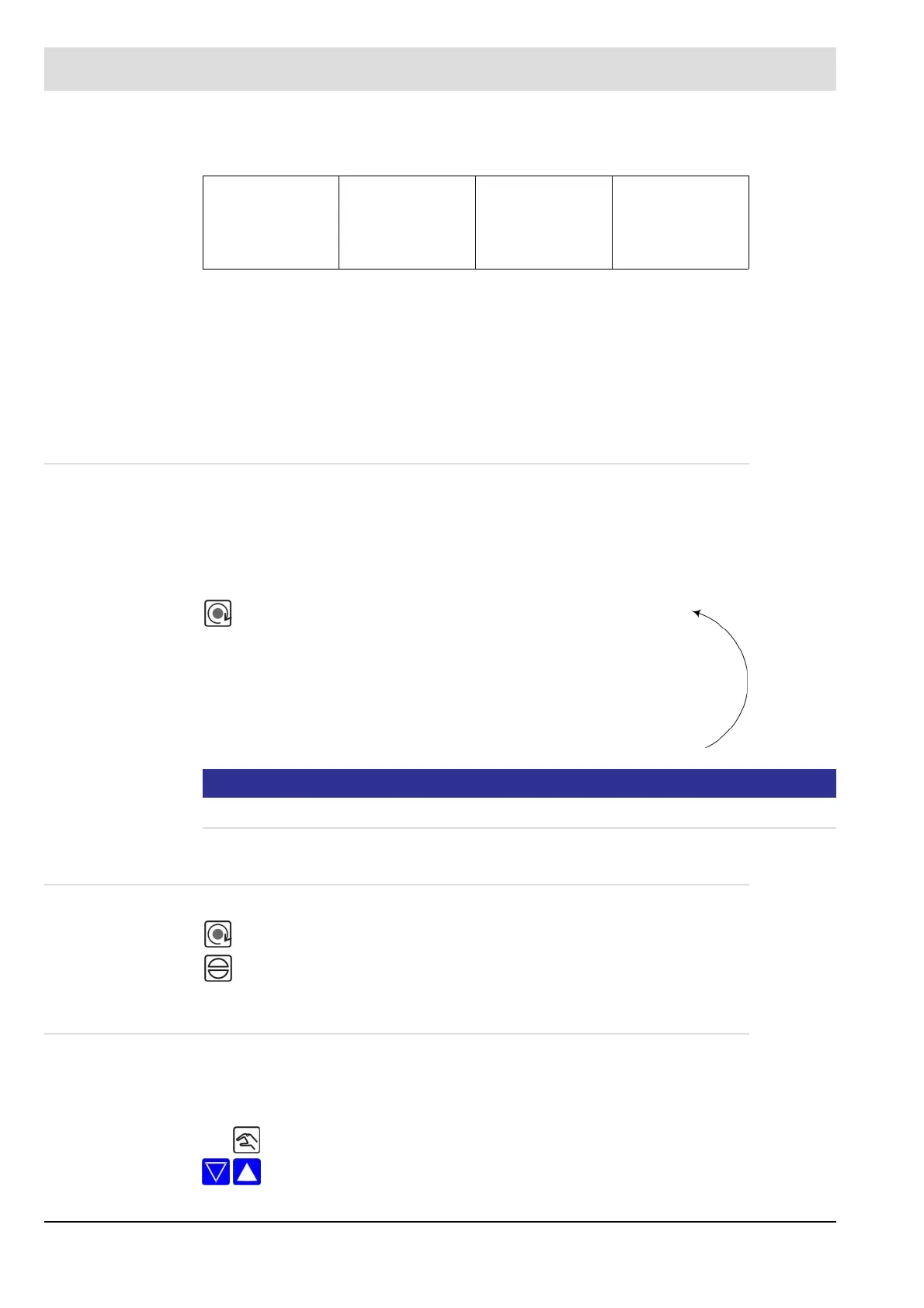
Effect of the display level key
In the initial state of customer interface, this key indicates different operating values (even in
the event of an error).
The indications are called sequentially whenever you press the key:
NOTICE
If the mode „Setting firing rate controller“ is active (LED manual flashes) this key has no effect.
10.18.2.3Display Level 2
10.18.2.4Manual
Function of the manual key
In the HAND mode, the regular firing rate input of ETAMATIC OEM can be manually adjusted.
1 147 1 00 487
regular fault internal firing
rate
curve set operating hours
• Display of operating mode (e.g. Burner OFF)
• Display of O
2
value* (if activated)
• Flame intensity
• Operating hours
Press the key for more than 5 sec., the lower display line switches to the 2
nd
level. (see
chapter 6.3 Calling the Checksums).
Press the RESET Key to leave display level 2.
Press HAND key LED in HAND key lights up
With these arrow keys the firing rate value can be adjusted.



 To Next Page