35
6 Commissioning
6.2.7 Changing Points
Points can be changed at any time by selecting the firing rate rating for the required point and
re-entering the associated control element position.
Enter password (see 6.1.2 Password Entry
Change any other point
To save the changes:
6.2.8 Re-enter Range Limits
When changing the limit switch after programming, the range limits must be re-determined.
Enter password (see chapter 6.1.2 Password Entry).
Since no point has been entered, the old curve is re-activated, but the range limits remain
cleared
Now allow the system to pre-ventilate.
Range limits are re-entered.
NOTICE
This is to be observed on the "Setpoint" display. Without limits the setpoint is 0 or 999. Once
the limit is determined, the setpoint skips to the actual value
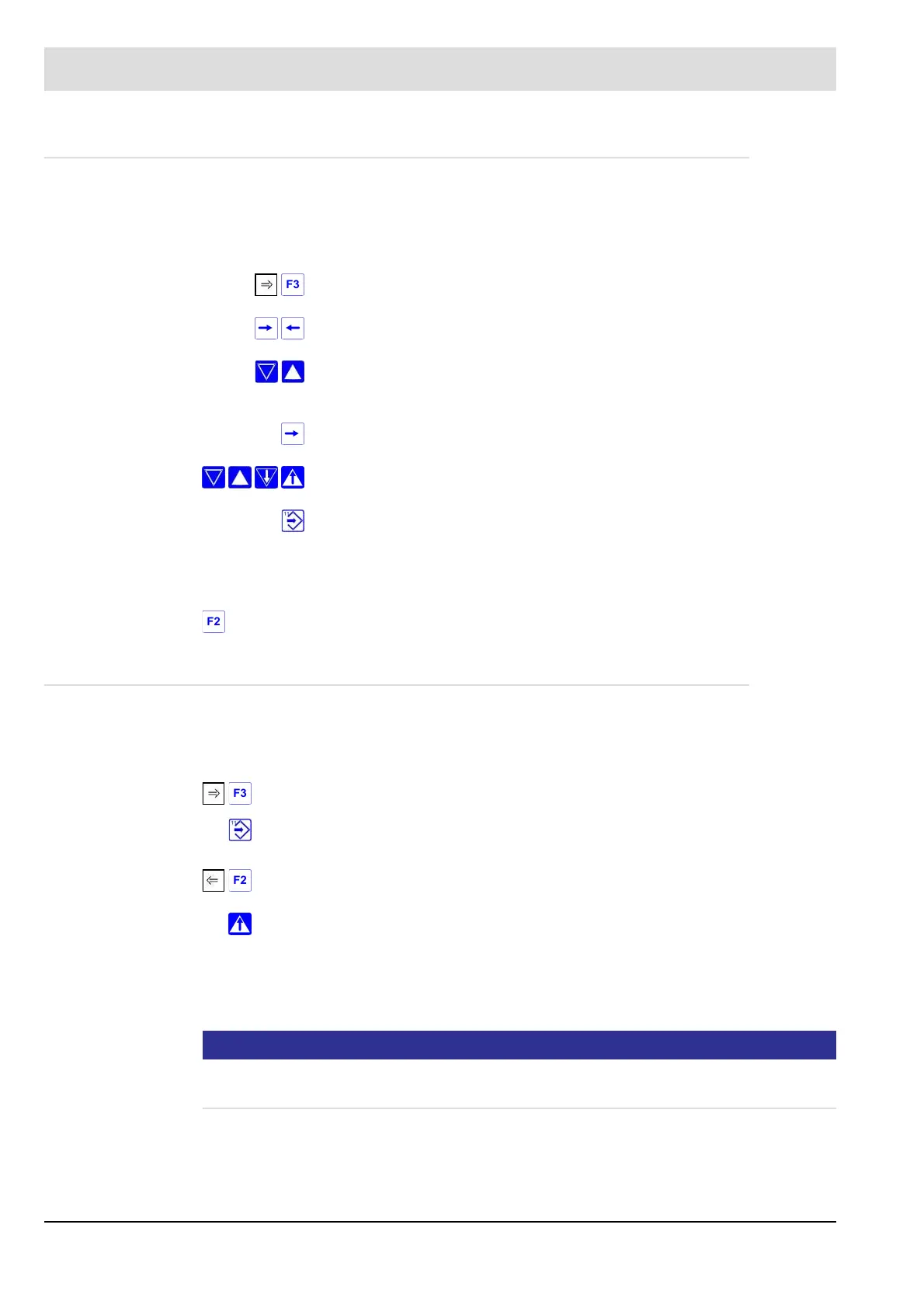
press key the display shows "EL" in the centre
use keys 16 and 17 to set to "firing rate value"
use keys 2 and 3 to select the required firing rate value (point number flash-
ing).
press key 16 twice the display shows "s-p feedb." .
use keys 2 to 9, to bring the control elements into the required position
press Enter
press F2 the display shows "Memory"
Press key F3 → until the display shows “SL” in it’s centre.
Press key11 (Enter) the display shows "cleared". The curves an the range limits
are cleared.
Press key F2 twice the display shows „Restore previous curve”.
Press key 7.



 To Next Page