33
6 Commissioning
6.2.1 Release Settings by Customer Interface
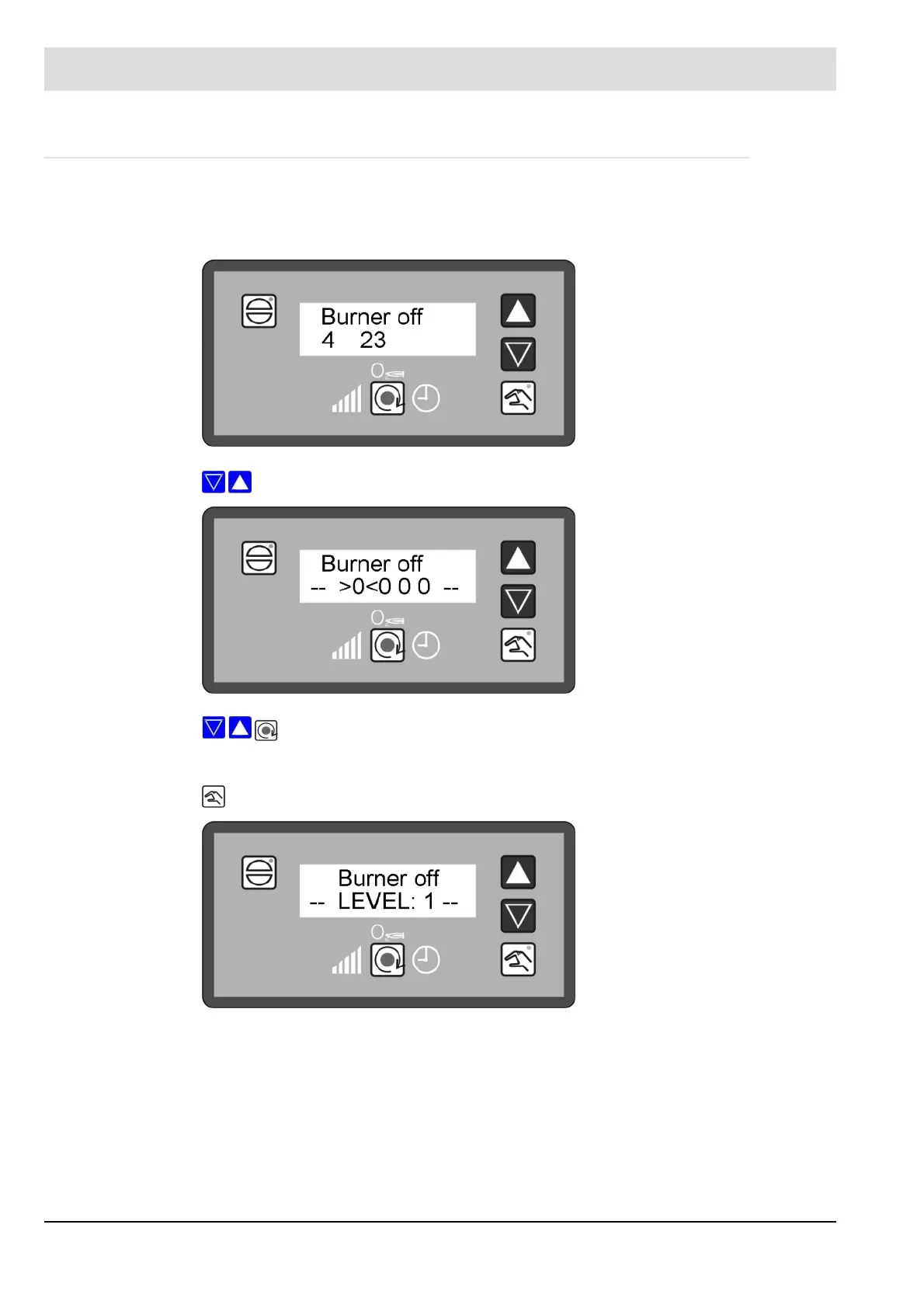
Alternatively the ETAMATIC OEM can access the ’Settings’ mode by using the customer in-
terface, provided that the remote software already has the password for level 1.
Press keys simultaneously.
With keys 2, 3 and "Change-over", the password for level 1 can be entered.
Confirm with „Hand“ key.
ETAMATIC OEM can be switched on via the ’Setting’ mode using the remote control panel.
This function is independant of the settings in parameter 869 (An additional password is
required for terminal 59).
From software version T1s001 onwards.



 To Next Page