51
7 O
2
Trim
NOTICE
The burner must be firing and the control release be set.
7.9.7 O
2
Curve Input
Enter the password (see chapter 6.1.2 Password Entry)
NOTICE
You may save O
2
setpoints to the programmed firing rate points only. If firing rate points are
skipped, a linear interpolation is applied in between.
Now the O
2
setpoint curve is saved.
7.9.7.1 Changing O
2
Setpoints
7.9.7.2 Manual Calculating and Setting of the Control Parameters
Set power control unit to "Manual” and run to low firing rate.
Enter password (see chapter 6.1.2 Password Entry)
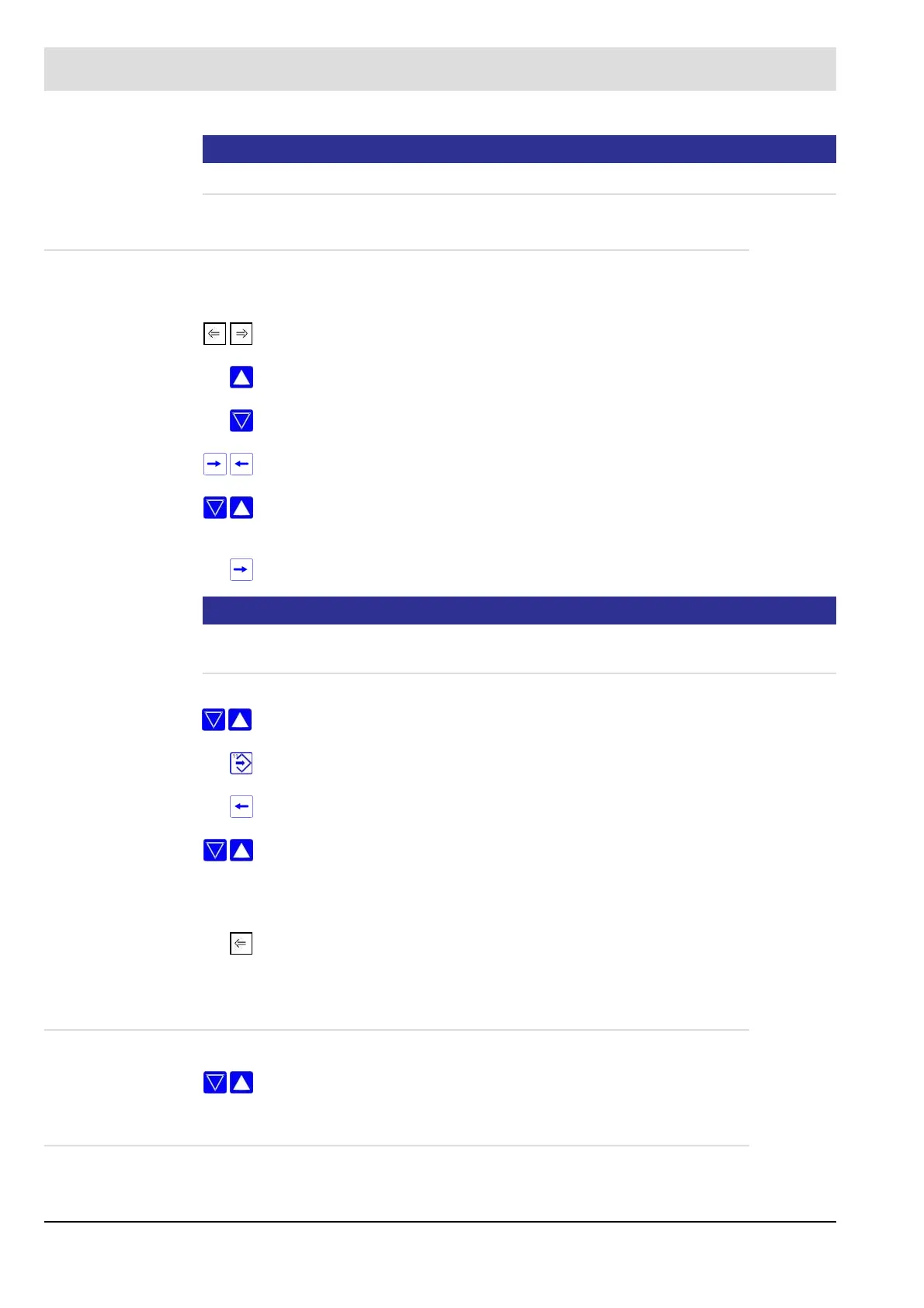
press keys F2 and F3 to select "Set O
2
”
press key 9 to delete the entire O
2
curve
press key 8 if you only want to modify points
press keys 16 and 17 to set to firing rate value
use keys 2 and 3 to start the programmed firing rate points of the common group
curve
press key 16 to set the setpoint
press keys 8 and 9 to set the required O
2
set-point
press "Enter" to save the O
2
setpoint
press key 17
use keys 2 and 3 to run to the next firing rate point
....
....
press F3 as soon as you have entered all required O
2
setpoints.
Proceed as described under O
2
setpoint input, but press key 8 instead of key 9.



 To Next Page