Reception Features
100
5
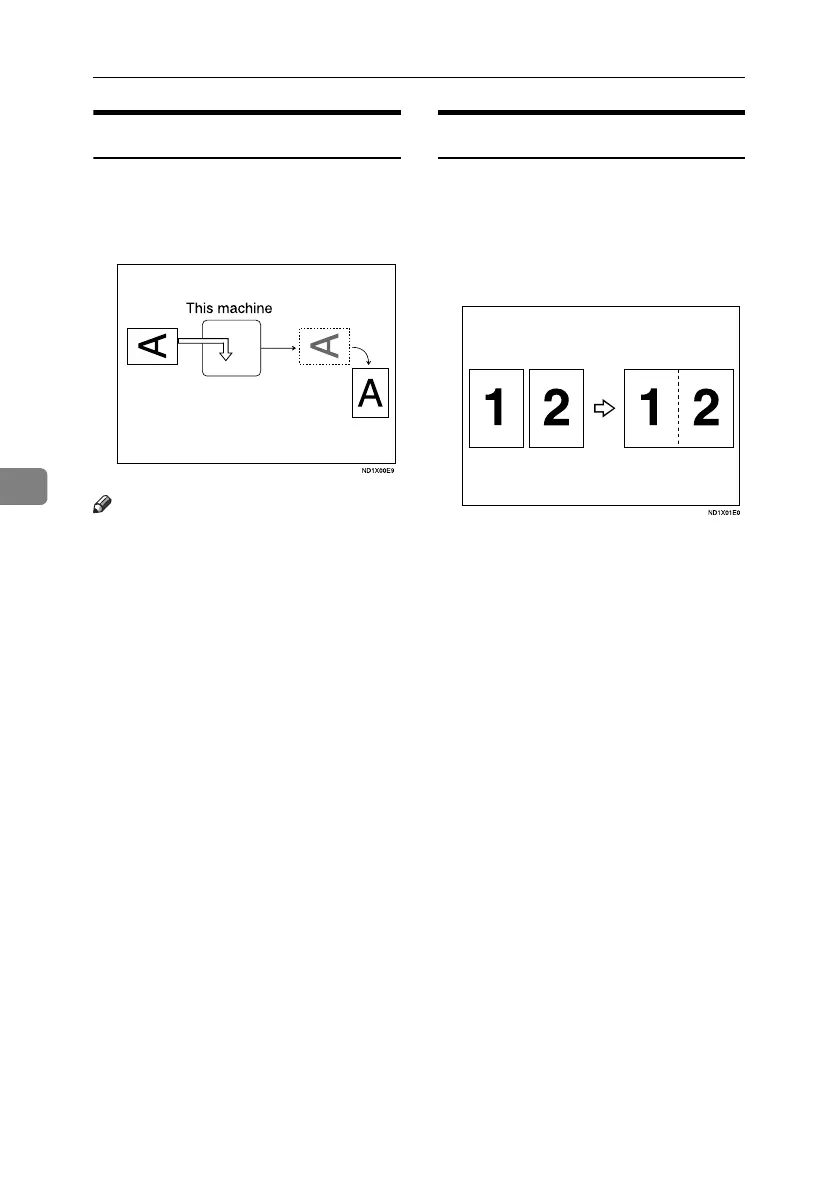
Image Rotation
If you have set paper in the standard
tray K, incoming fax documents are
automatically rotated to fit onto the
paper.
Note
❒ You can choose to have received
documents printed from a speci-
fied tray. See p.147 “Reception Set-
tings”.
Combine Two Originals
When two documents of the same
size and orientation are received con-
secutively, they are printed on a sin-
gle sheet when you turn this function
on. This can help you economize on
paper.
•Two A5K documents are printed
side by side on a sheet of A4L.
•Two B5 JISK documents are printed
side by side on a sheet of B4 JISL.
•Two A4K documents are printed
side by side on a sheet of A3L.
•Two 8
1
/
2
"×5
1
/
2
"K documents are
printed side by side on a sheet of
8
1
/
2
"×11"L.
•Two 8
1
/
2
"×11"K documents are print-
ed side by side on a sheet of 11"×17"L.
RussianC4-EN_Combine-F_FM.book Page 100 Tuesday, April 5, 2005 8:22 PM



 To Next Page