Administrator Setting
194
9
Note
❒ Register a four-digit number us-
ing 0 through 9 and A through F
(expect for 0000 and FFFF).
❒ If you make a mistake, press
[Clear] or the {Clear/Stop} key be-
fore pressing [OK], and then try
again.
❒ To cancel programming an ID,
press [Cancel]. The display re-
turns to that of step
D
.
F Press the {User Tools/Counter} key.
The standby display appears.
Programming a Memory Lock
ID
Program a Memory Lock ID to be entered
before printing documents when the
Memory Lock function is activated.
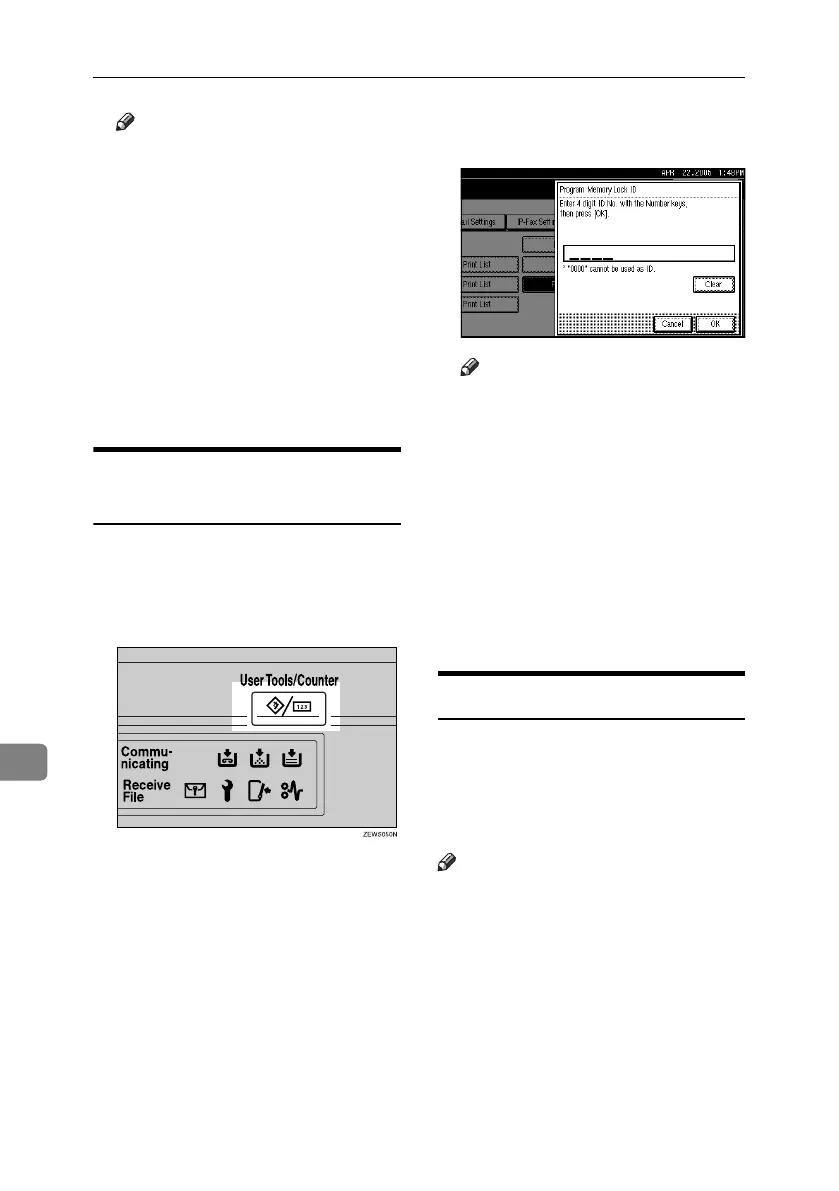
A Press the {User Tools/Counter} key.
B Press [Facsimile Features].
C Press [Administrator Tools].
D Press [Program Memory Lock ID].
E Enter an ID using the number keys,
and then press [OK].
Note
❒ A Memory Lock ID can be any
four-digit number, except 0000.
❒ If you make a mistake, press
[Clear] or the {Clear/Stop} key be-
fore pressing [OK], and then try
again.
❒ To cancel programming an ID,
press [Cancel]. The display re-
turns to that of step
D
.
F Press the {User Tools/Counter} key.
The standby display appears.
Selecting Dial/Push Phone
Use this function to select a line type
when the machine is connected to a
G3 analog line.
Dial and Push lines are available for
selection.
Note
❒ If the optional extra G3 interface
unit is installed, settings for the ex-
tra G3 lines appear.
❒ This function is not available in some
areas.
RussianC4-EN_Combine-F_FM.book Page 194 Tuesday, April 5, 2005 8:22 PM



 To Next Page