Checking and Canceling Transmission Files
18
2
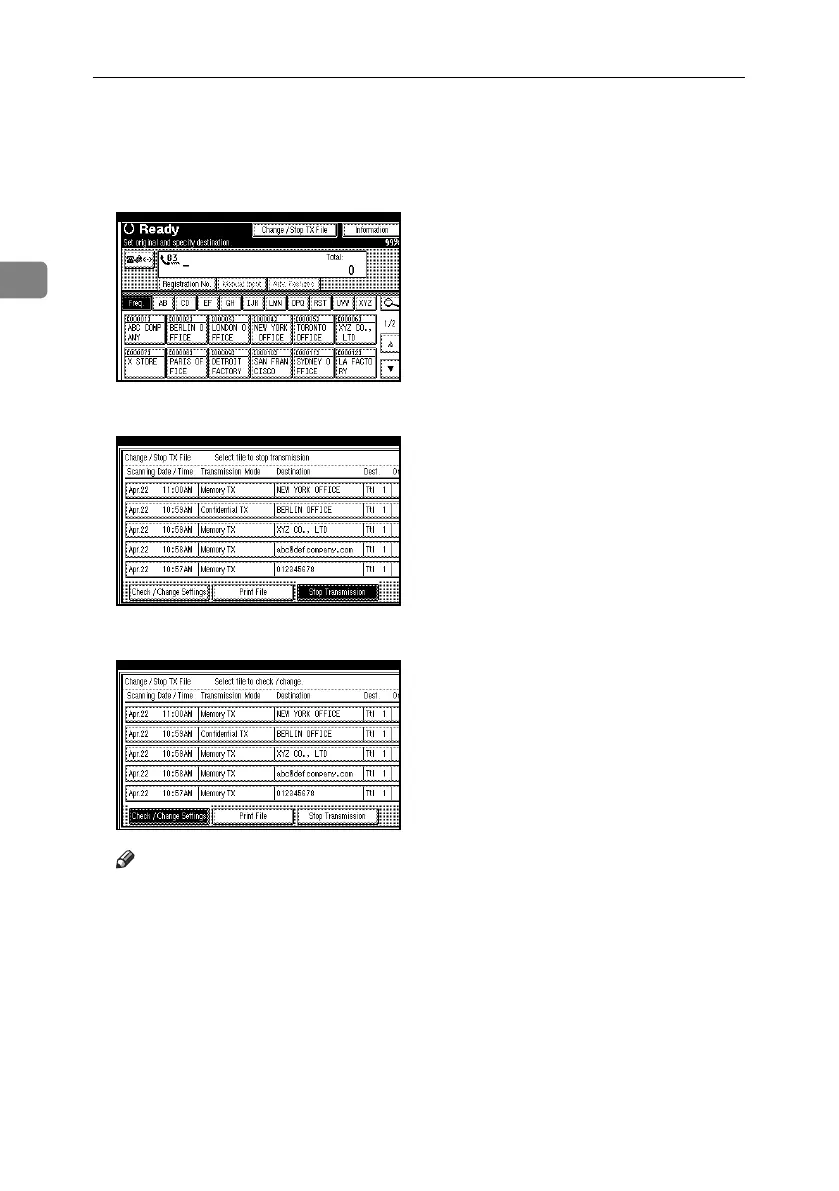
Displaying Confirmation of Transmission
A Press [Change / Stop TX File].
B Press [Check / Change Settings].
C Select a file to check.
Note
❒ If multiple destinations were spec-
ified, only the destination select-
ed first appears.
❒ If multiple destinations were spec-
ified, only the number of destina-
tions for unsent documents appears.
D Confirm a transmission, and then
press [Exit].
E Press [Exit].
The standby display appears.
RussianC4-EN_Combine-F_FM.book Page 18 Tuesday, April 5, 2005 8:22 PM



 To Next Page