Using Administrator Settings
199
9
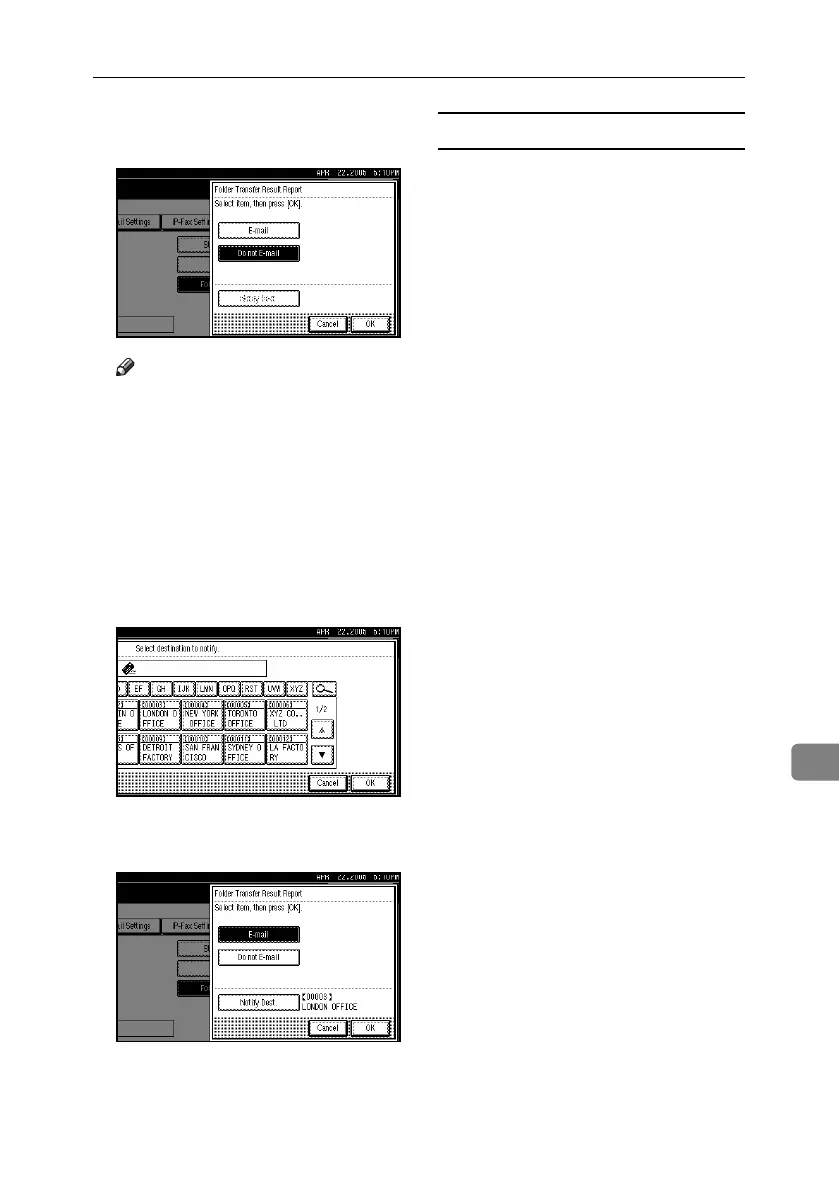
E To send the Folder Transfer Result
Report, press [E-mail].
Note
❒ To not send the Folder Transfer
Result Report, press [Do not E-
mail], and then press [OK]. Pro-
ceed to step
H
.
❒ To cancel the selection, press [Can-
cel]. The display returns to that
of step
D
.
F Press the Destination key of the e-
mail address for notification, and
then press [OK].
G Check the selected destination, and
then press [OK].
H Press the {User Tools/Counter} key.
The standby display appears.
Folder Transfer Result Report by e-mail
When forwarding is completed, if
documents are sent from all senders
or Special Senders, this report is sent
to the e-mail address set as the desti-
nation for notification.
RussianC4-EN_Combine-F_FM.book Page 199 Tuesday, April 5, 2005 8:22 PM



 To Next Page