Accessing User Tools (Facsimile Features)
151
8
Configuring the H.323 gatekeeper
Note
❒ If you select “On” using the User
Parameters, you can use the gate-
keeper server. See p.167 “User Pa-
rameters”(switch 34, bit 0).
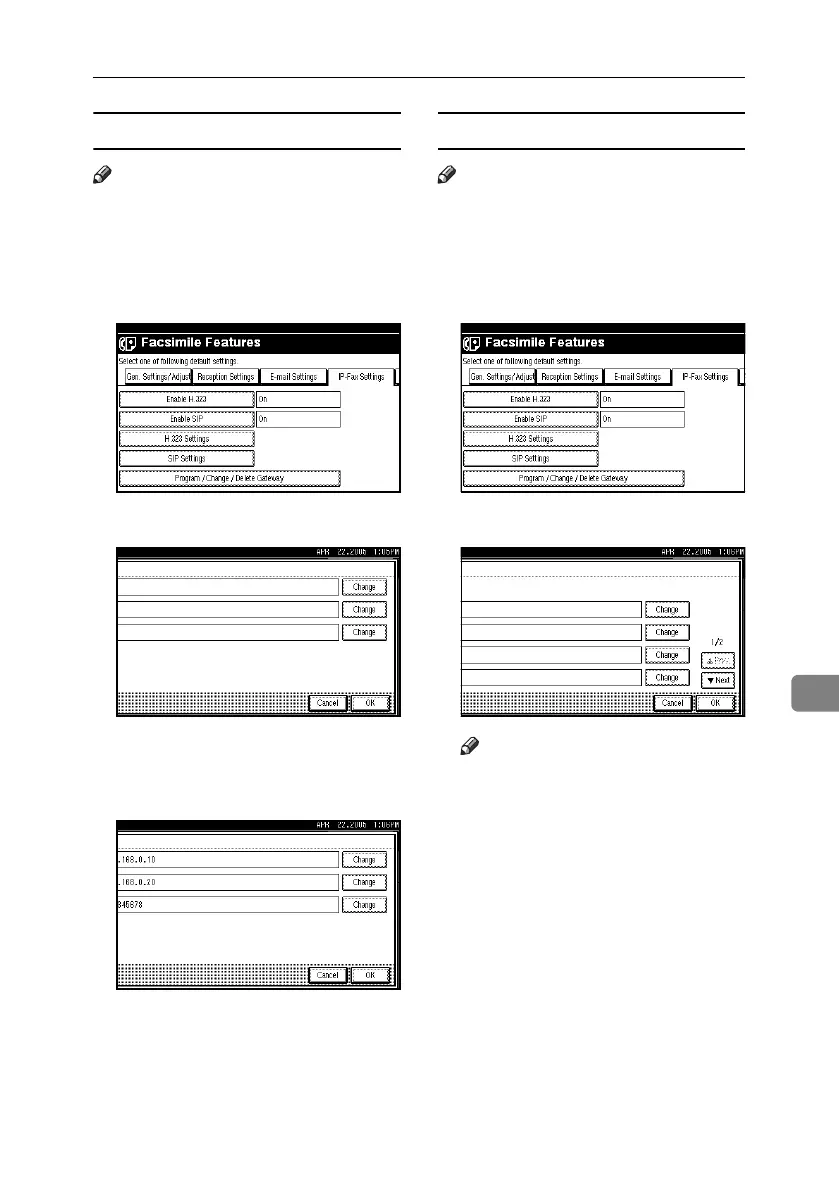
A Press [H.323 Settings].
B Press [Change] for each property.
C Enter the IP address and alias
telephone number and press [OK].
The screen returns to that of step
B
.
D Press [OK].
Configuring the SIP server
Note
❒ If you select “On” using the User
Parameters, you can use the SIP
server. See p.167 “User Parame-
ters”(switch 34, bit 1).
A Press [SIP Settings].
B Press [Change] for each property.
Note
❒ A proxy server relays call re-
quests and responses.
❒ A redirect server processes re-
quest destination inquiries.
❒ A register server registers loca-
tion information of user agents
(which correspond to telephones
or facsimiles on public tele-
phone lines) on an IP network.
RussianC4-EN_Combine-F_FM.book Page 151 Tuesday, April 5, 2005 8:22 PM



 To Next Page