Simplifying the Operation
138
7
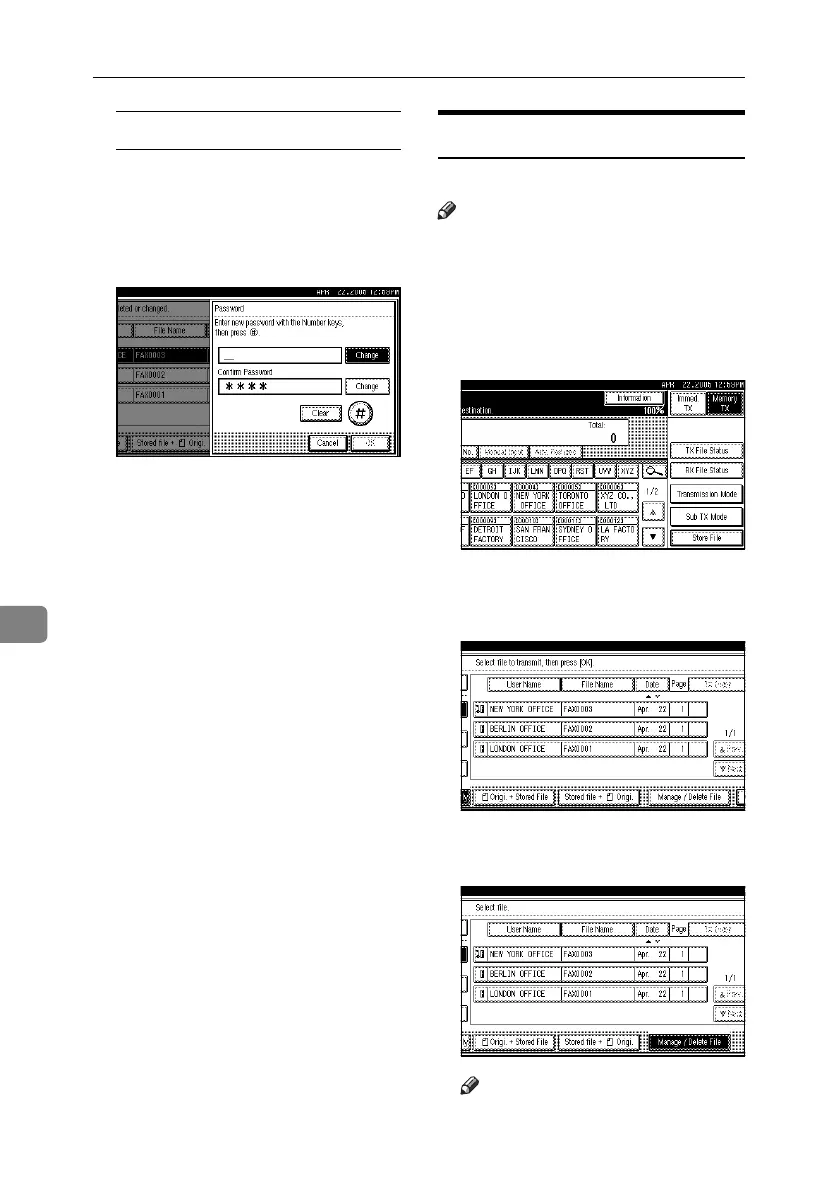
Changing the password
A Press [Change Password].
B Press upper [Change].
C Enter a new password using the
number keys, and then press
[#].
D Press lower [Change].
E Enter the password again, and
then press [#].
F Press [OK].
F Press [Exit].
G Press [OK].
The standby display appears.
Deleting a Stored Document
Use this function to delete stored documents.
Note
❒ You can program one of the Quick
Operation keys with operations for
this function. Using the key allows
you to omit step A. See p.145 “Gen-
eral Settings/Adjustment”.
A Press [Sub TX Mode].
B Press [Select Stored File].
C Press [Manage / Delete File].
D Select the document you want to
delete.
Note
❒ You can also delete multiple doc-
uments at once.
RussianC4-EN_Combine-F_FM.book Page 138 Tuesday, April 5, 2005 8:22 PM



 To Next Page