Administrator Setting
198
9
G Check the selected user, and then
press [OK].
Note
❒ When a programmed user is de-
leted from the destination list, a
message “
Deleted from Ad-
dress Book
” is displayed. Re-
enter the user.
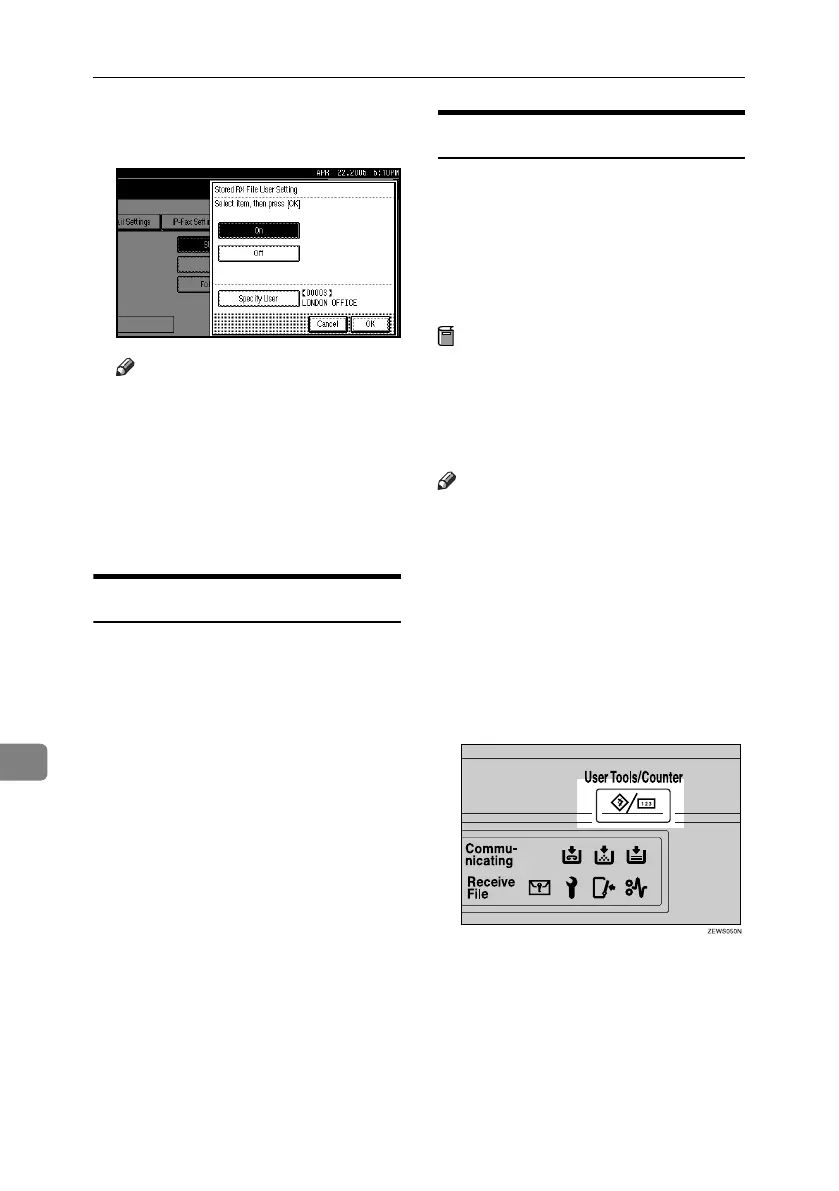
H Press the {User Tools/Counter} key.
The standby display appears.
Menu Protection Settings
You can set up user access rights for
functions that users other than ad-
ministrators can set. For a detailed de-
scription, ask the administrator.
Folder Transfer Result Report
You can set whether the Folder Trans-
fer Result Report is transmitted to the
specified e-mail address, when fold-
ers are programmed as the forward-
ing destinations to which documents
are sent from all senders or Special
Senders.
Preparation
You must first register the destina-
tion for the Folder Transfer Result
Report in the destination list. See
“Fax Destination”, General Settings
Guide.
Note
❒ Specify a group destination to transfer
documents to multiple destinations.
See “Fax Destination”, General Set-
tings Guide. A maximum of 500
parties can be specified in a group.
❒ Even if the Folder Transfer Result
Report is not successfully trans-
mitted, the report is not printed on
this machine.
A Press the {User Tools/Counter} key.
B Press [Facsimile Features].
C Press [Administrator Tools].
D Press [Folder Transfer Result Report].
RussianC4-EN_Combine-F_FM.book Page 198 Tuesday, April 5, 2005 8:22 PM



 To Next Page