Displaying the Memory Status
33
3
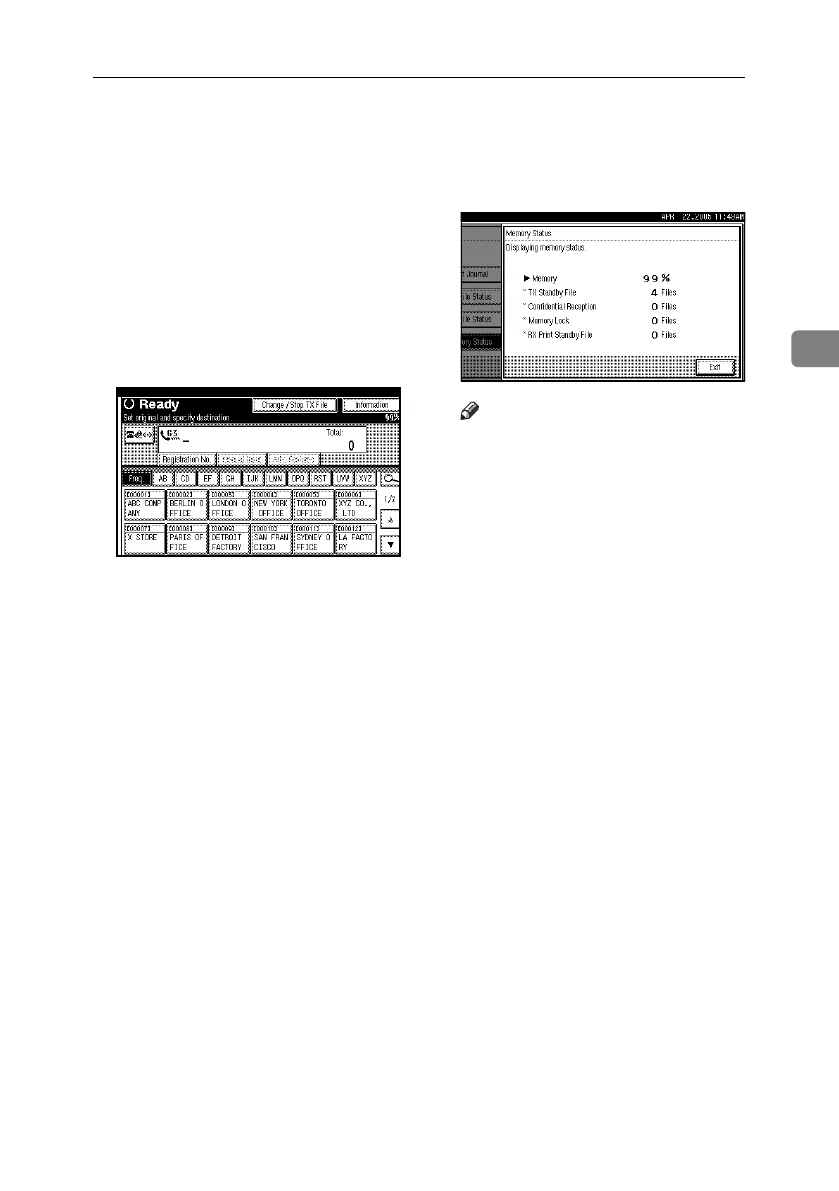
Displaying the Memory Status
Use this function to display a summa-
ry of current memory usage. Items
shown are the percentage of free mem-
ory space, the number of received con-
fidential documents, the number of
files to be sent, the number of Memo-
ry Lock files and the number of re-
ceived documents to be printed.
A Press [Information].
B Press [Memory Status].
C Check the memory status.
Note
❒ “Others” is displayed when:
• storing attachment files. See
p.66 “Sending an Auto Docu-
ment”.
• storing Reception Request files.
See p.52 “Transfer Station”.
• storing originals in the Informa-
tion Boxes. See p.42 “Storing
Documents in Information
Boxes”.
• sending to the Personal Box.
See p.41 “Printing Personal
Box Documents”.
❒ If you made the machine save re-
ceived documents on the hard disk,
see “RX Print Standby File” on
the display to check the number.
D Press [Exit] twice.
The standby display appears.
RussianC4-EN_Combine-F_FM.book Page 33 Tuesday, April 5, 2005 8:22 PM



 To Next Page