Using Administrator Settings
157
9
Using Administrator Settings
Programming, Changing, and
Deleting Standard Messages
Use this function to program stan-
dard messages to be printed at the top
of the first page of the original. It is
useful for personalizing messages
such as sending greetings.
Note
❒ You can program three standard
messages. You cannot change the
“Confidential”, “Urgent”, “Please
phone.”, or “Copy to corres. sec-
tion” messages.
❒ Use the same procedure to program
and change your messages.
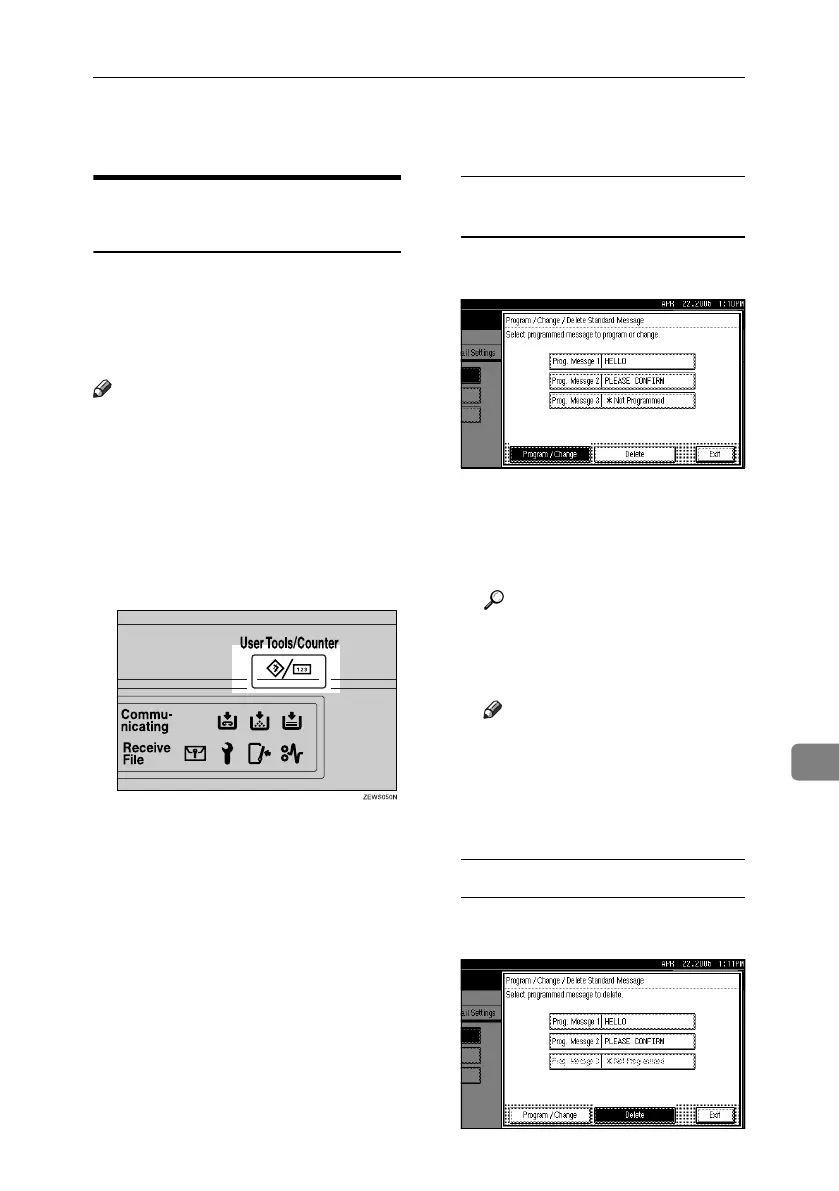
A Press the {User Tools/Counter} key.
B Press [Facsimile Features].
C Press [Administrator Tools].
D Press [Program / Change / Delete Stan-
dard Message].
Programming or changing
standard messages
A Check [Program / Change] is select-
ed.
B Program or change the message.
Select the message you want to
program or change.
C Enter a new message.
Reference
“Entering Text”, General Set-
tings Guide
D Press [OK].
Note
❒ To program another message,
repeat the procedure from
step A.
❒ To cancel a registration, press
[Cancel].
Deleting Standard Messages
A Press [Delete], and then select the
message you want to delete.
RussianC4-EN_Combine-F_FM.book Page 157 Tuesday, April 5, 2005 8:22 PM



 To Next Page