Information Boxes
45
3
Deleting Information Box
Documents
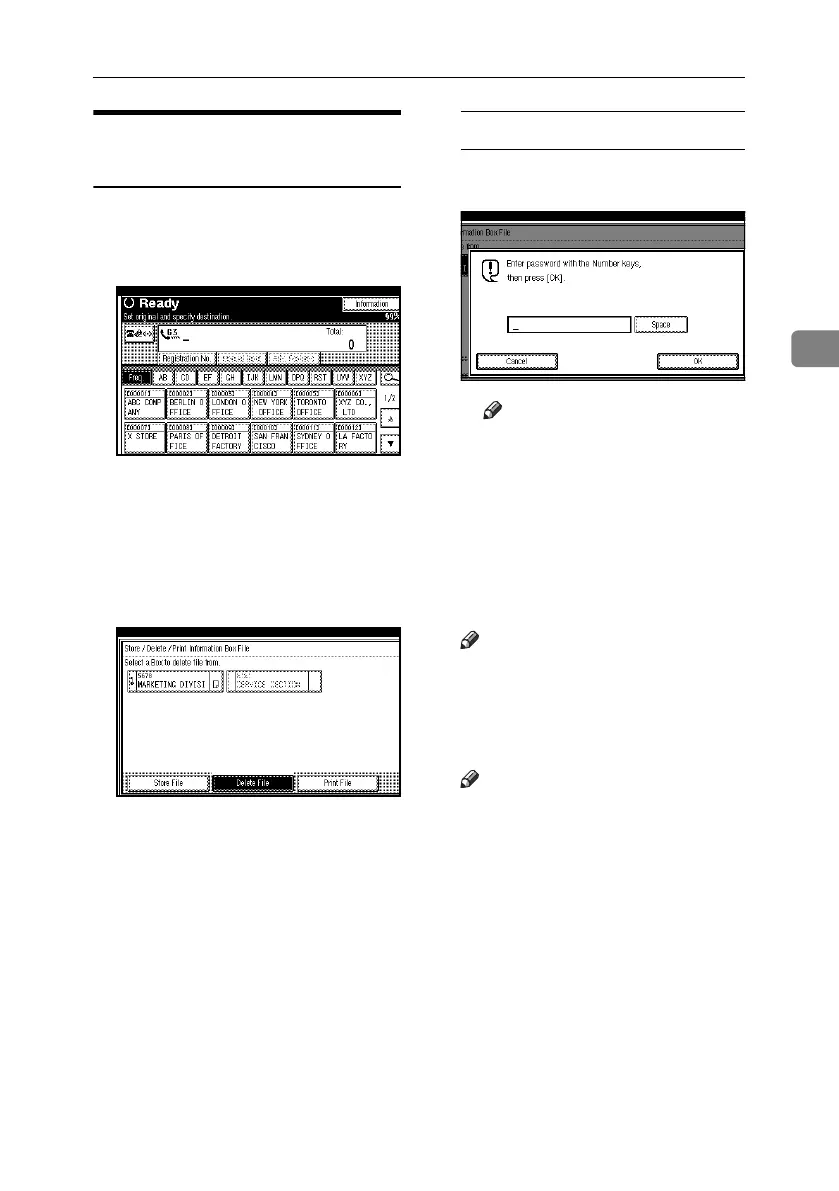
Follow these steps to delete a file
stored in an Information Box.
A Press [Information].
B Press [Store / Delete / Print Information
Box File].
C Press [Delete File].
D Select the box that contains the
stored file you want to delete.
When a password is required
A Enter the password, and then
press [OK].
Note
❒ If you make a mistake, press
[Clear] or the {Clear/Stop} key
before pressing [OK], and then
try again.
❒ To cancel entering a password,
press [Cancel]. The display
returns to that of step
D
.
E Press [Delete].
Note
❒ To stop deleting, press [Do not De-
lete]. The display returns to that
of step
D
.
F Press [Exit].
Note
❒ Repeat from step
D
to delete an-
other stored file in another box.
G Press [Exit].
The standby display appears.
RussianC4-EN_Combine-F_FM.book Page 45 Tuesday, April 5, 2005 8:22 PM



 To Next Page