Sender Settings
7
1
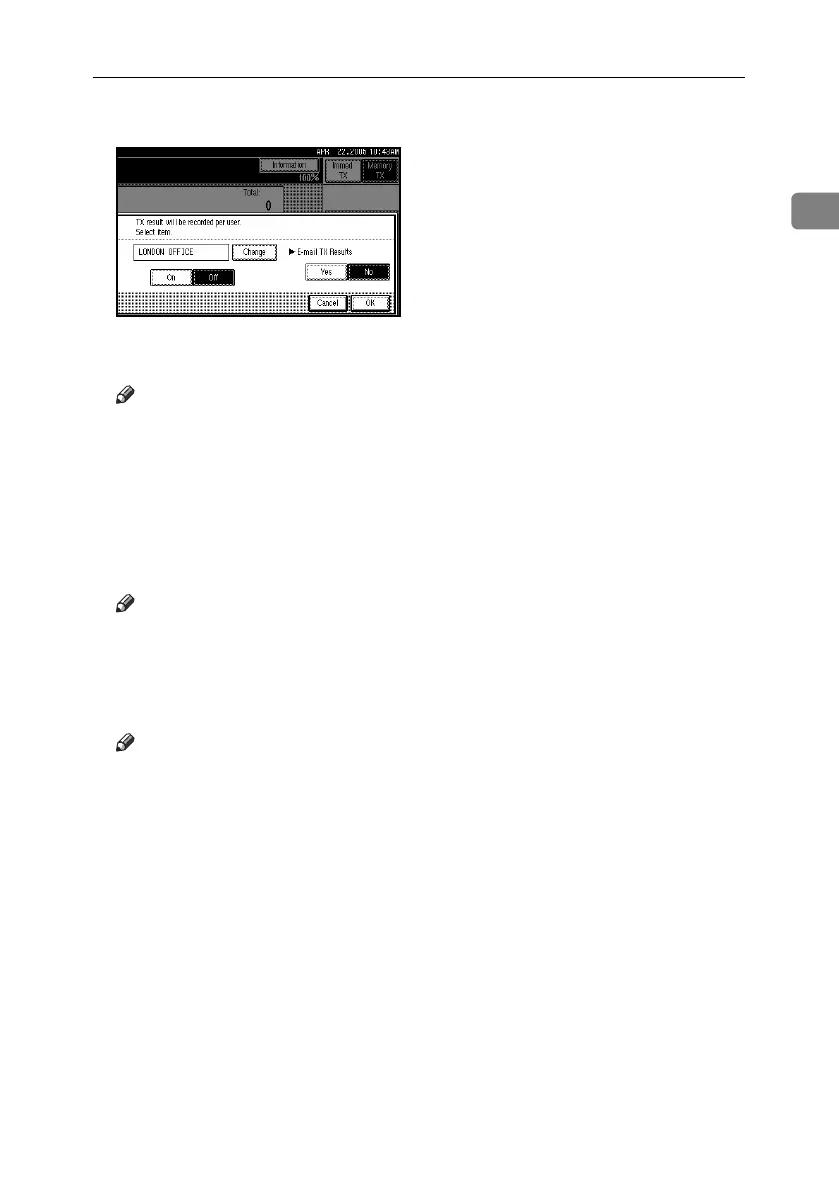
G Press [OK].
The display returns to that of step
C
.
Note
❒ The selected sender's name ap-
pears above [Sender Settings].
The sender name is displayed in
up to 14 characters, followed by
an ellipsis (. . . ).
H Press [OK].
The standby display appears.
Note
❒ To check the settings, press [Trans-
mission Mode].
I Specify the destination, and then
press the {Start} key.
Note
❒ To cancel the Sender Settings, cancel
the transmission. See p.19 “Can-
celing a Transmission”.
RussianC4-EN_Combine-F_FM.book Page 7 Tuesday, April 5, 2005 8:22 PM



 To Next Page